EasyManua.ls Logo

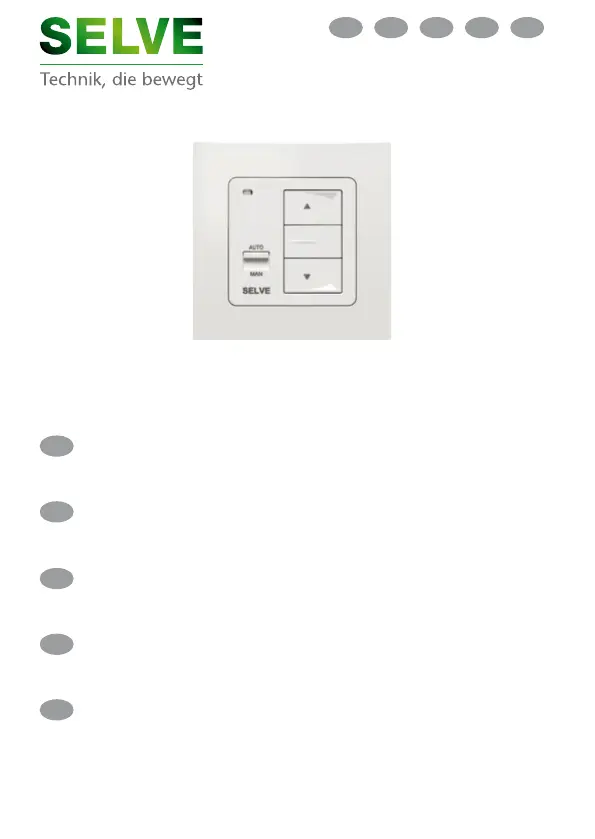
Selve Commeo Control - User Manual

Selve Commeo Control
103 pages
Go to English
Print Icon
To Next Page IconTo Next Page
Loading...
Betriebsanleitung
commeo Control .................. Seite 2
Bitte bewahren Sie die Anleitung auf!
commeo
Operating instruction
commeo Control .................. Page 22
Keep these instructions in a safe place!
Mode d'emploi
commeo Control .................. Page 42
Veuillez conserver ce mode d'emploi !
Afstelhandleiding
commeo Control ................... Blz. 62
Deze handleiding zorgvuldig bewaren!
Instrukcja obsługi
commeo Control ................ Strona 82
Proszę zachować instrukcję!
PLNLGBD F
D
F
NL
PL
GB

Table of Contents

Questions and Answers

  • J
    Jennifer WallaceAug 4, 2025
    What to do if Selve Receiver commeo Control doesn't execute automatic radio commands?
    • A
      Alan BaileyAug 4, 2025
      If the Selve Receiver commeo Control doesn't execute automatic radio commands, it might be due to one of two reasons. Either the transmitter is not programmed (in which case, you should programme the transmitter), or an emergency signal is active (in which case, you should await emergency signal or eliminate it).
  • H
    Heather AtkinsonAug 12, 2025
    Why is my Selve Receiver commeo Control not executing local commands?
    • S
      Shannon GarciaAug 12, 2025
      If the Selve Receiver commeo Control isn't executing local commands via the buttons or extensions, it could be due to an active emergency signal. Wait for the emergency signal to clear or eliminate it. Alternatively, the runtime might not be set; in this case, reset the runtime.
  • N
    nwoodAug 19, 2025
    What to do if Selve Receiver commeo Control doesn't execute group commands of the extensions?
    • A
      Adam GarciaAug 19, 2025
      If the Selve Receiver commeo Control isn't executing group commands, it could be due to several reasons. An emergency signal might be active, so wait for it to clear or eliminate it. The runtime might not be set; reset the runtime. Finally, the commeo Control might be set to manual mode; set it to automatic mode instead.
  • R
    robertcollinsAug 27, 2025
    Why is my Selve Commeo Control motor moving in the wrong direction?
    • J
      juanrobinsonAug 27, 2025
      If your Selve Receiver motor is moving in the wrong direction, the electric connection is defective. Exchange the ? and ? wires in the power supply unit.

Summary

Safety Instructions

General Information

Designated Use

Specifies that the commeo Control is exclusively for roller shutter and sun protection systems.

Explanation of Displays and Buttons

Status LED Indicators

Details the meaning of different status LED colors and patterns during operation.

Installation Guide

Installation Safety Precautions

Key safety precautions to be observed during the installation process.

Connection as a Motor Controller

Details the wiring diagram for connecting the commeo Control as a motor controller.

Connection as a Group Controller

Explains the connection diagram for using commeo Control as a group controller for networked devices.

Initial Operation Setup

Guides the user through the initial setup of the drive, including setting the runtime for proper operation.

Functions and Terms Explained

Intermediate Position 1 Setup

Explains how to set and call up the first settable intermediate position using the DOWN button.

Intermediate Position 2 and Tilt Position

Details setting and using the second intermediate position or tilt position via the UP button.

SELVE Commeo Radio Operation

Initial Radio Operation

Describes the initial setup procedure for commeo radio operation using commeo transmitters.

Programming and Deleting Transmitters

Instructions for programming new transmitters and deleting existing ones from the receiver.

Delete Transmitter Table in Receiver

Procedure to clear all programmed transmitters from the receiver's memory.

Disposal and Technical Data

Disposal Instructions

Guidelines for disposing of the commeo Control as electronic waste.

Technical Specifications

Provides key technical data including voltage, power, frequency, and range.

Troubleshooting and Support

General Declaration of Conformity

Statement confirming compliance with EU directives.

Troubleshooting Common Problems

Lists common issues, their causes, and solutions for the commeo Control.

Service Hotline Information

Contact details and resources for technical support and manual downloads.

Selve Commeo Control Specifications

General IconGeneral
BrandSelve
ModelCommeo Control
CategoryReceiver
LanguageEnglish

Related product manuals