36
GB
GB
SELVE commeo radio
6. SELVE commeo radio
The commeo Control receives radio signals on the radio frequency
868.1 MHz. commeo is a bidirectional radio system that saves data
in the receiver as well as the transmitter. This enables a feedback from
the receiver to the transmitter.
6.1. commeo initial operation
The commeo initial operation is only possible using commeo trans-
mitters. To complete the settings in the receiver, the receiver must be
selected with a transmitter in SELECT mode. In SELECT mode, there
is only one connection at a time to a receiver. Only this one can be
moved and set.
6.1.1. Activate the readiness to learn in the receiver
Alternative induction of the willingness to learn
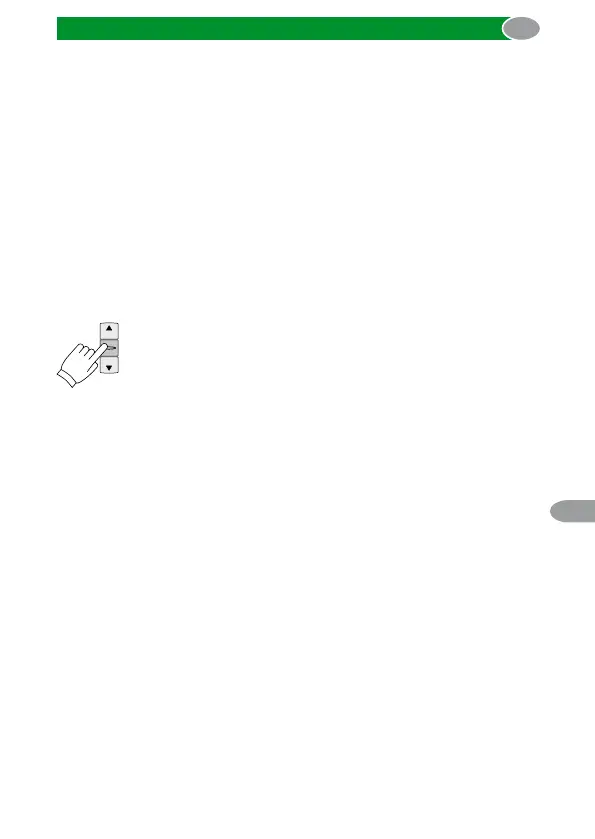
Push the STOP button for 6 seconds. With the shift into
the service mode, the status LED flashes blue and the
willingness to learn will be activated for 4 minutes. The
service mode will be left automatically after 1 minute or
prematurely by repeated pushing and releasing the
STOP button for 6 seconds.
6.2. Programming/deleting transmitters
For the programming or deprogramming the commeo transmitter has
to be in SELECT mode and the corresponding commeo Control has
to be selected.
When programming new transmitters, you have to make sure that the
willingness to learn of the commeo Control is activated.
>6 s



 To Next Page