28
GB
GB
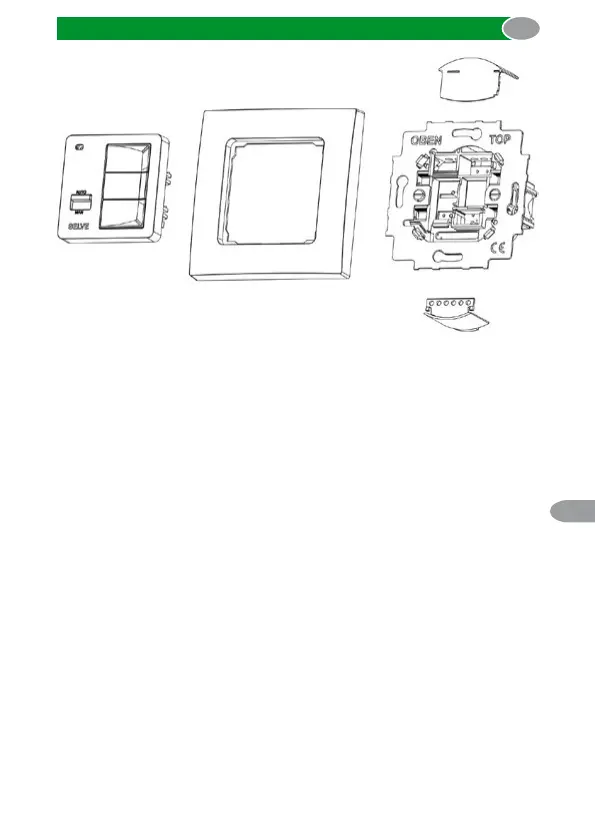
Installation
Installation steps
1. Switch off the voltage of the cables in the junction box.
2. Remove the protective caps at the power supply unit.
3. Connect the power supply unit according to your application
according to the following connection diagram.
4. Put the protective caps back on the power supply unit.
5. Fix the power supply unit in the box.
6. Set the requested functions at the coding switch on the back of the
control panel.
7. Put the operating device in the frame and plug it into the power
supply unit.
8. Switch on the voltage in the junction box.



 To Next Page