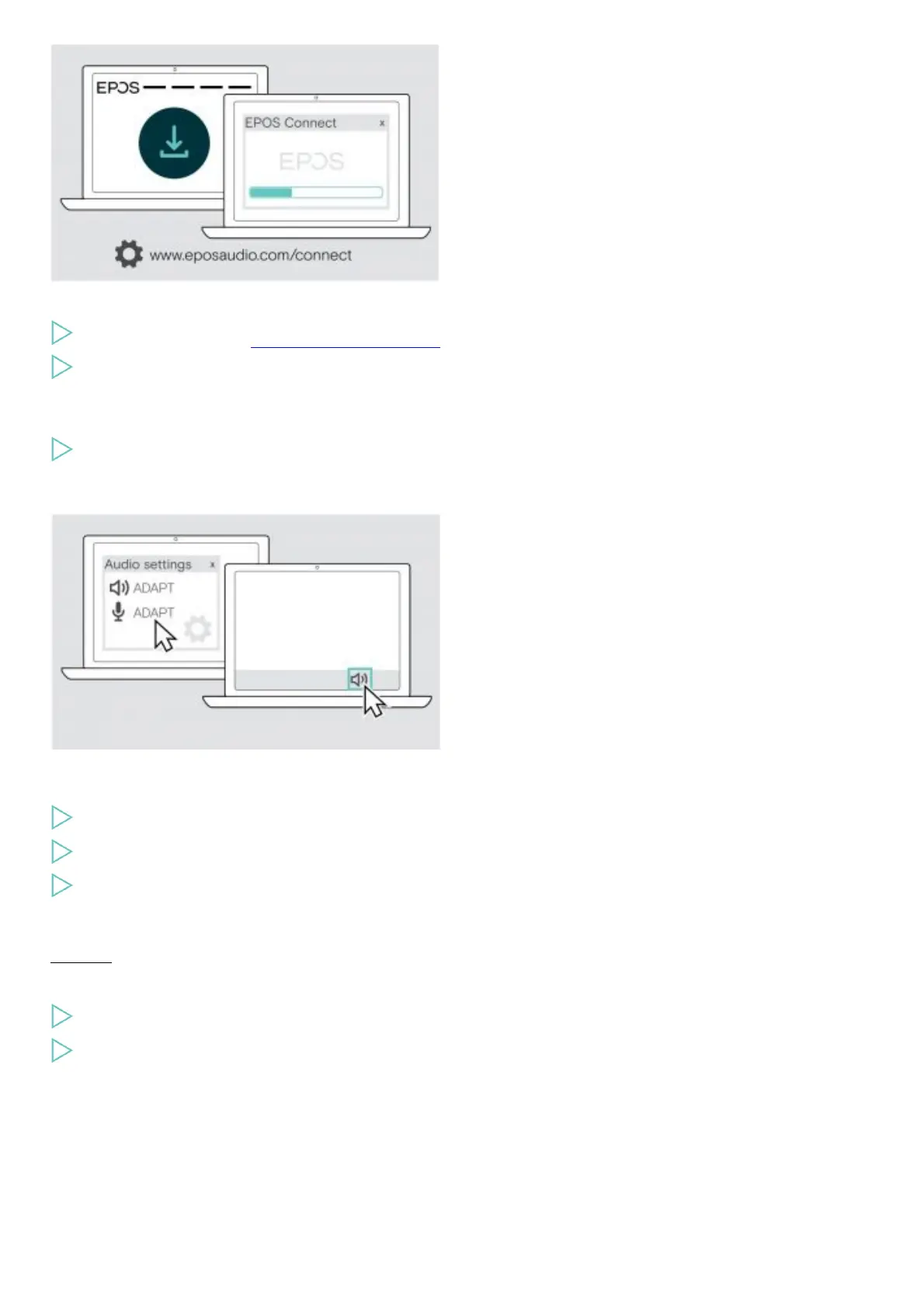
The free EPOS Connect software allows you to configure and update your headset and offers additional settings.
Download the software from www.eposaudio.com/connect.
Install the software.
You need administrator rights on your computer – if necessary, contact your IT department.
To make calls via the computer:
Install a softphone (VoIP Software) or ask your admin for support.
Changing Audio settings for the headset – Microsoft® Windows
Windows usually changes the Audio settings automatically if you connect a new headset.
If the headset is connected but you hear no sound:
Right-click the Audio icon.
Select under output ADAPT 360 as speaker.
Select under input ADAPT 360 as microphone.
Using the headset
CAUTION
Hearing damage due to high volumes!
Listening at high volume levels for long periods can lead to permanent hearing defects.
Set the volume to a low level before putting on the headset.
Do not continuously expose yourself to high volumes.
Turning the headset on and connecting it











 To Next Page