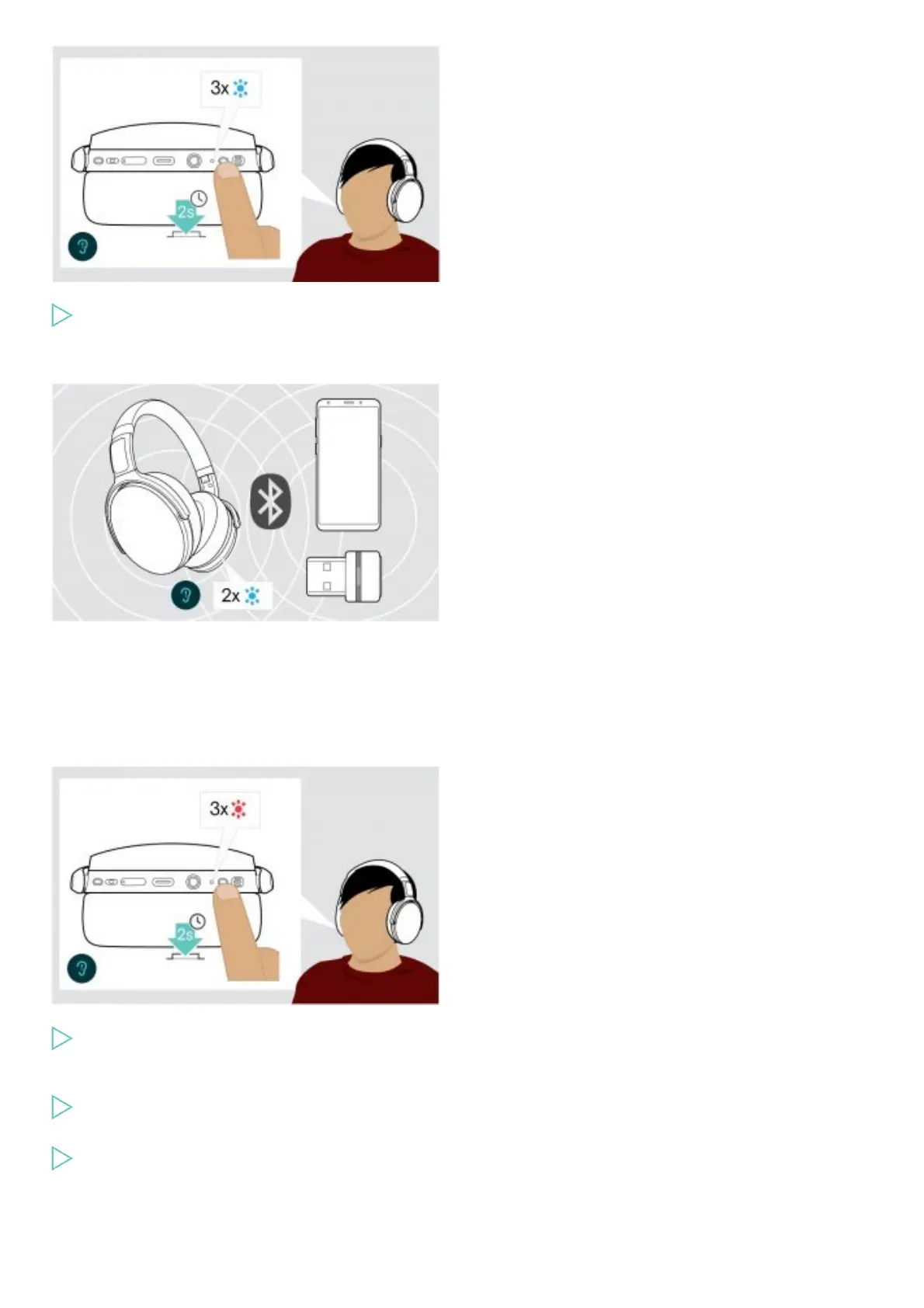
Press the Power button for 2 seconds.
The headset turns on. The LED flashes blue shortly.
The headset automatically tries to connect to available paired Bluetooth devices.
The LED flashes 2 times blue as soon as the headset finds a device to connect to. The LED turns off.
If the LED flashes red, no paired device has been found.
NOTE:
The search function is deactivated while the audio cable is connected.
Turning the headset off
Press the Power button for 2 seconds.
The LED flashes red 3 times and turns off.
All volume settings are saved automatically when the headset is turned off.
Charge the headset.
OR
Store the headset.
Adjusting and wearing the headset











 To Next Page