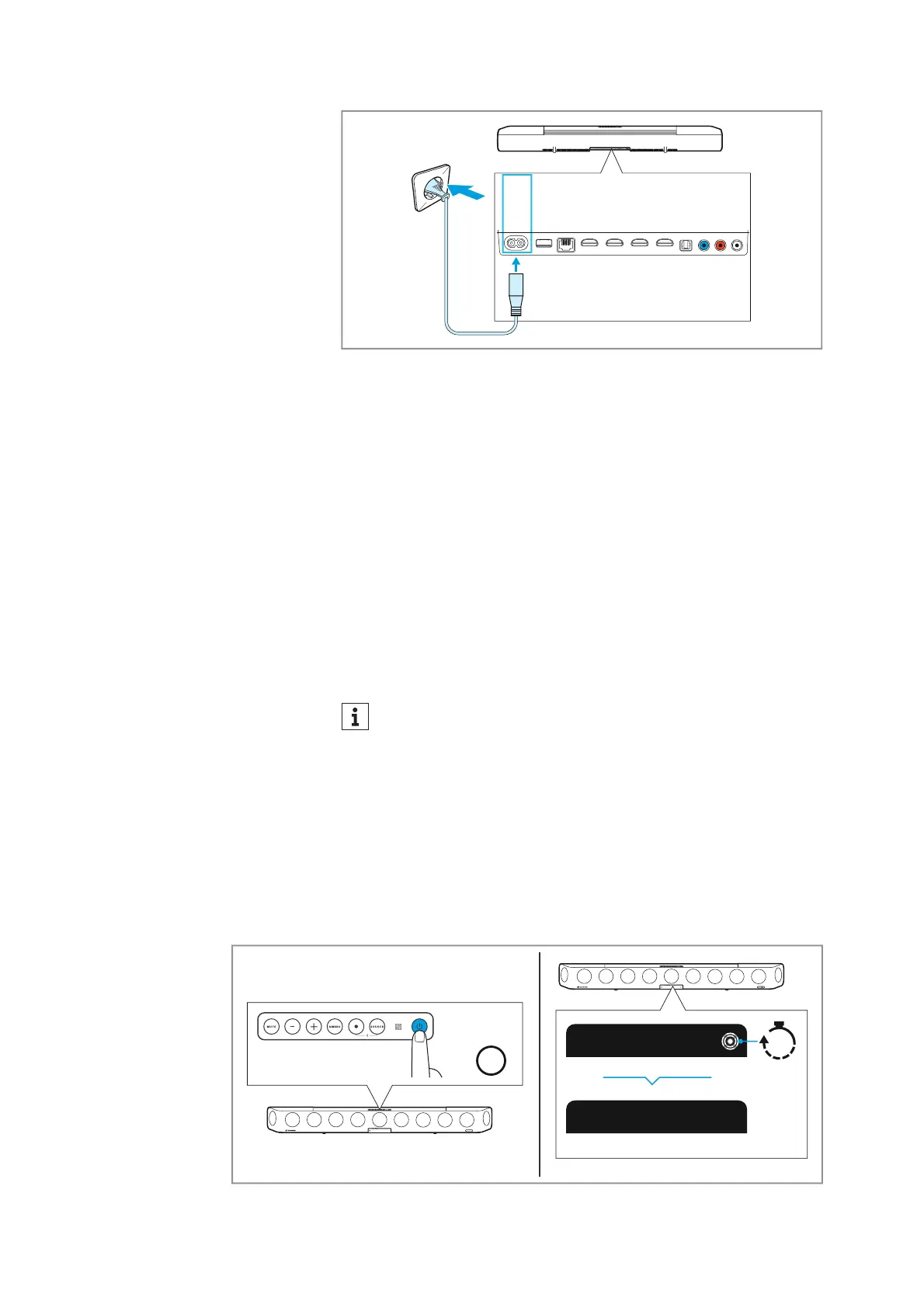
AUX IN
SW PRE
OUT
OPT IN
HDMI 3 IN
HDMI 2 IN
HDMI 1 IN
HDMI TV
(eARC) OUT
ETHERNET
USB
POWER
Putting the AMBEO Soundbar into operation
28 | AMBEO Soundbar
Disconnecting the Soundbar from the power supply system
▷ Unplug the power plug of the power cable from the wall socket.
▷ Unplug the plug of the power cable from the POWER socket on
the Soundbar.
Starting the room calibration
The room calibration is necessary for the measurement of the room
in order to let you get the optimum spatial sound experience.
Therefore, the room calibrati
on should be performed when
• the Soundbar is put into operation for the first time in a room,
• the position of the Soundbar has been changed,
• a subwoofer has been connect
ed or disconnected,
• the room has been changed (e.g. furniture has been moved).
If the “Dolby Virtualizer” is activated, you cannot perform a
room calibration. If necessary, deactivate the “Dolby Virtual
-
izer” in the Smart Control app (> 42).
Preparations for calibration
▷ Connect the Soundbar to the power supply system (> 27).
The Soundbar switches on. This process takes
about 15 seconds.
The status LED pulses white.
▷ Press the on/off button on the top of the Soundbar or the on/off
button on the remote control.
The display shows “Hello” and the prompt “Set up microphone”.
Hello!
15s
1x
Press
On/Off











 To Next Page