Using the EM 300-500 G4
79
Squelch menu item
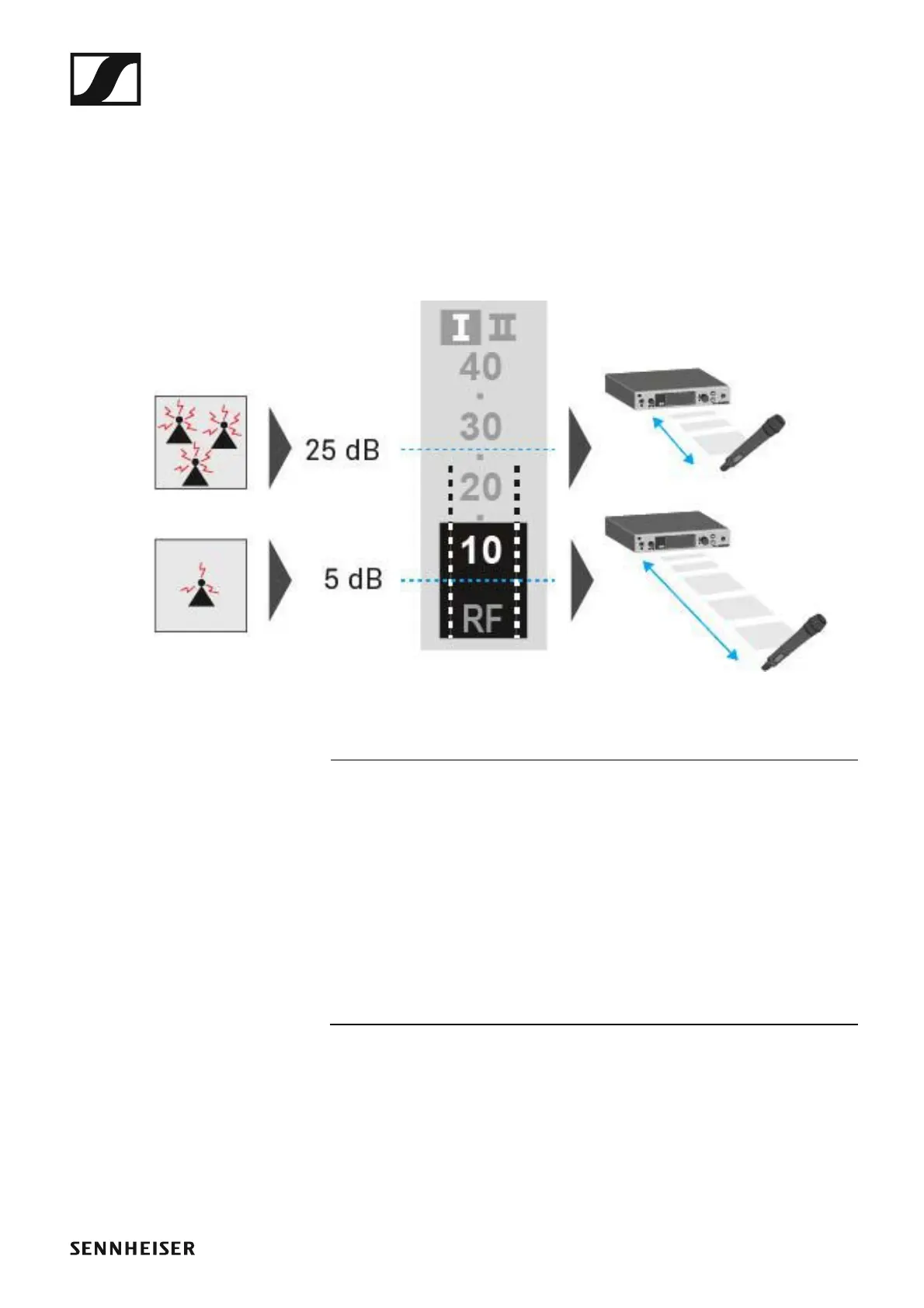
You can adjust the squelch threshold in the Squelch menu item.
Setting range:
• 5 to 25 dBμV, adjustable in 2-dB steps
The squelch threshold is displayed on the home screen in the RF signal lev-
el area.
►
►
CAUTION
Risk of hearing and material damage
If you set the squelch threshold to a very low value, a very loud hissing
noise can occur in the receiver. This hissing noise can be loud enough to
cause hearing damage or overload your system’s loudspeakers.
▷ Before adjusting the squelch threshold, set the volume of the audio out-
put to the minimum.
▷ Never change the squelch threshold during a live transmission.













 To Next Page