Using the EM 300-500 G4
85
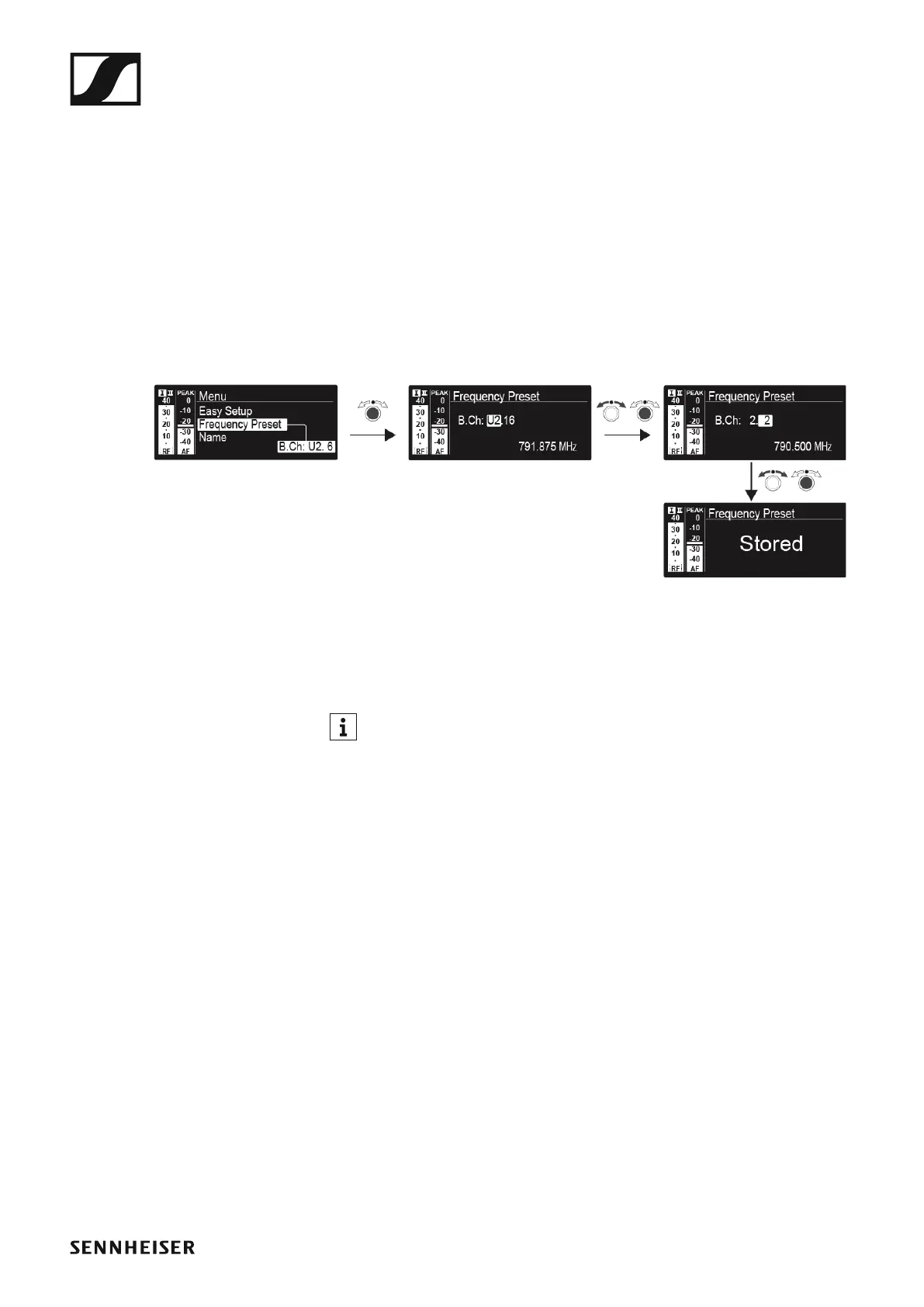
Frequency Preset menu item
In the Frequency Preset menu item, you can adjust the receiving frequen-
cy of the receiver by adjusting the frequency bank and the channel.
To open the Frequency Preset menu item:
▷ On the home screen, press the jog dial to open the operating menu.
▷ Turn the jog dial until the Frequency Preset menu item appears in the
selection frame.
▷ Press the jog dial to open the menu.
▷ Adjust the settings as desired.
►
▷ Press the jog dial to save your selection.
or
▷ Press the ESC button to cancel the entry without saving the setting.
You can set the frequencies of the frequency bank U here: “Advanced
-> Tune menu item”













 To Next Page