Using the EM 300-500 G4
73
Home screen
After you switch on the receiver, the display panel initially displays the
Sennheiser logo. After a short time, the home screen is then displayed.
The home screen has three different standard displays.
▷ On the home screen, turn the jog dial to switch between the standard
displays.
►
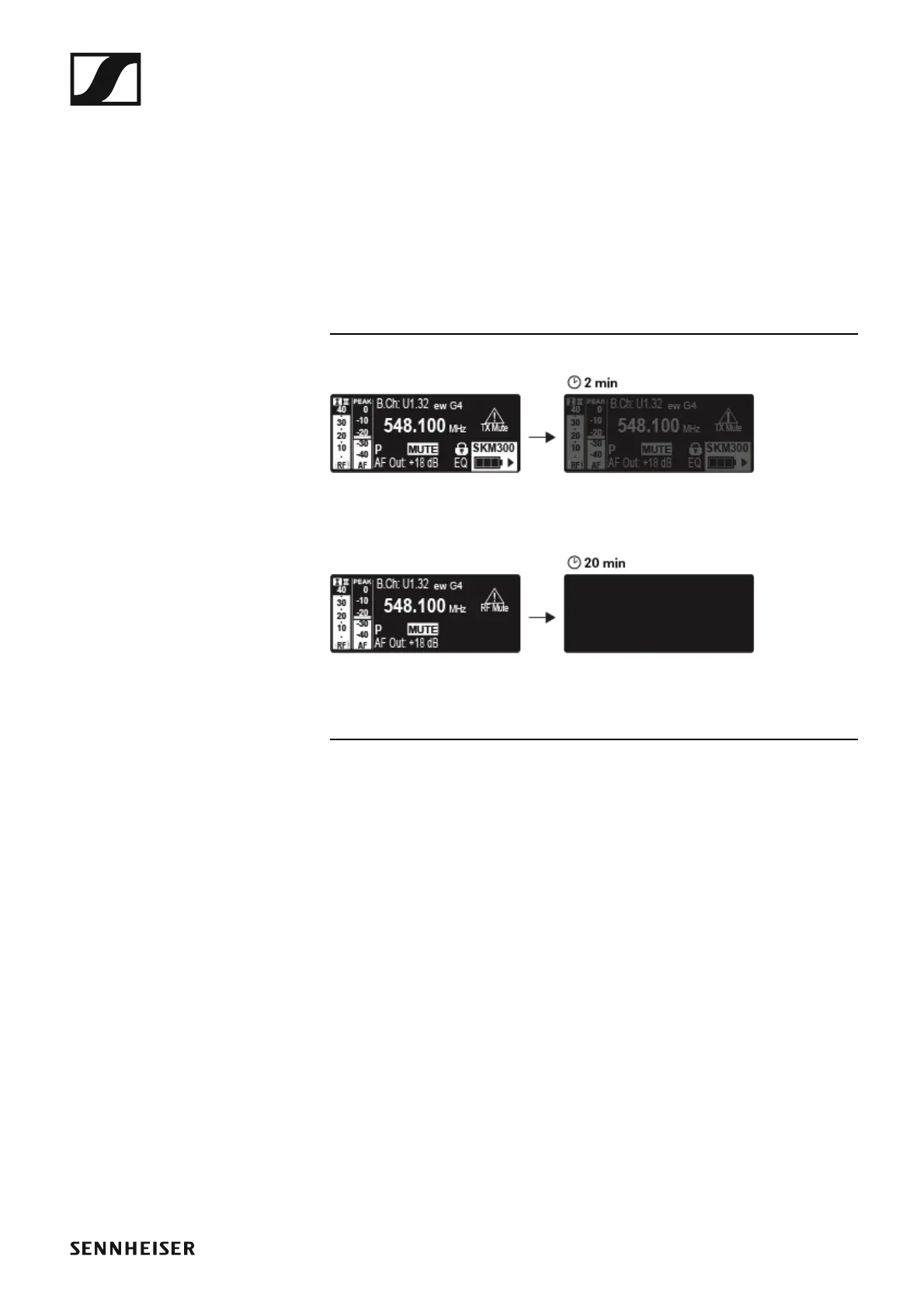
The display is dimmed automatically after 2 minutes of inactivity.
►
If there is no radio link to a transmitter, the display switches off after 20
minutes. The display can be reactivated by pressing any button.













 To Next Page