SP 30 | SP 30 + Bluetooth Speakerphone
SETTING UP THE SPEAKERPHONE10
D: Connecting the Bluetooth® dongle to a computer and pairing the Speakerphone
1
2s
2
2s
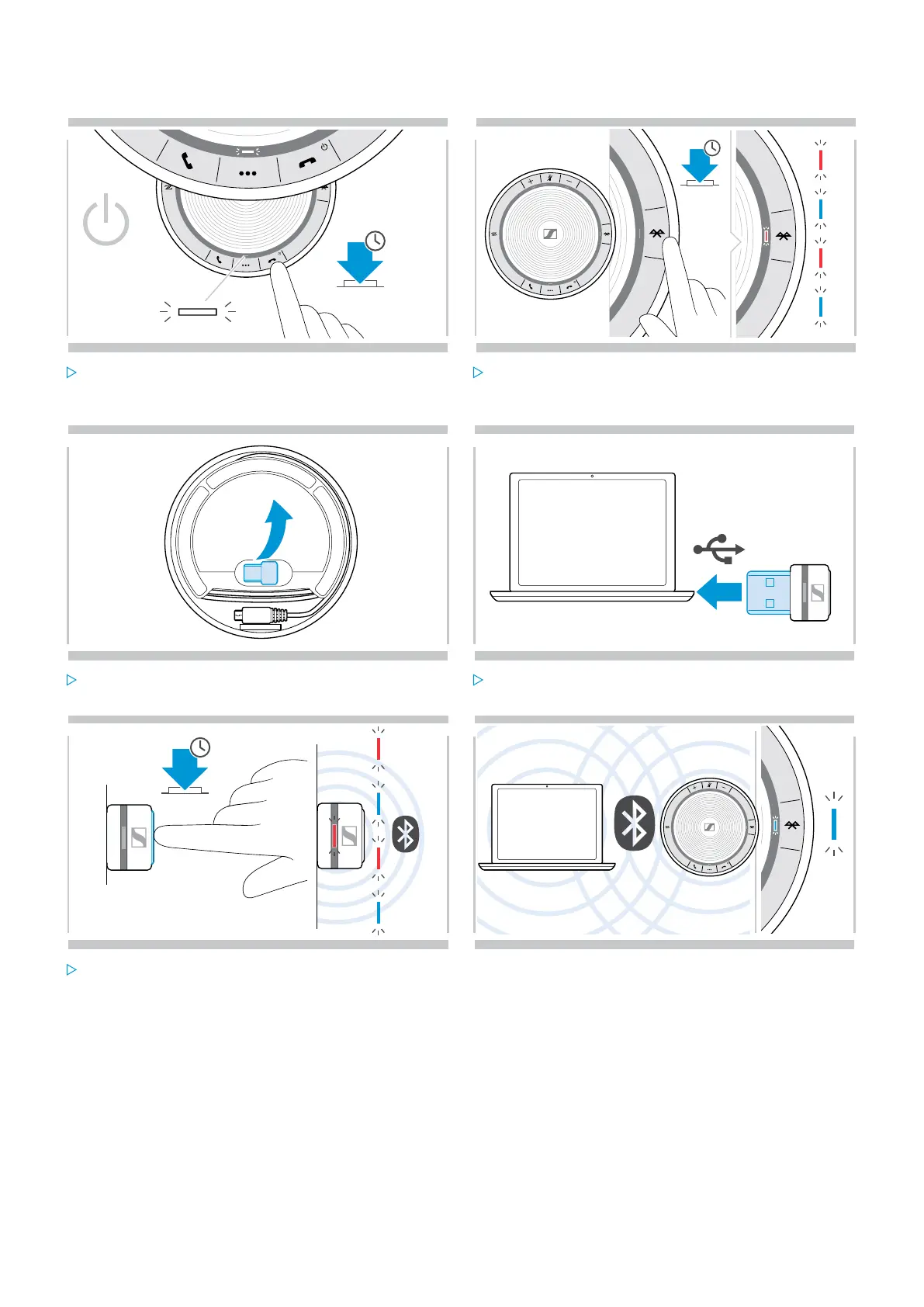
Press and hold the Power on/off button to turn on the
speakerphone.
The LED lights up white.
Press and hold the Bluetooth button until the LED
flashes blue and red.
The speakerphone is in pairing mode.
3 4
USB-A
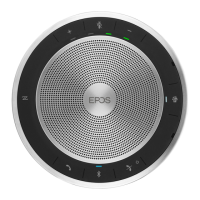
Release the dongle from the storage.
BTD 800 USB dongle is supplied with SP 30 +.
Plug the dongle into the USB port of your computer.
3s
5
6
Press and hold the dongle’s button until the LED
flashes blue and red.
The dongle is in pairing mode.
Once the speakerphone is paired with the dongle, the
LED lights up blue.


 To Next Page