SP 30 | SP 30 + Bluetooth Speakerphone
MAINTAINING AND UPDATING THE PRODUCTS26
Replacing/removing the Speakerphone‘s rechargeable battery
CAUTION
Danger of damage to the product!
During the warranty period, the rechargeable battery must only be replaced by an authorized Sennheiser service
center, otherwise the warranty will be null and void.
Contact your Sennheiser service center if the rechargeable battery needs to be replaced. To find a Sennheiser
service partner in your country, visit www.sennheiser.com.
Outside the warranty period, the rechargeable battery may be replaced or removed by any qualified service center
or qualified technician of your IT or Service department. Instructions for qualified technicians on how to replace or
remove the battery are available from the Sennheiser service partner.
Updating the firmware of the products
You can update the firmware of your speakerphone and dongle by using the free HeadSetup™ Pro software.
Download the software from www.sennheiser.com/software.
Install the software.
To install the software, you need administrator rights on your computer. If necessary, contact your IT department.
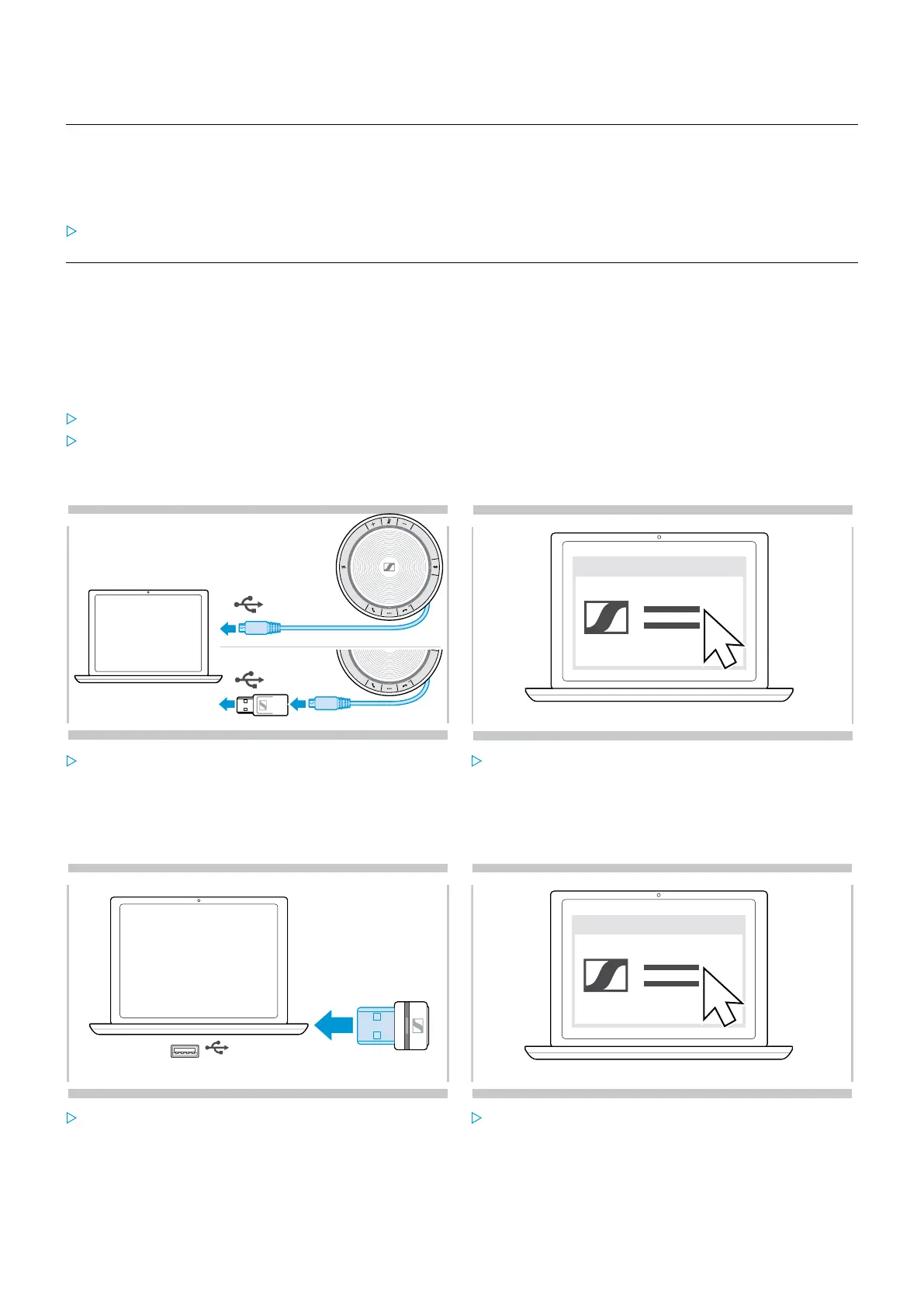
Updating the firmware of the speakerphone
1
USB-C
USB-A
2
HeadSetup™ Pro
x
Connect the USB connector directly to a USB-C port or
to a USB-A port using the included adapter.
The speakerphone turns on automatically.
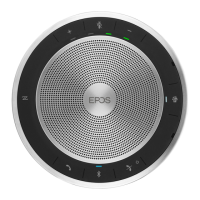
Start HeadSetup™ Pro.
HeadSetup™ Pro checks if the installed firmware is the
latest version available on the Sennheiser server. If
required, upgrade to the latest version.
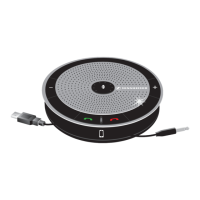
Updating the firmware of the Bluetooth dongle BTD 800 USB
1
USB-A
2
HeadSetup™ Pro
x
Plug the Bluetooth USB dongle into the USB port of
your computer.
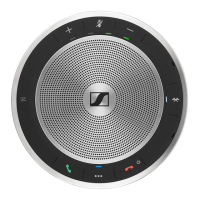
Start HeadSetup™ Pro.
HeadSetup™ Pro checks if the installed firmware is
the latest version available on the Sennheiser server.
If required, upgrade to the latest version.


 To Next Page