SP 30 | SP 30 + Bluetooth Speakerphone
SETTING UP THE SPEAKERPHONE6
Setting up the Speakerphone
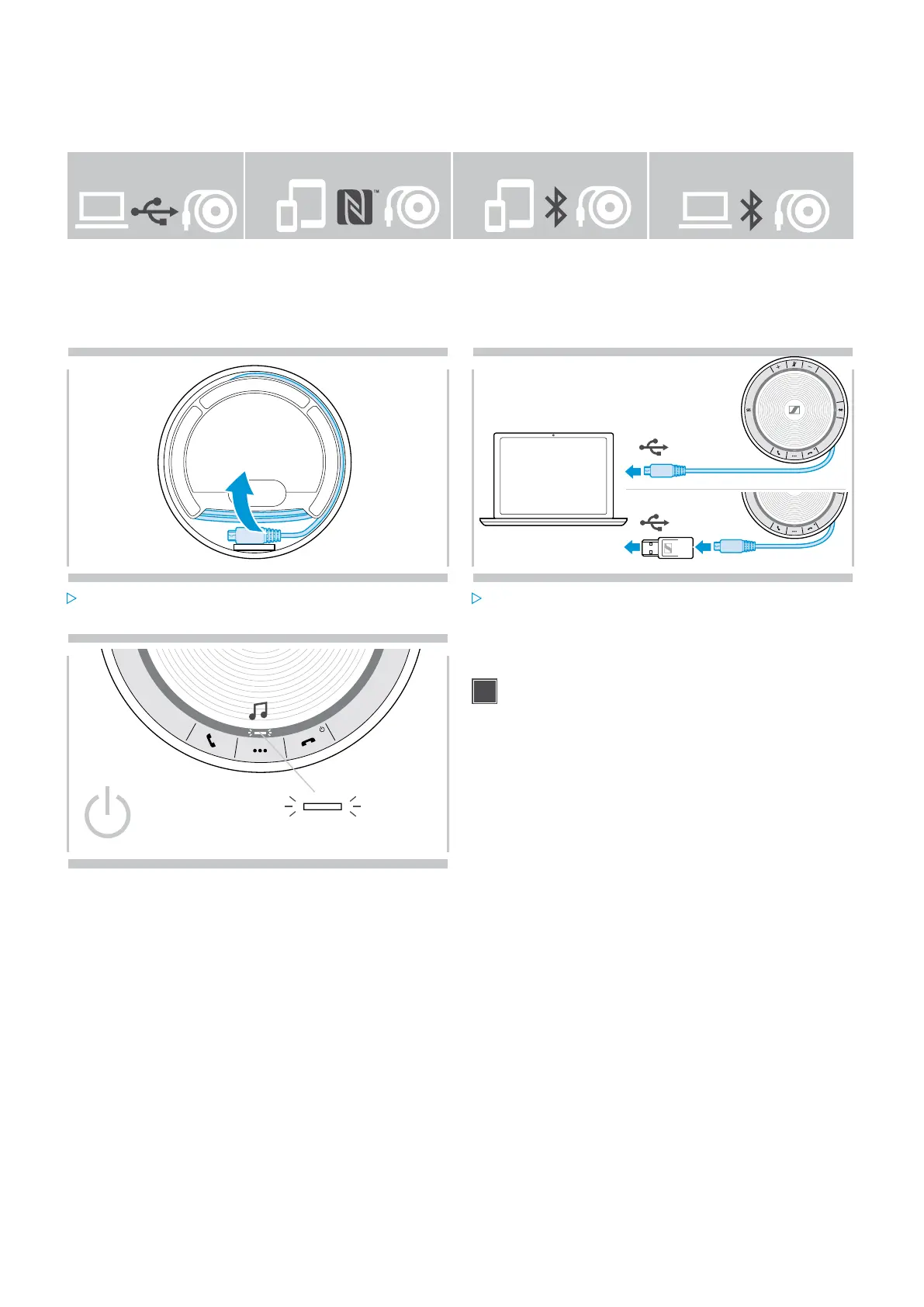
The speakerphone can be connected via:
USB NFC™ Bluetooth® BTD 800 USB
A: USB cable B: Bluetooth through NFC™ C: Bluetooth® D: Bluetooth® through
Sennheiser dongle
(included in SP 30 +)
A: Connecting via USB cable
1 2
USB-C
USB-A
Release the USB plug from the holder and unwind the
cable.
Connect the USB connector directly to a USB-C port or
to a USB-A port using the included adapter.
3
The speakerphone turns on automatically. The LED lights
up white.
The Speakerphone will be charged while connected
(device dependent) - see page 24.


 To Next Page