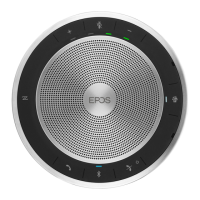
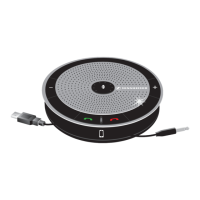
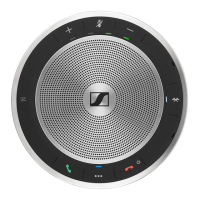
SP 30 | SP 30 + Bluetooth Speakerphone
IF A PROBLEM OCCURS ...27
If a problem occurs ...
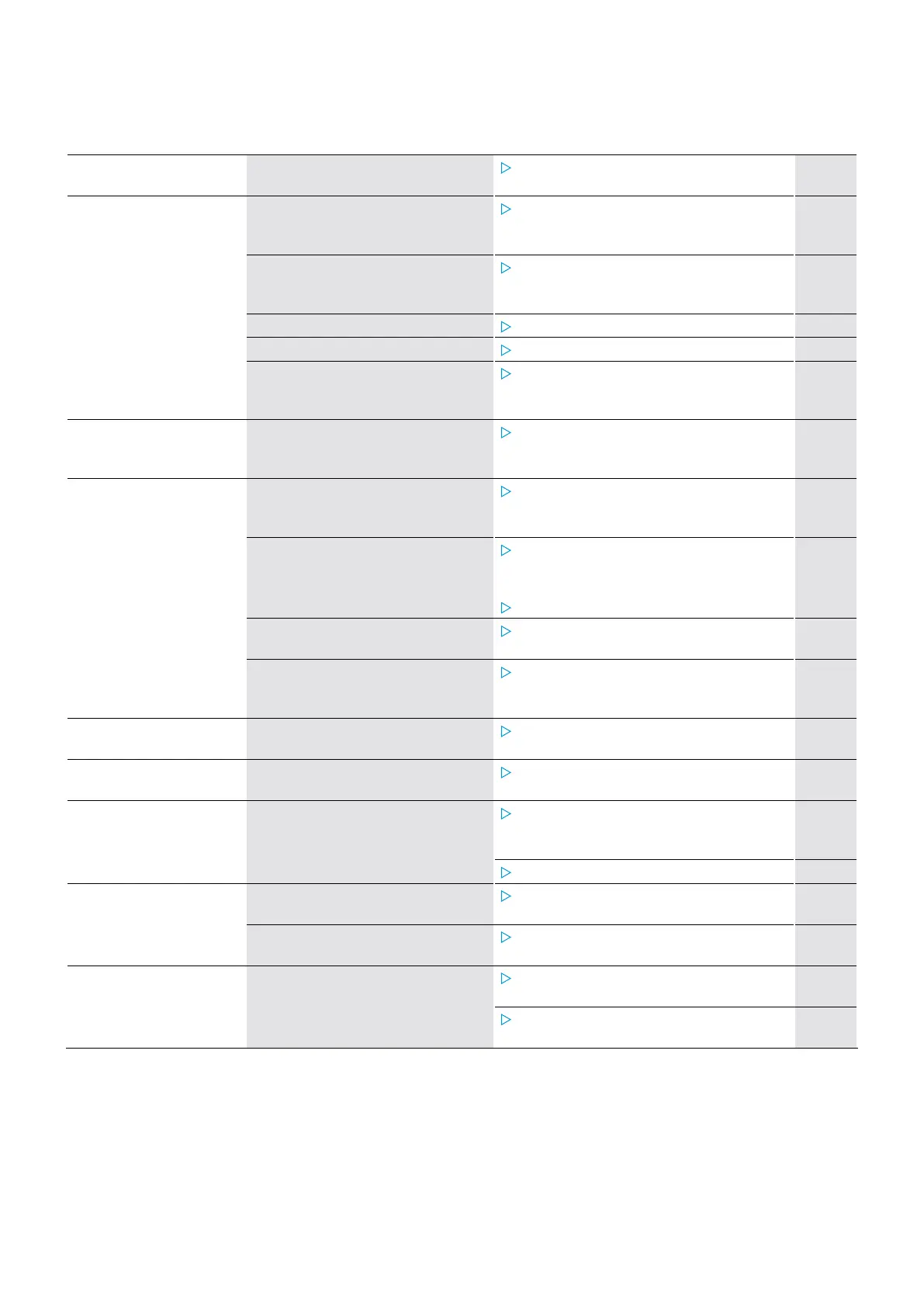
Problem Possible cause Solution Page
Speakerphone cannot be
turned on
Battery is empty
Charge the battery. 24
No audio signal USB connector not inserted
correctly in the computer or
adapter
Plug in again. 6
Speakerphone is not paired with
the mobile device or dongle
Check if the speakerphone is paired.
If necessary, pair the speakerphone
again.
7
Volume is adjusted too low
Increase the volume. 14
Speakerphone is turned off
Turn the speakerphone on. 12
Computer connection:
Speakerphone not selected as
audio device
Change the audio settings of your
computer.
–
Bad audio quality Bluetooth transmission range is
exceeded
Reduce the distance between
speakerphone the connected Bluetooth
device.
14
Speakerphone cannot be
paired/connected
Pairing does not work
Check if your Bluetooth device
supports the Handsfree or Headset
profile.
–
Speakerphone’s pairing list was
cleared but it is still in the list of
paired devices of the Bluetooth
device
Remove the speakerphone from the
list of paired devices in your Bluetooth
device.
Pair devices again.
–
Distance too high while pairing
Reduce the distance between
speakerphone the Bluetooth device.
–
Bluetooth not enabled
Make sure Bluetooth is enabled on
the speakerphone and the device
connecting to.
–
Activity LED is dimmed
and all other LEDs off
Speakerphone in standby mode
Press any button or plug in USB to end
the standby mode.
22
No voice prompts
announced (tones only)
Voice prompts are disabled
Enable the voice prompts. 16
Speakerphone does not
react to any button press
Operation of the speakerphone is
faulty
Press and hold the Power on/off
button for 10 seconds to reboot the
speakerphone.
–
Restore factory default settings. 28
No Bluetooth connection
via dongle BTD 800 USB
Dongle not inserted correctly in
the computer
Insert the dongle again. 10
Dongle and speakerphone not
connected
Pair the dongle and your speakerphone. 10
Speakerphone/dongle
does not accept new
devices (Pairing)
Pairing list disturbed
Clear the speakerphone’s list of
previously paired devices.
13
Clear the dongle’s list of previously
paired devices.
14
If a problem occurs that is not listed in the above table or if the problem cannot be solved with the proposed solutions,
please contact your local Sennheiser partner for assistance. To find a Sennheiser partner in your country, search at
www.sennheiser.com.


 To Next Page