SP 30 | SP 30 + Bluetooth Speakerphone
USING THE SPEAKERPHONE 15
Adjusting the volume
1
2
3
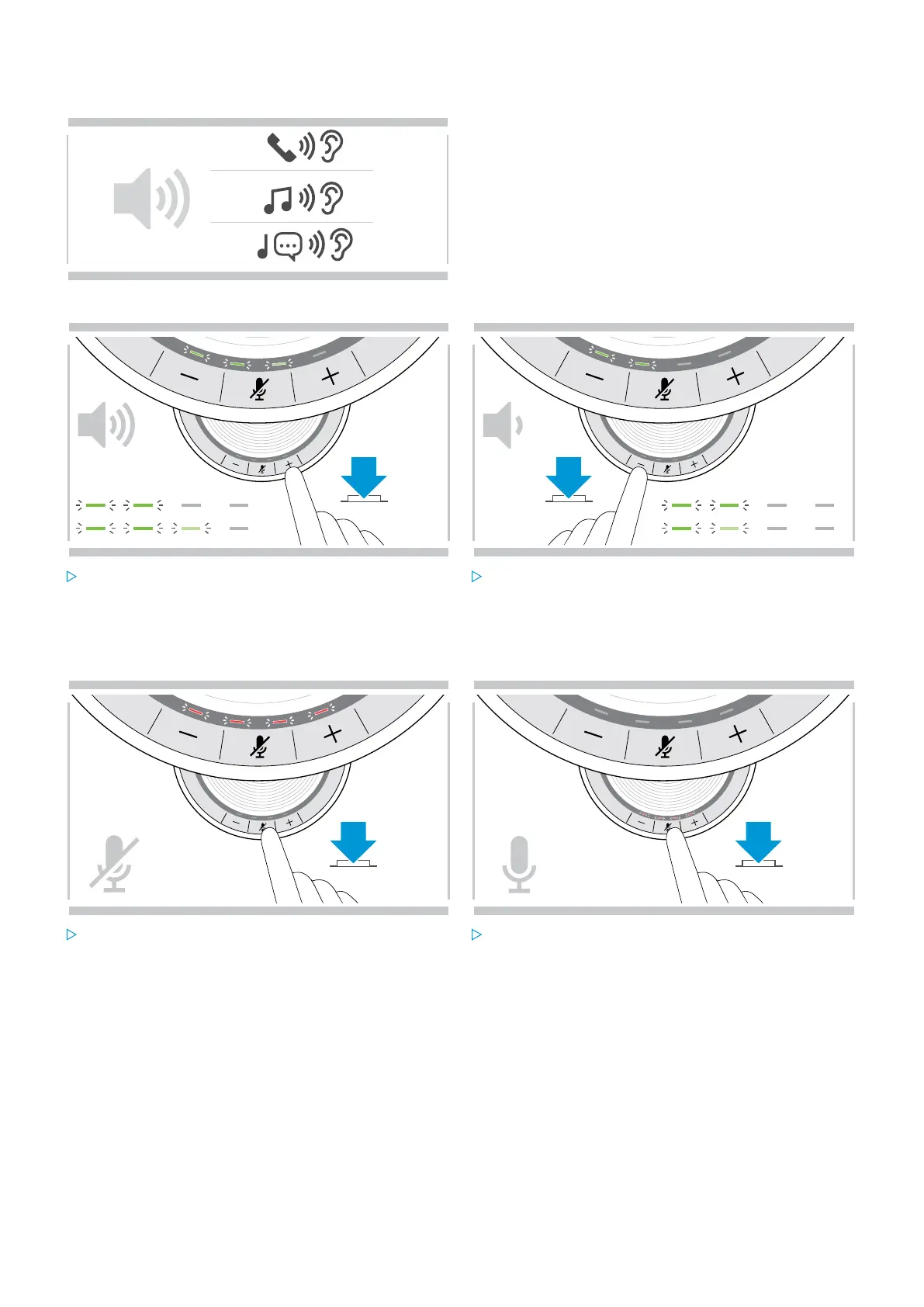
You can adjust three independent volume settings for the
speakerphone:
1. Call volume: during an active call
2. Audio volume: during audio streaming
3. Volume for ring tone, tones and voice prompts:
in idle mode – no active call or audio streaming
Increasing the volume Decreasing the volume
Press the button + Press the button –
LEDs and volume will be increased or reduced by half step with each button press.
Muting the microphone
Muting the microphone Unmuting the microphone
Press the Microphone mute button.
The LEDs light up red.
Press the button again.
The LEDs turn off.


 To Next Page