RTM II FlexNet User Guide DUG-10009-01
2 Commissioning Devices on AutomationControl
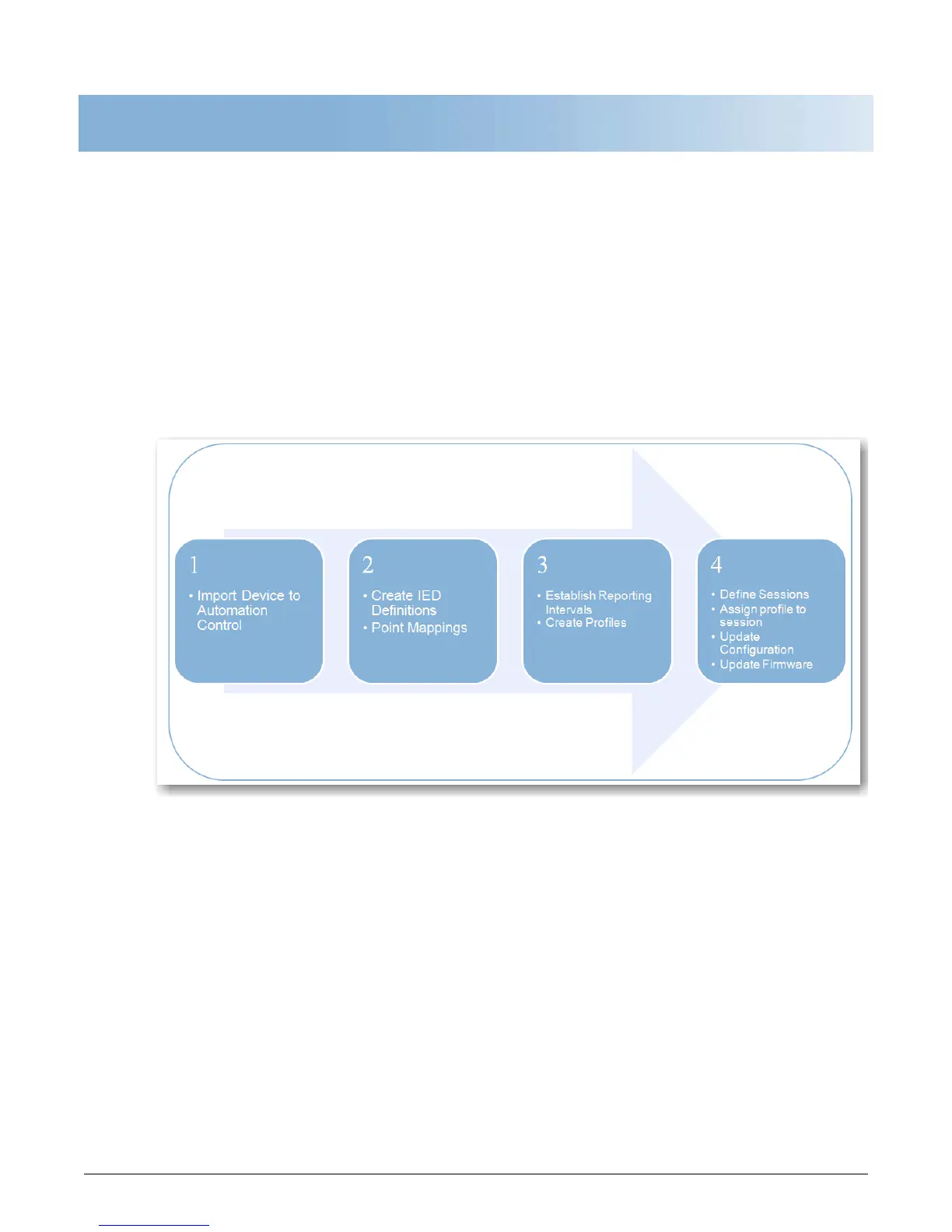
The RTM II arrives from the factory with default radio settings so it can communicate successfully with
AutomationControl. Commissioning an RTM II involves the following tasks in the order listed.
• Import the device into the system
• Create IED definitions
• Establish report intervals
• Create profiles
• Define sessions, assign profile to session
• Update Configuration Settings
• Update Firmware
For detailed explanations and step-by-step instructions, refer to “Commissioning Devices” in the
AutomationControl User Guide or Help.



 To Next Page