Appendix A: Basic Integration Guidelines 23
RTM II FlexNet User Guide DUG-10009-01
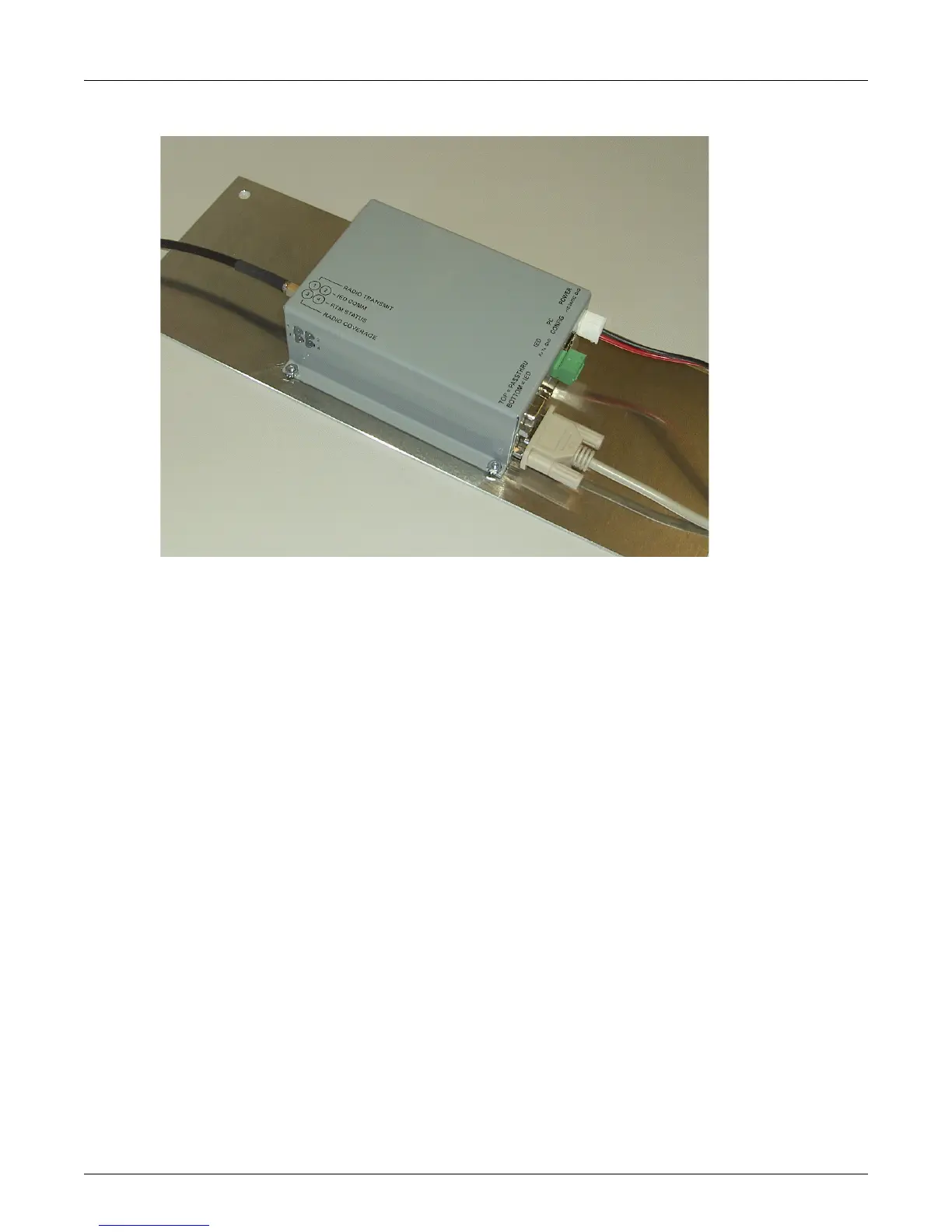
Figure A-1: Sample RTM II Mounting and Connections
A.3 Connect RTM II to Antenna
The RTM II should be connected to an antenna located on or fully outside the IED enclosure. An antenna
internal to the enclosure may produce poor radio strength.
You will need an appropriate cable/antenna combination. The RTM II has an SMA type cable connector.
Contact your sales representative for some possible cable/antenna combinations or to place an order.
A.4 Connect RTM II to IED
For help with a specific IED, please contact Sensus Automation Technical Support.
A.4.1 RS-232 Communications
To connect an RTM II to an IED with a RS-232 serial port, you will need a serial cable to connect
between the RTM II and the IED. Each IED is different but it is most likely that you will need a male-
female straight-through serial cable. If this does not result in communications, you may need a null-
modem cable/adapter for your integration.



 To Next Page