RTM II FlexNet User Guide DUG-10009-01
4 Introduction to AutomationControl
AutomationControl™ provides access to the data from your Sensus Automation devices 24 hours a day,
seven days a week, from any computer that has access to the Internet. Use AutomationControl to set up
all monitoring and control functions, to set up automatic event notifications, and to remotely control the
equipment connected to the RTM II.
The following sections provide a brief overview of
some of AutomationControl’s basic functions.
For detailed descriptions and step-by-step instructions for using the software, refer to the
Automation Control User Guide or application Help.
4.1 Getting Started with AutomationControl
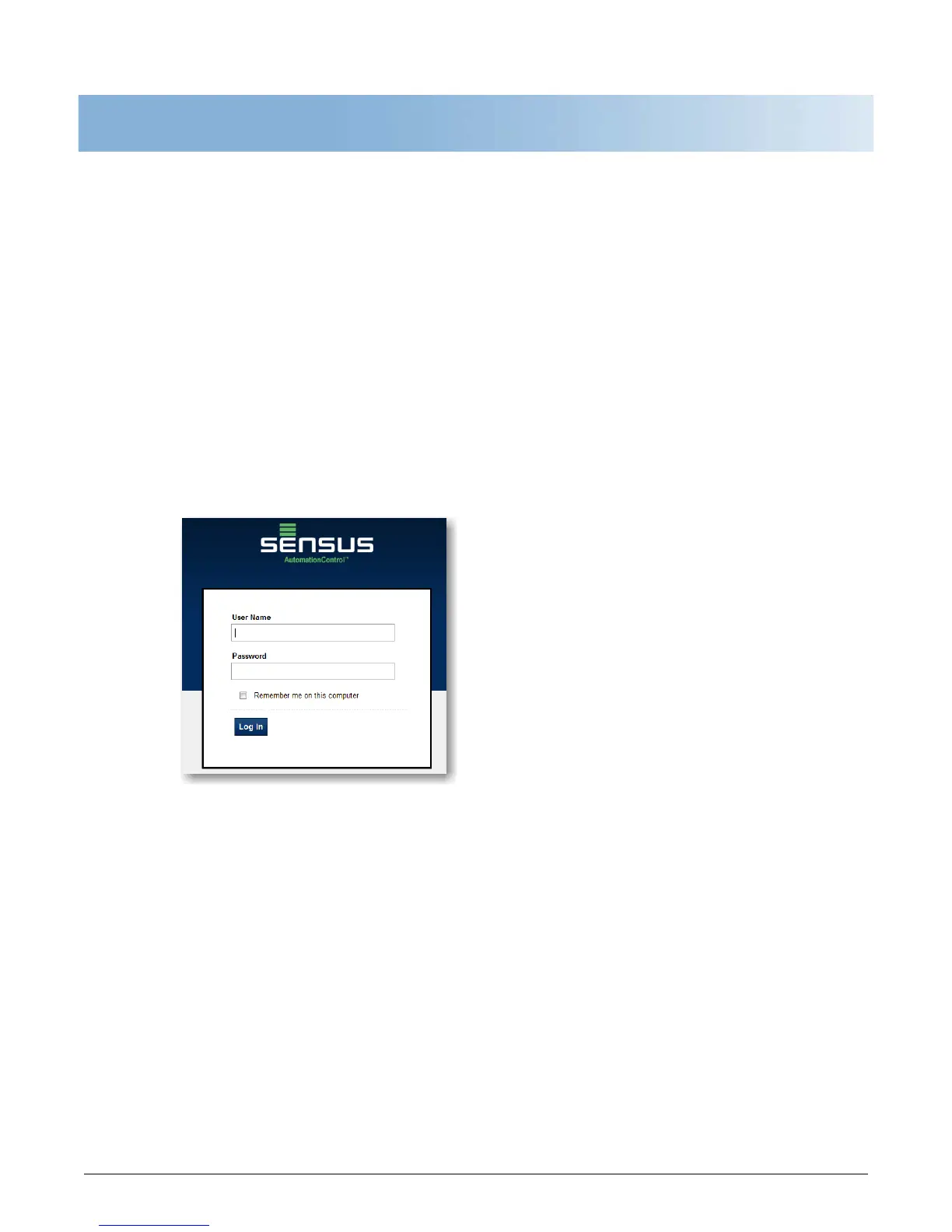
To log in to your account, you need the user name and password Sensus provided to you.
Log in to your secure account
1. Open AutomationControl.
2. Type
your user name and password and press Enter (or choose Log In).



 To Next Page