16 Chapter 4: Introduction to AutomationControl
DUG-10009-01 RTM II FlexNet User Guide
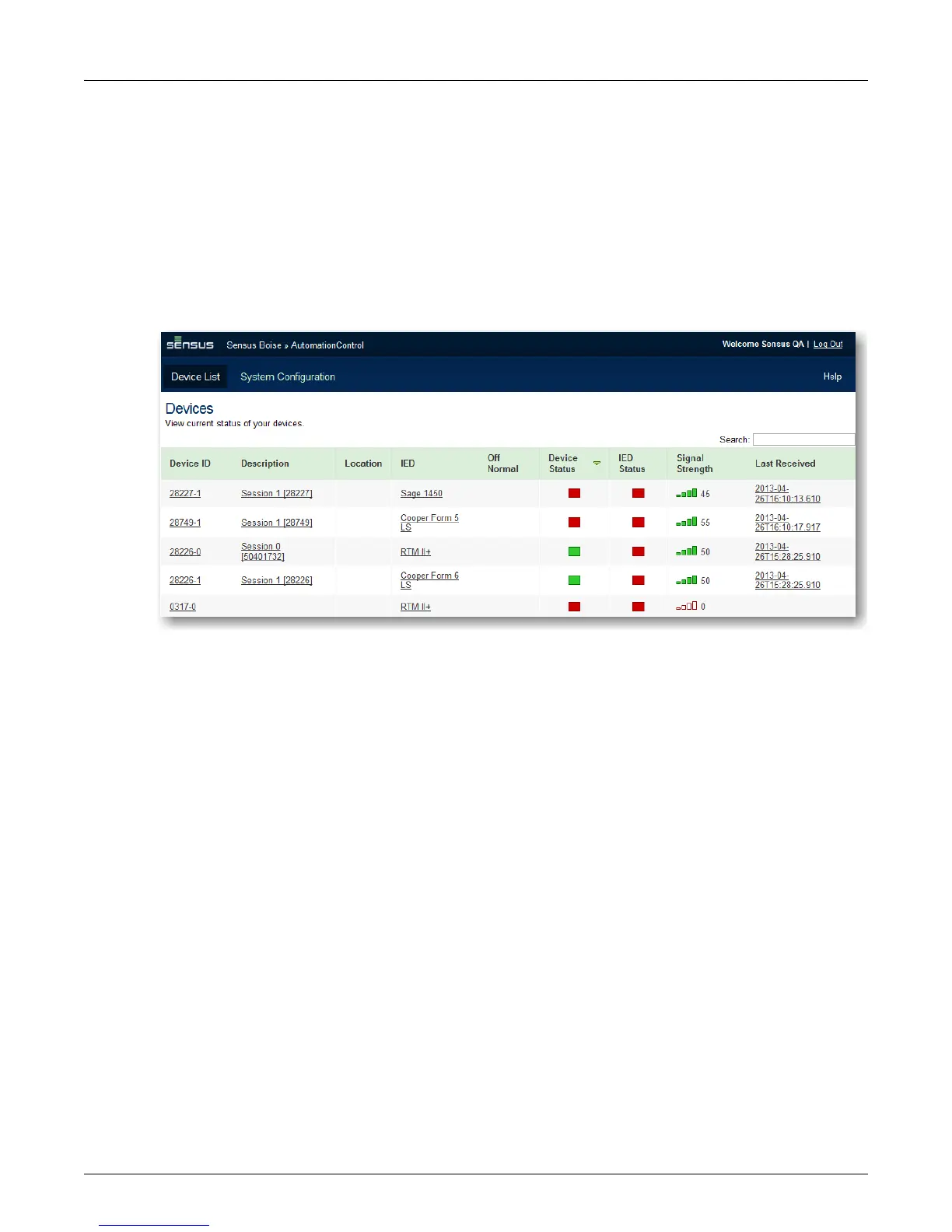
The Devices page shows a list of active devices by:
◦ Device ID and description
◦ The associated IED
◦ Any off-normal conditions
◦ Device and IED status
◦ The existing signal strength
◦ A timestamp for the most recent communication from the device
If a profile has not yet been transferred or assigned to a unit-session, it is shown as IED Name
(Pending).



 To Next Page