RTM II FlexNet User Guide DUG-10009-01
3 Installing the RTM II
The RTM II can be purchased either as a communications module that is installed within the IED
enclosure or pre-installed in its own weatherproof enclosure. Follow the instructions in the RTM II
FlexNet Integration Guide to install the RTM II in your specific IED.
If your application does not come with an integration guide, see Basic Integration Guidelines
on page 21
for basic integration instructions.
3.1 Before You Begin
The Automation Device Configurator software comes with your integration kit. Install the software on your
PC.
You will need to connect the device to
the PC that has the Automation Device Configurator software
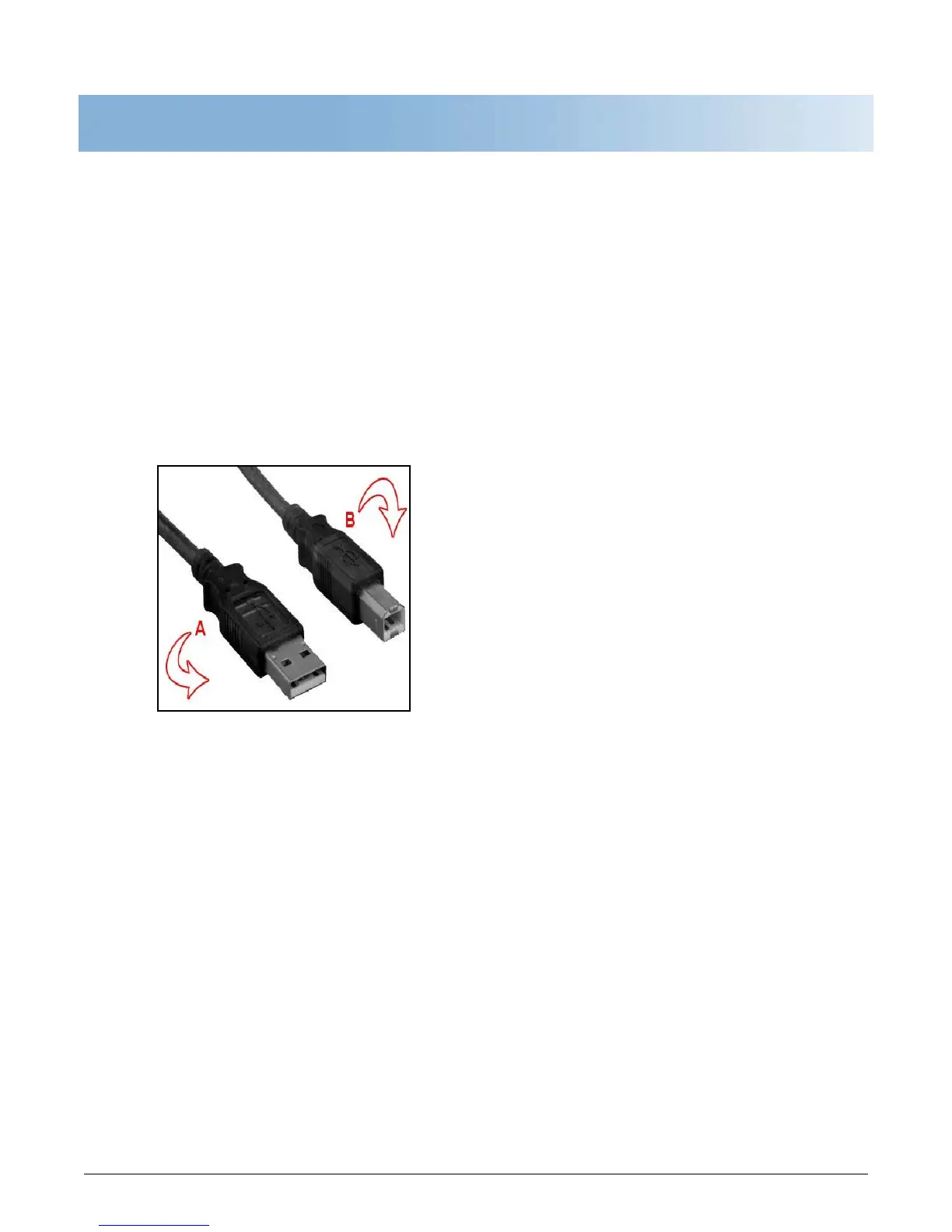
installed. You can use a standard USB 2.0 cable with connector type A to connector type B like Belkin
part F3U154 (available at most computer or office supply stores) as shown in the example below.
Figure 3-1: Standard USB 2.0 Cable to Connect a PC and the Sensus Device



 To Next Page