8
Editing Programs
Sequential
Editing Programs
Because the majority of the sound-shaping controls of the Pro 3 appear on its
front panel, editing an existing program is simple: turn a knob and listen to
its effect. Keep turning knobs and pressing buttons. If you like what you’ve
created, save the program by pressing the write button twice. (See “Saving a
Program” on page 10 for more options when you save.)
The rotary controls on the front panel are a mixture of rotary encoders
(which have no position indicator) and potentiometers or “pots,” which
have a position indicator and a nite travel range from left to right. You
can choose between three different modes that determine how the synth
reacts when you edit its parameters with a pot. For details, see page
98.
Comparing an Edited Program to its Original State
When editing a program, it’s often useful to compare its edited state to
its original state to evaluate your edits.
To compare an edited program to a saved version:
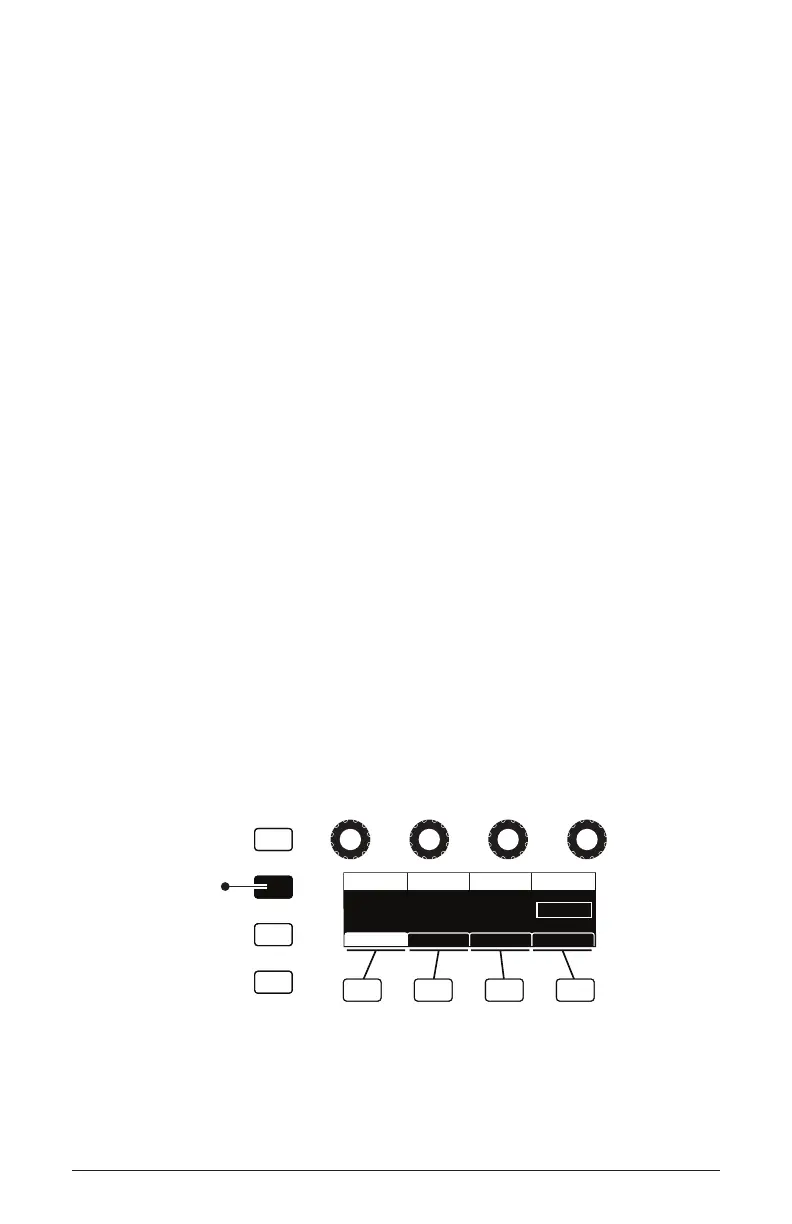
1. Edit a program, then press the compare button.
2. Play the keyboard to hear the saved version of the sound.
3. To disable the compare function and return to the edited sound, press
the compare button again to turn it off. Programs can’t be written while
in compare mode.
Write
Compare
Global
Play List
CUTOFF
Cuto DriveResonance Filter Type
RESONANCE
60 2060
DRIVE Filter Type
Env AmtFilter Filter TypeFilter Misc ADSR
Ladder
When editing a program
press to hear the saved
version for comparison
Compare button















 To Next Page