30
Filters
Sequential
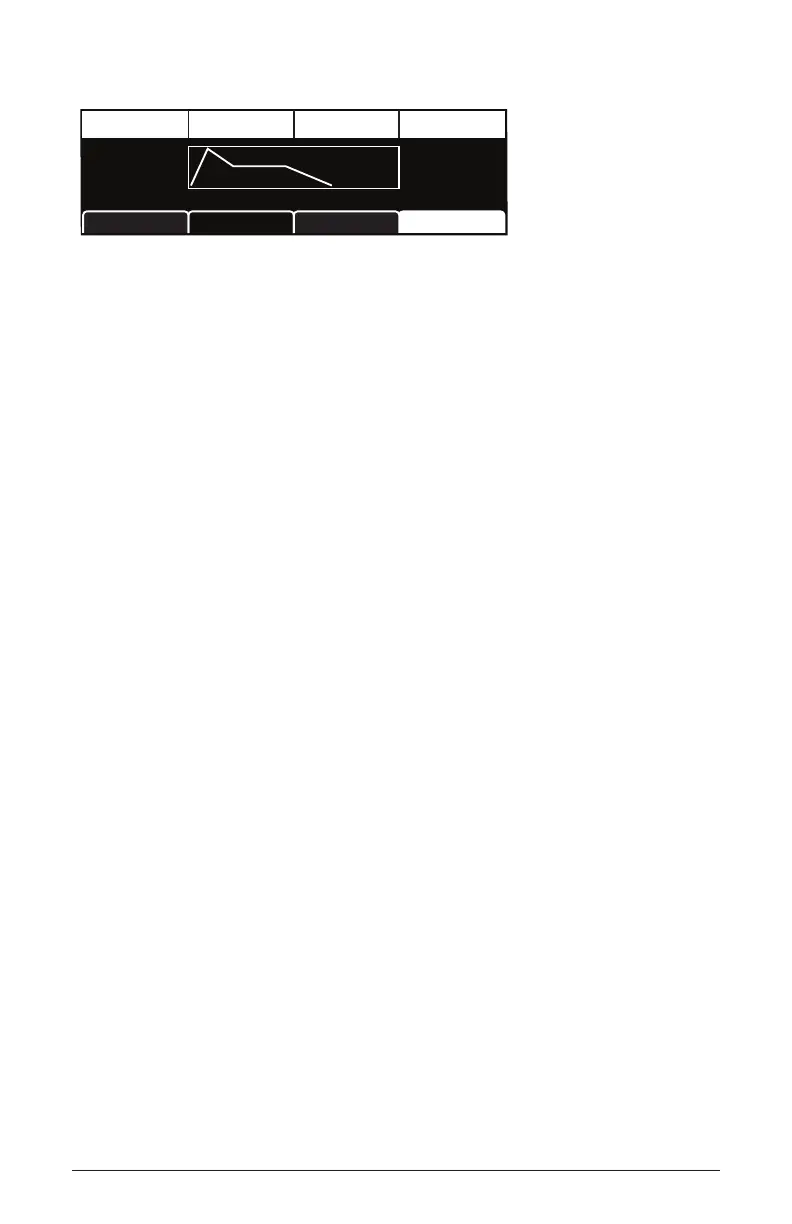
TAB 4 - Env Amt
Amt:+25
Amount DelayVel On/O Env Loop
Vel:On
Loop:O
Del:0
ADSR Env AmtFilter MiscFilter
Amount: -127...127—Sets the amount of modulation from the lter
envelope to the lter’s cutoff frequency. Any setting above zero means
that each time you strike a key, the lter envelope controls how the lter
opens and closes. Higher amounts more dramatically affect the cutoff
frequency. This control is bipolar. Positive settings produce standard
behavior. Negative settings invert the envelope.
Velocity On/Off: On, Off—Allows key velocity to inuence lter cutoff
frequency. If on, the harder you play, the more the lter will open and the
brighter the sound will be. If off, key velocity will not affect the lter.
This control allows for more touch-sensitive sounds.
Delay: 0...127—Sets a delay between the time the envelope is triggered
and when the Attack and subsequent stages occur.
Loop: Off, On—When on, the Delay, Attack, and Decay segments of
the envelope repeat. Sustain still affects the level at which the Decay
segment ends, but instead of sustaining at a xed level while a note is
triggered, Delay, Attack, and Decay loop until the note is turned off. The
Release segment begins when the note is released, just as it does when
Repeat is off.















 To Next Page