SECTION 3
BACK
PANEL
3-0 INTRODUCTION
To
increase
its
performance
versatility,
various devices
may be connected
to
the
Prophet-5
through
jacks
on the
back panel.
The
release footswitch
was
described
in
paragraph
1-5.
The
ANALOG
and
DIGITAL
system
interface connectors are
specified
below,
but
actual
programming
of
the
system interface
is
described in
Section
6. Use
of the
CASSETTE
jacks is
discussed in
Section
'f.
3-1
AMPLIFIER
CONTROL
VOLTAGE IN
The
AMPLIFIER
input
allows
remote voltage
control of overall
volume. The
voltage
input
can range
to
+10V, and the
VOLUME control
on the front
panel is still
effective.
A voltage
pedal
(such as SCI
Model 840) is the most common
remote controller, but
various
other
devices
(such as a
ribbon controller, an x/y
joystick controller, or
a
sample-and-hold
module)
can be useful.
3-2
FILTER CONTROL
VOLTAGE IN
The FILTER jack adds
an input voltage
(again, ranging to
+10V)
to the filter CUTOFF
setting,
thereby allowing
external control
of timbre, or
'Tarightness".
As above,
a
variety of
controllers are suitable.
3-3
MONOPHONIC SEQUENCER
INTERFACE
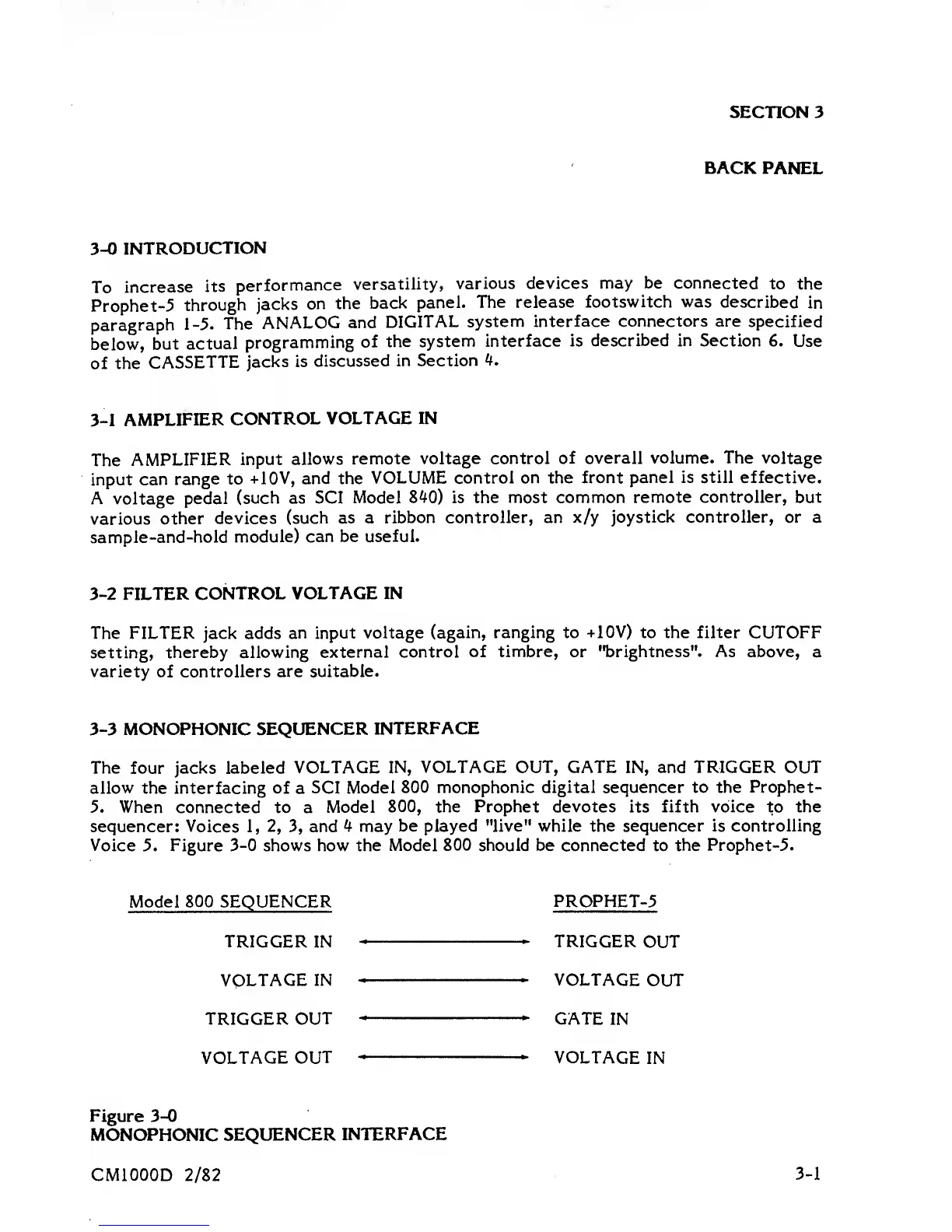
The
four
jacks labeled VOLTAGE
IN, VOLTAGE OUT, GATE IN, and TRIGGER OUT
allow
the interfacing of
a
SCI Model
800 monophonic digital sequencer to the
Prophet-
5. When
connected to a
Model 800,
the Prophet devotes
its
fifth voice to the
sequencer: Voices
1, 2, 3,
and
<*
may
be played "live" while
the sequencer is controlling
Voice
5. Figure
3-0
shows how the
Model 800 should be
connected to
the Prophet-5.
Model
800 SEQUENCER
PROPHET-5
TRIGGER
IN
TRIGGER
OUT
VOLTAGE
IN VOLTAGE
OUT
TRIGGER
OUT
"
GATE
IN
VOLTAGE OUT VOLTAGE
IN
Figure
3-0
MONOPHONIC
SEQUENCER
INTERFACE
CMIOOOD
2/82
3-1















 To Next Page