SOFTWARE INSTALLATION
SOLARIS 2.5 INSTALLATION OR RE-INSTALLATION
0311385 Issue : April 1999
3-4
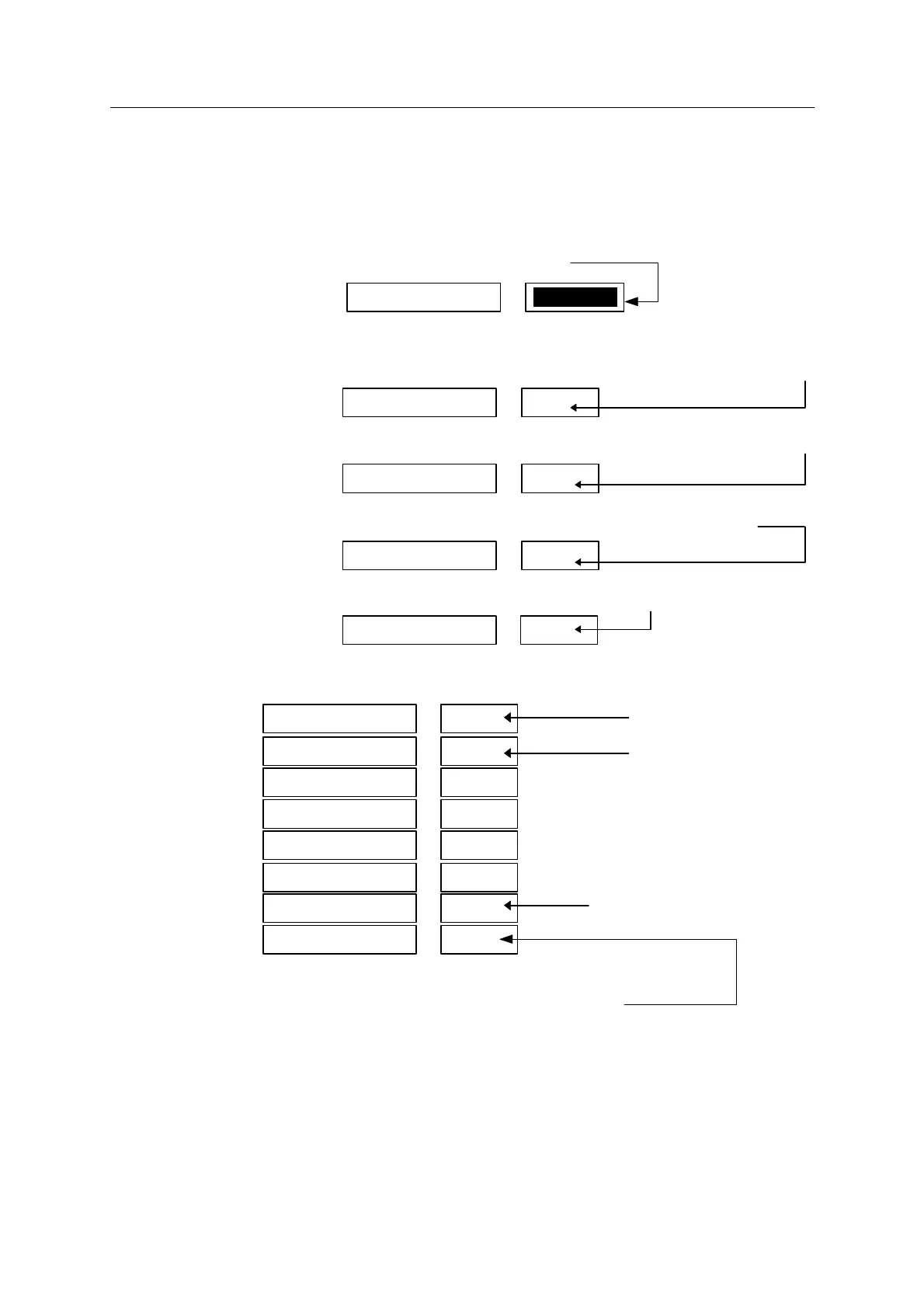
• In the "File system and Disk Layout" window :
- Click "Customize"
- In the "Customize Disks" window :
. Double-click in the text box shown below
and press CUT on the keyboard to clear the value in the text box
. Enter 50 (or more, depending on disk size) into the text box shown below
(minimum)
. Enter 96 (or more, depending on disk size) into the text box shown below
(minimum)
. In the text box shown below, increase the prompted size by 20 MB.
(default plus 20 MB)
. After clicking in the text box shown below enter the "Free" size value:
The resulting disk layout should be as shown below:
(The "Rounding error" may not appear).
- Click "OK". (If the box "Unused disk space" pops up, click "Continue").
This takes you back to the File System and Disk Layout window.
- Click "Continue".
Capacity : zzz MB
Allocated : xxx MB
Free : YY MB
Rounding error : 1 MB
7
YY/export/home
0
50
/
1
96SWAP
2
overlap
3
4
5
6
/usr
7
YY/export/home
0
50/
6
/usr
7
(minimum)
(minimum)
(prompted size plus 20 MB)
/export/home
1
96SWAP



 To Next Page