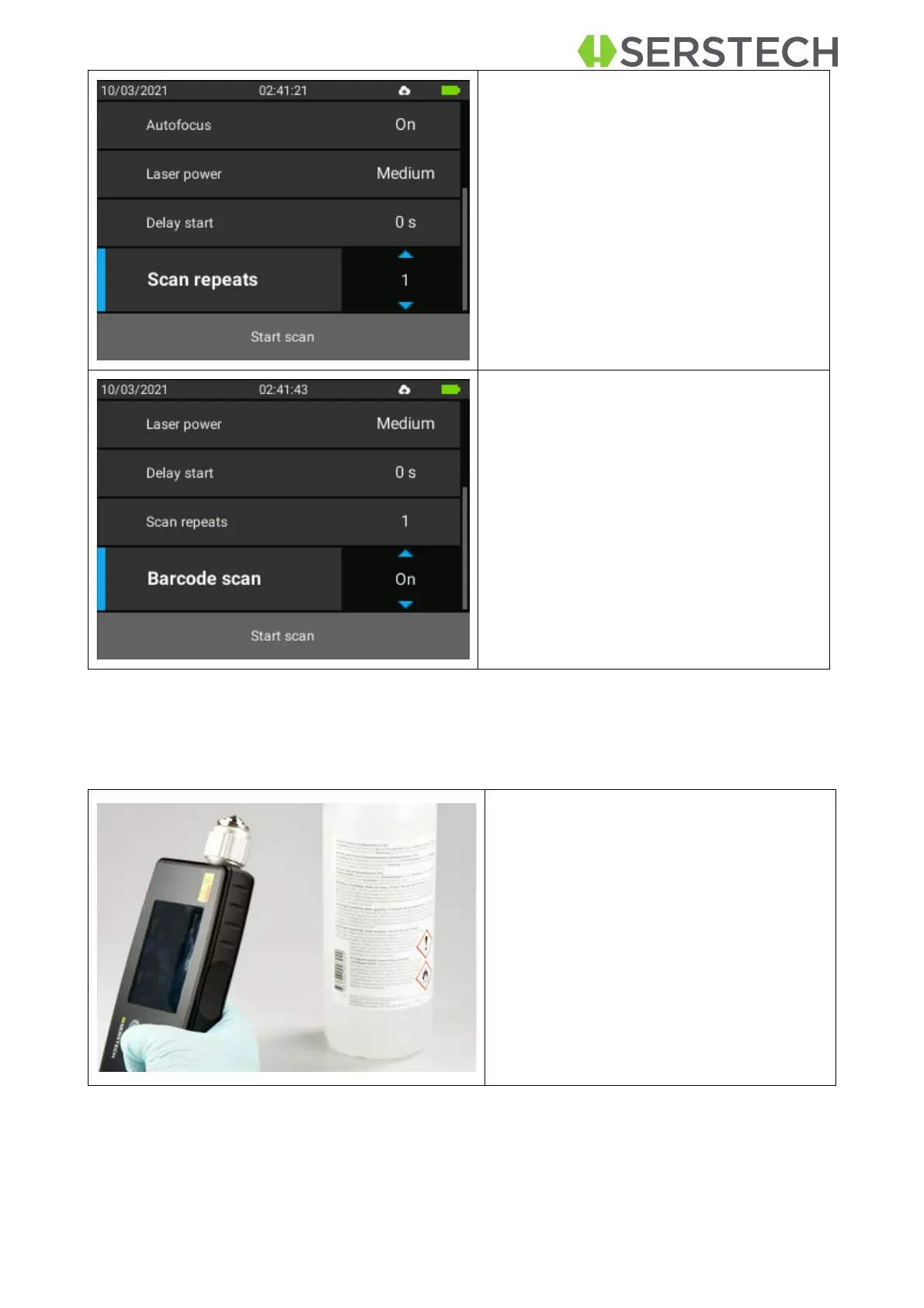
Adjust the Delay start as needed by
clicking on it with OK button and then
select the desired number of seconds by
going up/down with the arrows on the
keyboard. Confirm the choice by clicking
the OK button again.
Select Barcode scan by clicking the
OK button and then choose between
ON/OFF and confirm the choice by
clicking on OK again.
If the Barcode scan was set to On, the
user must pay attention and position the
barcode to be scanned in front of the bar-
code scanner which is on the back of the
device.


 To Next Page