24
The SRCM is able to congure the Room status to disable the Alarms when
Door is open. This function is used when there will be high trafc through
the area and the user wants to disable any alarms that are occurring as the
result of the door being open. The alarms will be re-enabled once the Door
is closed.
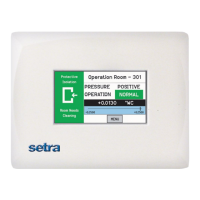
In the Alarm Setup screen, select the digital input choice to Door Alarm.
As shown in the screen below, the DOOR indication (to the right of
Operation) will be highlighted to indicate that the door is open but that
STANDBY (to the right of PRESSURE) will indicate that the room is in
STANDBY mode.
If the door opens when the unit is in alarm, unit will continue to operate in
alarm state instead of clearing the alarm.
Alarms Disabled when Door
Open & Buzzer for Door
Warning


 To Next Page
