AL-2020/2035/2040/2050/2060 SIMULATION, TROUBLE CODES 10 - 36
66 13 Dial test (AL-2060 only) [Function]
Use to the dial test.
[Operation]
17 DTMF signal send
(Max. value) (AL-2060 only)
[Function]
Use to set the DTMF signal send (Max. value).
[Operation]
Main
code
Sub
code
Contents Details of function/operation
■ Dial test (PULSE)
1) Initial display
∗ [Clear] key: FAX control is termi-
nated.
2) Select 1
3) Enter the make time in 2 digits.
XXXX: Default
∗ After deleting with [Clear] key, input
can be made.
4) [OK] key
"yy" is the selected pulse 10 or 20.
"xx" is the input value.
∗ Select 2: Returns to “2)” display.
5) Select 1
Switched to 10/20PPS set with
pulse selection inside.
6) After setting
7) After completion of sending
∗ Select 2: Returns to “4)” display.
8) Select 1
After 2sec, returns to "1) Initial display".
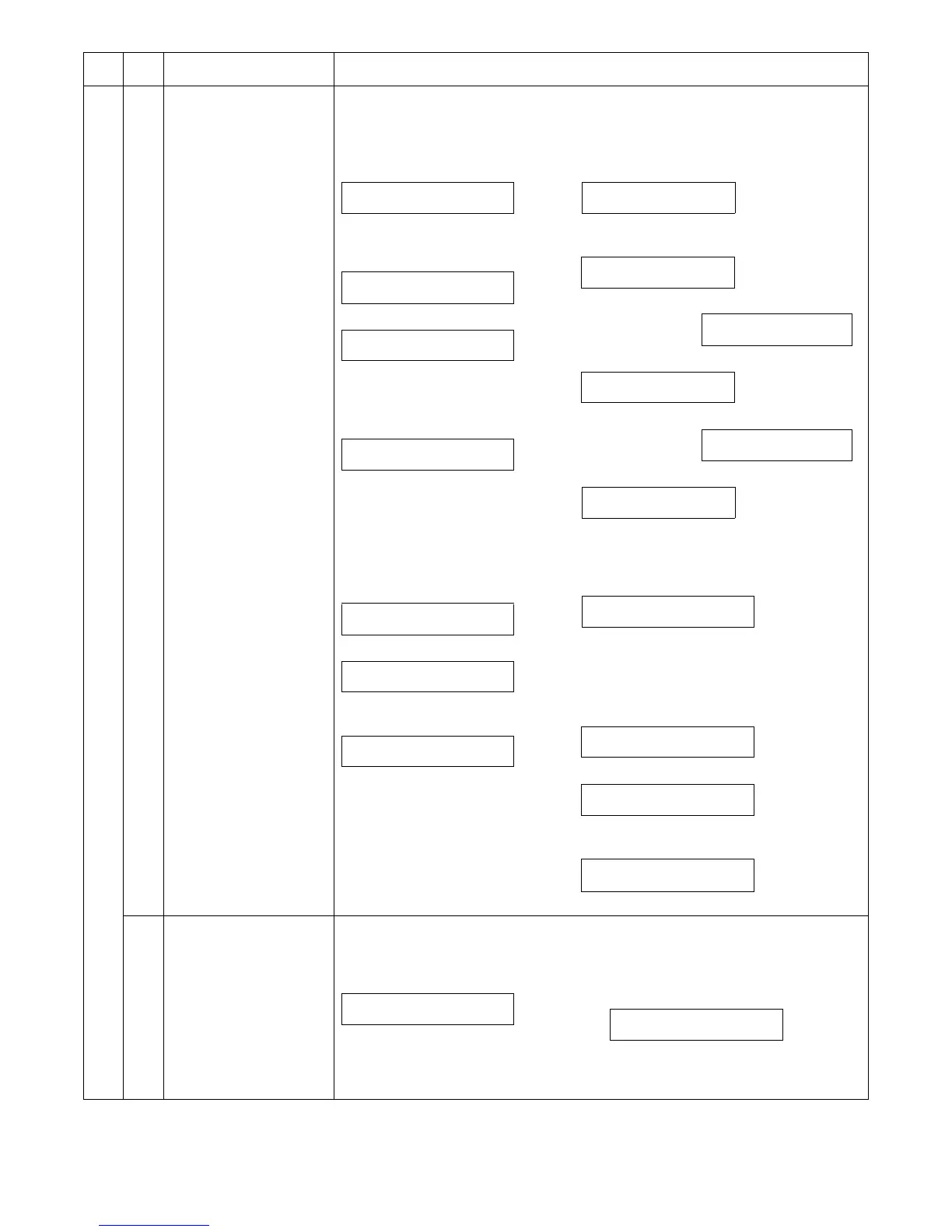
SELECT SIGNAL
1:PULSE 2:DTMF
INPUT MAKE TIME
(0-15) __
INPUT DIAL #
XXXX
SEND yyPPS xxms
1:YES 2:NO
SENDING yyPPS xxms
TERMINATE ?
1:YES 2:NO
TERMINATED
■ Dial test (DTMF)
1) Initial display
∗ [Clear] key: FAX control is terminated.
2) Select 2
↓ Select 2
3) Select 1 ↓
↓ Select 2
4) Select 1 ↓
XXXX: Default
∗ After deleting with [Clear] key, input can be
made.
4) [OK] key
"xx" indicates HI, and "yy" indicates Low Soft SW.
∗ Select 2: Returns to “4)” display.
5) Select 1
HI/LO is selected with the signal level inside.
6) After setting the signal send level
7) After completion of sending
∗ Select 2: Returns to “4)” display.
8) Select 1
After 2sec, returns to "1) Initial display".
SELECT SIGNAL
1:PULSE 2:DTMF
SELECT HIGH LEVEL
1:DEFAULT 2:SOFT SW.
↓
INPUT VALUE
(0-15) __
SELECT LOW LEVEL
1:DEFAULT 2:SOFT SW.
↓
INPUT VALUE
(0-15) __
INPUT DIAL #
XXXX
H:xx L:yy
1:YES 2:NO
SENDING DTMF
TERMINATE ?
1:YES 2:NO
TERMINATED
1) Initial display
∗ [Clear] key: FAX control is terminated.
2) [Numeric] key: Input
The content selected with signal send
level selection is set inside.
3) Communication is started after setting the
signal send level.
∗ [Clear] key: Returns to "1) Initial display".
INPUT DIAL #
SENDING SIGNAL MAX
PRESS CLEAR TO STOP


 To Next Page