EasyManua.ls Logo

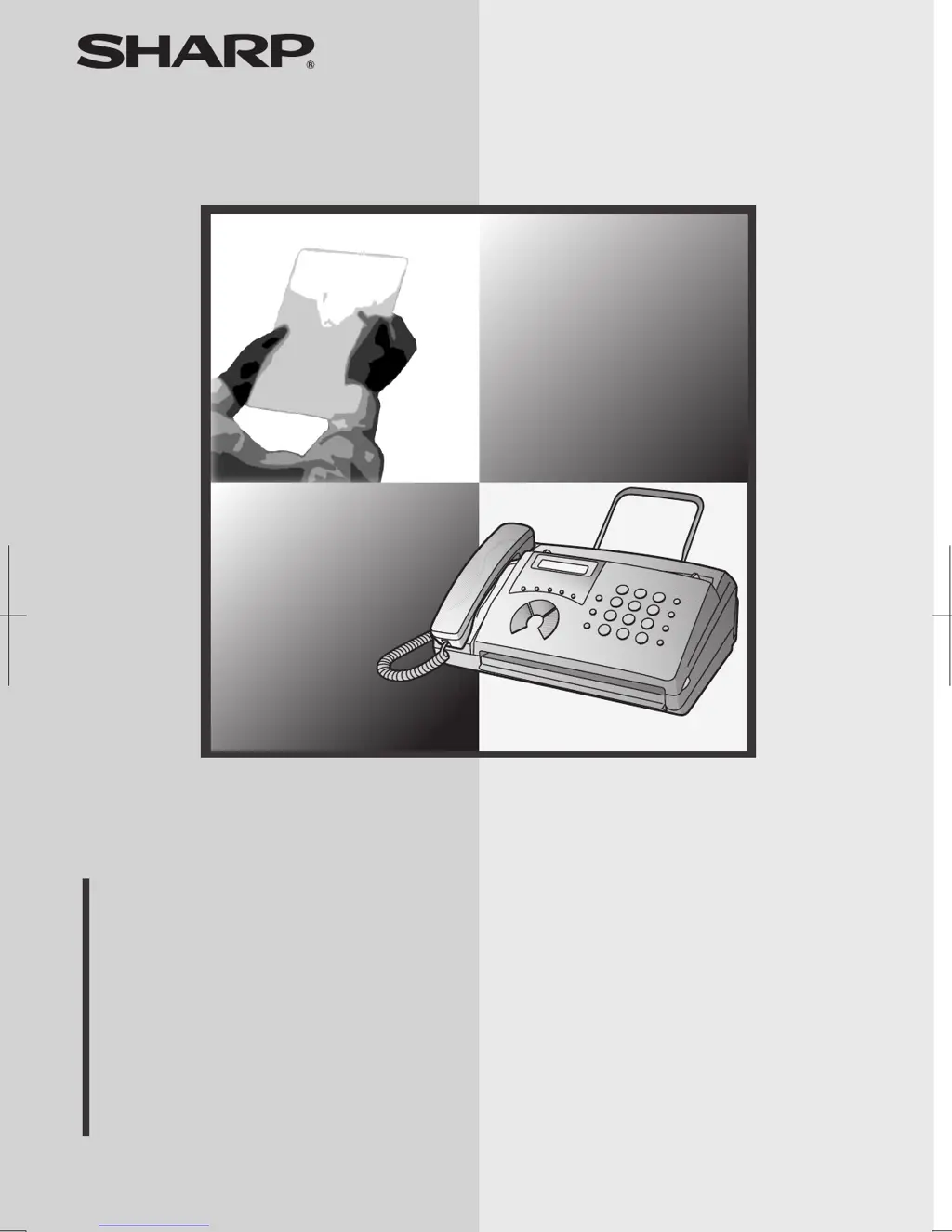
Sharp FO-51 - User Manual

Sharp FO-51
87 pages
Print Icon
To Next Page IconTo Next Page
Loading...
MODEL
OPERATION MANUAL
FACSIMILE
1. Installation
2. Sending Faxes
3. Receiving Faxes
4. Making Copies
5. Making Telephone Calls
6. Answering Machine Connection
7. Special Functions
8. Printing Lists
9. Maintenance
10. Troubleshooting
FO-51

Table of Contents

Other manuals for Sharp FO-51

Questions and Answers

  • C
    Colin WagnerAug 31, 2025
    Why nothing appears in the display of my Sharp FO-51 Fax Machine?
    • M
      Mrs. Kayla GarrisonAug 31, 2025
      If nothing appears on the display of your Sharp Fax Machine, ensure the power cord is properly plugged into a power outlet. You can also test the outlet by connecting another electrical appliance to see if it receives power.
  • L
    Lauren DavisSep 12, 2025
    Why are my Sharp FO-51 Fax Machine received images distorted?
    • J
      jonesmarySep 12, 2025
      If received images from your Sharp Fax Machine are distorted, noise on the telephone line may be the cause. Have the other party try sending the document again. Make a copy or print a report on your fax machine. If the copy or report is also distorted, your fax machine may need service.
  • T
    Tyrone CampbellAug 30, 2025
    Why are received images distorted on Sharp Fax Machine?
    • G
      Gina OlsonAug 30, 2025
      If the received images from your Sharp Fax Machine are distorted, it could be due to noise on the telephone line. Ask the sender to resend the document. Try making a copy or printing a report on your fax machine. If the copy or report is also distorted, your fax machine may need service.
  • K
    Krista ArellanoSep 12, 2025
    What causes my Sharp Fax Machine to print in strips?
    • J
      Jeanette GrimesSep 13, 2025
      If a received document or copy prints out in strips on your Sharp Fax Machine, make sure the operation panel is completely closed by pressing down on both sides of the panel.
  • D
    Donald SalazarSep 12, 2025
    Why is my Sharp Fax Machine printing faint documents?
    • L
      lynnespinozaSep 12, 2025
      If the received document from your Sharp Fax Machine is faint, ask the other party to send higher contrast documents. If the contrast is still too low, your fax machine may need service. Make a copy or print a report to check your machine’s printing ability. Also, make sure you are using the recommended thermal paper.
  • S
    Sean RoweSep 16, 2025
    Why is my Sharp FO-51 not receiving when polling?
    • M
      Mrs. Carmen WalkerSep 16, 2025
      If no reception occurs when polling is attempted on your Sharp Fax Machine: * Make sure you have not run out of paper. * Make sure the transmitting machine is in automatic reception mode. * If the transmitting machine has polling security, make sure that your fax number has been entered both in your machine and in the transmitting machine.
  • C
    charles14Sep 23, 2025
    What to do if the printing paper is jammed in my Sharp FO-51 Fax Machine?
    • M
      Michelle MoranSep 23, 2025
      If the printing paper is jammed in your Sharp Fax Machine, see the section on Clearing Paper Jams.
  • R
    Rebecca MichaelAug 27, 2025
    What to do if Sharp FO-51 Fax Machine power is on, but no transmission takes place?
    • M
      Michelle SchmidtAug 27, 2025
      If your Sharp Fax Machine is on but no transmission occurs, check that the receiving machine has paper and that the telephone line cord is plugged into the TEL. LINE socket, not the TEL. SET socket. Also, if the receiving machine is in manual mode without an attendant, reception won't be possible. Check the display for error messages and pick up the handset to check for a dial tone.
  • P
    Patrick GutierrezAug 26, 2025
    How to fix poor copy quality and dark lines on Sharp FO-51 Fax Machine?
    • M
      Maxwell Miller DDSAug 26, 2025
      If your Sharp Fax Machine has poor copy quality or shows dark vertical lines, the scanning glass might be dirty. Clean the scanning glass.
  • J
    John ReyesAug 25, 2025
    Why does Sharp Fax Machine interrupt voice calls on extension phone?
    • A
      Alyssa WeberAug 26, 2025
      If voice calls are interrupted by the fax on your Sharp Fax Machine, especially when using an extension phone, it might be because the reception mode is set to A.M. To prevent this on a tone dial extension, press any three keys on the extension phone after answering.

Summary

Warranty Information

Introduction

Automatic Dialling

Details about the fax machine's automatic dialling capabilities.

Fax Paper and Resolution

Information on fax paper and the machine's resolution settings.

Modem Speed and Memory

Specifies modem speed and internal memory capacity.

Important Safety Information

General Safety Precautions

Provides essential safety guidelines for operating the fax machine to prevent hazards.

1. Installation

Unpacking and Setup

Lists all items included and initial setup points for the fax machine.

Connections

Details on connecting the handset, power cord, and telephone line to the fax machine.

Loading Thermal Paper

Step-by-step guide on loading and replacing the thermal paper roll.

2. Sending Faxes

Transmittable Documents

Specifies the size and weight limits for documents to be sent.

Loading the Document

Instructions on how to load documents into the feeder for sending.

Sending Methods

Explains sending faxes via Normal, Rapid Key, and Speed Dialling methods.

3. Receiving Faxes

Reception Modes Overview

Explains TEL, FAX, TEL/FAX, and A.M. modes for receiving faxes and calls.

Answering Faxes

Details on how the fax answers calls in TEL/FAX mode and handles voice/fax detection.

Substitute Reception to Memory

How faxes are received into memory when printing is not possible due to paper issues.

4. Making Copies

How to Make Copies

Step-by-step instructions for using the fax machine to make copies.

5. Making Telephone Calls

Using the Fax as a Telephone

Instructions on how to make and receive voice calls using the fax machine.

Dialling Features

Information on Chain Dialling, Searching, Redialling, and Hold.

6. Answering Machine Connection

Connecting an Answering Machine

Guide on how to connect an external answering machine to the fax.

Using the Answering Machine Connection

How to set up the fax and answering machine for simultaneous operation.

Optional A.M. Mode Settings

Settings to improve the response of the answering machine connection.

7. Special Functions

Caller ID

Instructions on how to use and view Caller ID information received from calls.

Blocking Unwanted Faxes

How to set up an 'Anti Junk Fax' list to block unwanted numbers and faxes.

Polling

Instructions on how to request a fax transmission from another fax machine.

8. Printing Lists

Printing Lists

How to print the Telephone Number List and Anti Junk Number List.

Transaction Report

Details on the transaction report, its headings, and print conditions.

9. Maintenance

Cleaning Scanning Glass and Rollers

Guide on cleaning the scanning glass and rollers for optimal fax transmission and copy quality.

Cleaning the Housing

Instructions for cleaning the external parts and surface of the fax machine.

10. Troubleshooting

Line Error Solutions

Troubleshooting steps for when a 'LINE ERROR' message appears.

Dialling and Transmission Problems

Solutions for common dialling and transmission problems, including no dial tone.

Reception and Copying Problems

Resolving issues with fax reception, blank prints, faint documents, or distorted images.

Sharp FO-51 Specifications

General IconGeneral
BrandSharp
ModelFO-51
CategoryFax Machine
LanguageEnglish

Related product manuals