Sending a Fax by Automatic Dialling
31
2. Sending
Faxes
Note:
If the transmission is unsuccessful and DOCUMENT JAMMED appears in the
display, remove the document as explained on page 80.
Sending a Fax by Automatic Dialling
You can store up to 30 fax or phone numbers in the machine for automatic
dialling.
♦ Auto-dial numbers are dialled by pressing until the desired number
appears in the display, and then .
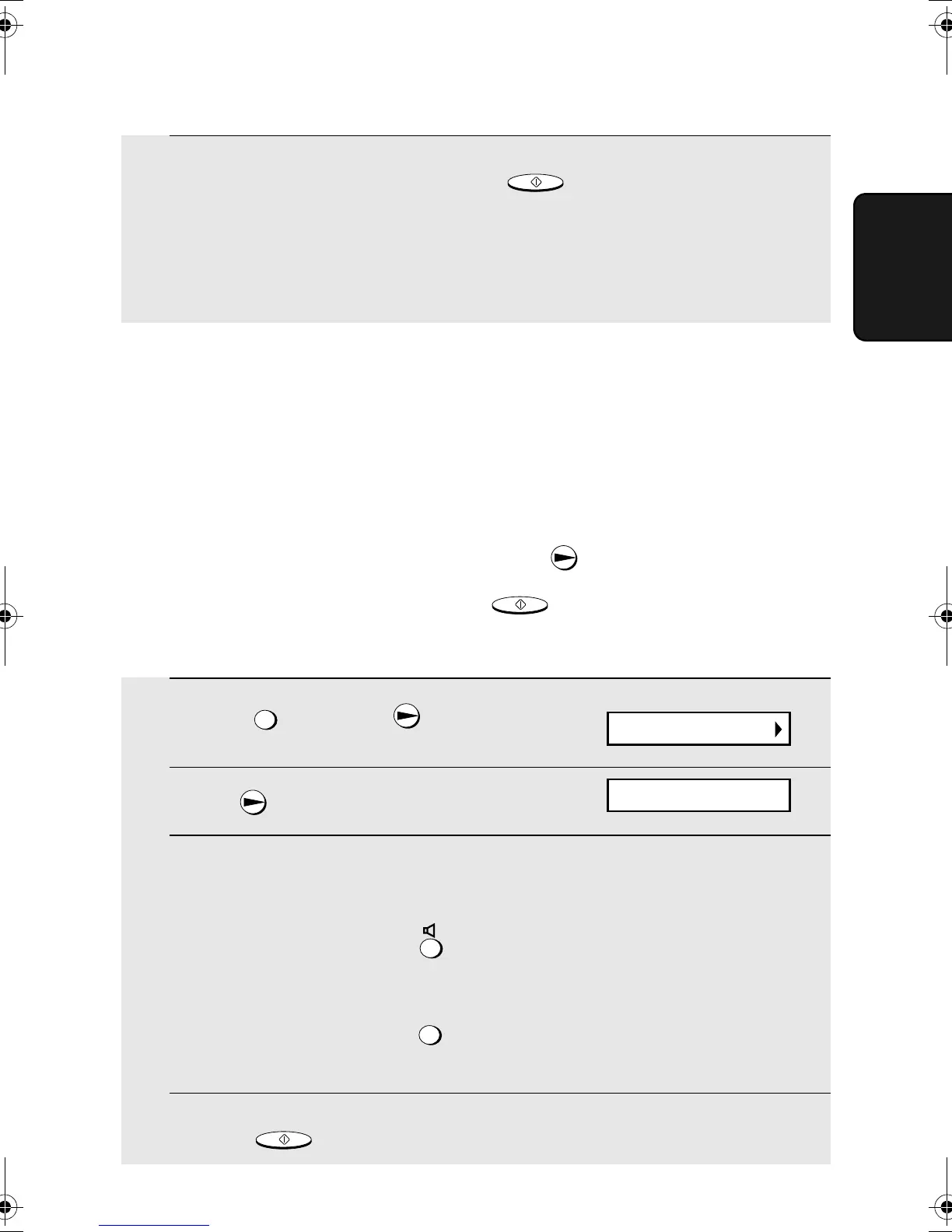
Storing fax and phone numbers for automatic dialling
START/MEMOR
1 Press once and once.
2 Press once.
3 Enter the fax or voice number by pressing the number keys. Up to 32
digits can be entered. (Note: A space cannot be entered.)
• To clear a mistake, press .
• If a pause is required between any of the digits to access a special service
or an outside line, press . The pause appears as a hyphen (two
seconds per pause). Several pauses can be entered in a row.
4 Press .
FUNCTION
FUNCTION
START/MEMOR
5 When you hear the fax tone, press . Replace the handset.
• If the transmission is completed successfully, the fax will beep once.
• If an error occurs, the fax will beep three times and print a Transaction
Report to inform you of the problem (see page 67).
TART/MEMOR
Display:
ENTER FAX #
<NEW NUMBER>
all.book Page 31 Monday, September 29, 2003 4:57 PM



 To Next Page