Sending a Fax by Automatic Dialling
34
8 Press
9 Return to Step 2 to edit or clear another number, or press to
return to the date and time display.
START/MEMOR
STOP
Using an auto-dial number
Once you have stored a fax or phone number, you can use it to send a fax or
make a phone call.
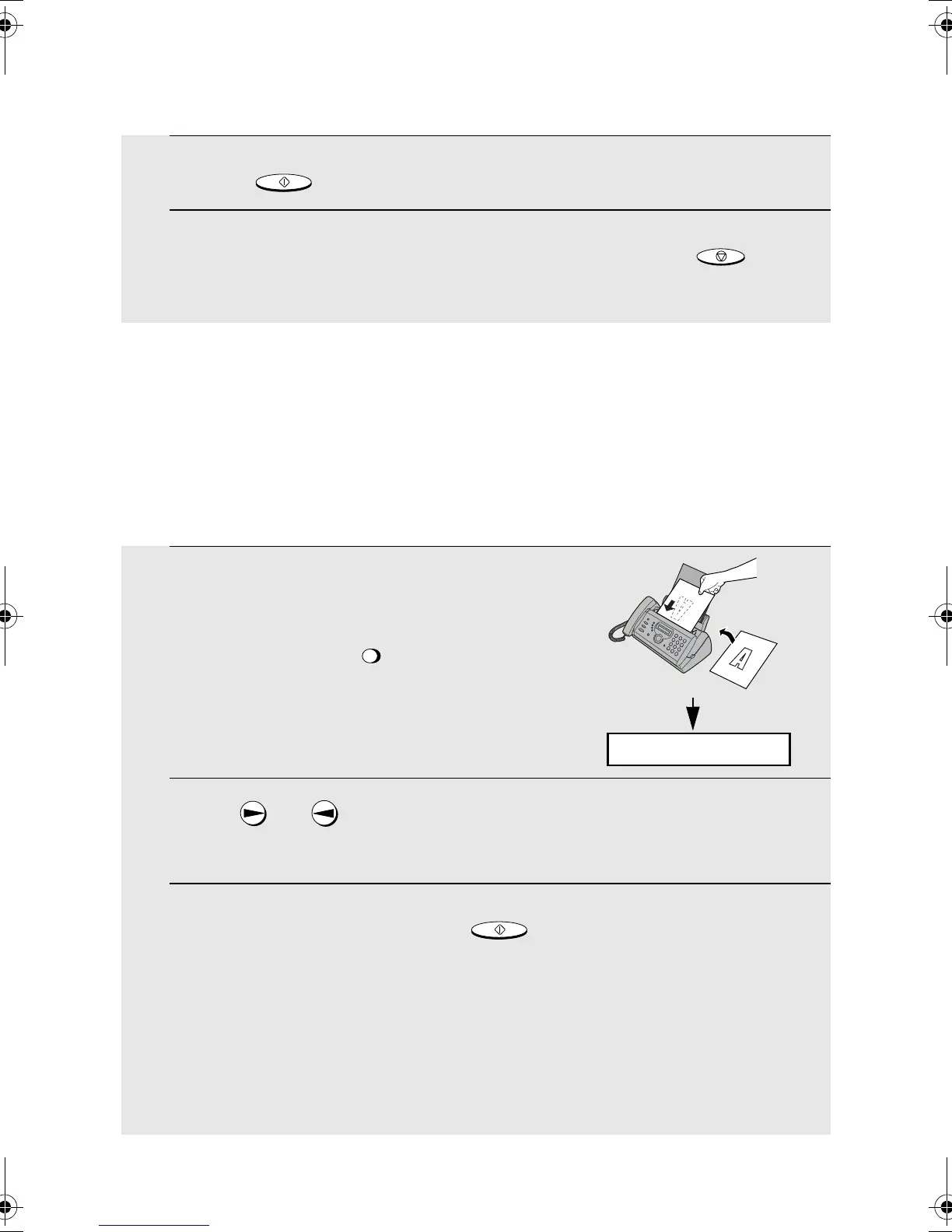
1 If you are sending a fax, load the
document(s).
• If desired, press to set the
resolution and/or contrast.
2 Press (or ) until the name of the other party appears in the
display (if no name was stored, the number will appear).
3 If you are sending a fax, press . Dialling and transmission
begins.
• If the transmission is completed successfully, the fax will beep once.
• If an error occurs, the fax will beep three times and print a Transaction
Report to inform you of the problem (see page 67).
If you are making a phone call, lift the handset. Dialing begins.
ESOLUTIO
START/MEMOR
READY TO SEND
all.book Page 34 Monday, September 29, 2003 4:57 PM



 To Next Page