113
6
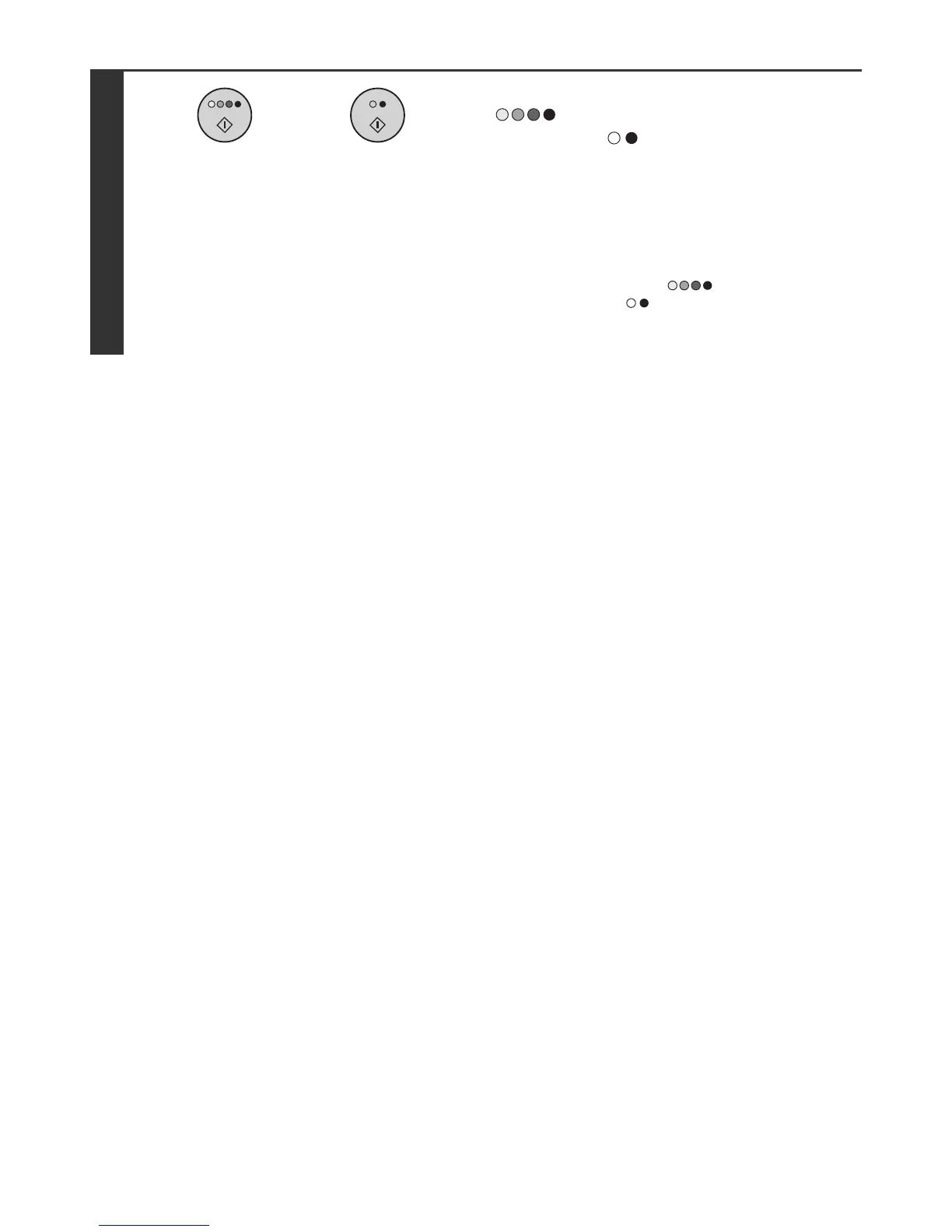
Press the [COLOUR START] key
( ) or the [BLACK & WHITE
START] key ( ).
Scanning begins.
• If you inserted the original pages in the document feeder
tray, all pages are scanned.
A beep will sound to indicate that scanning is finished.
• If you are scanning the original on the document glass, scan
each page one page at a time.
When scanning finishes, place the next original and press
the [COLOUR START] key ( ) or the [BLACK &
WHITE START] key ( ). Repeat until all pages have been
scanned and then press the [Read-End] key.
A beep will sound to indicate that scanning is finished.
or



 To Next Page