10
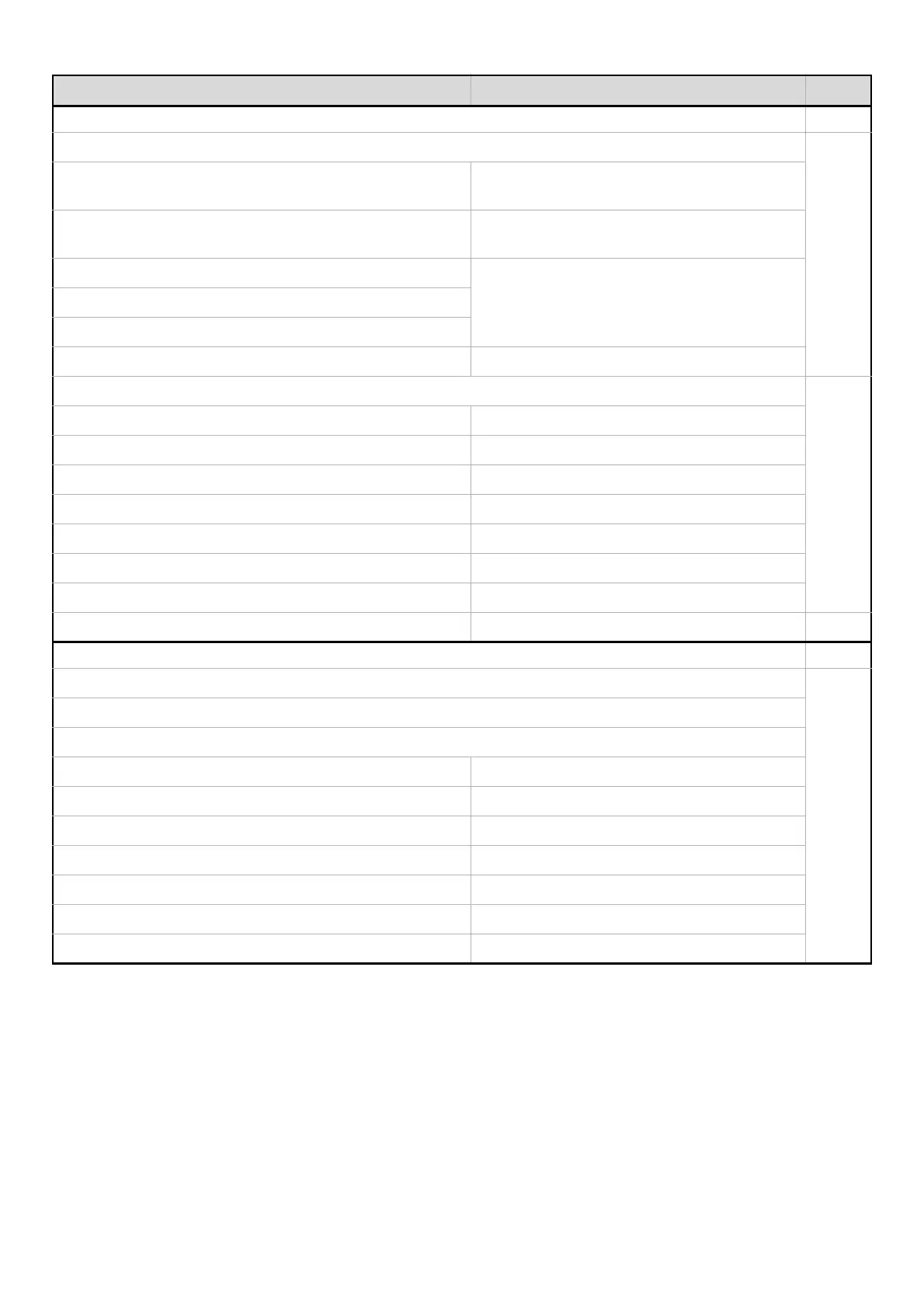
■ Paper Tray Settings 24
● Tray Settings
24
X Tray 1 Plain, Auto-Inch
(8-1/2" x 11" on the MX-2300/2700 Series)
X Tray 2 Plain, Auto-Inch
(11" x 17" on the MX-2300/2700 Series)
X Tray 3
Varies depending on the machine configurationX Tray 4
X Tray 5
X Bypass Tray Plain, Auto-Inch
● Paper Type Registration
28
X User Type 1 –
X User Type 2 –
X User Type 3 –
X User Type 4 –
X User Type 5 –
X User Type 6 –
X User Type 7 –
● Auto Tray Switching Enable 29
■ Address Control 30
● Direct Address / Program
30
X Individual
E-mail
• Search Number –
•Name –
• Initial –
• Index –
•Address –
•Key Name –
• File Format –
Item Factory default setting Page




 To Next Page