7-41
SYSTEM SETTINGS
Contents
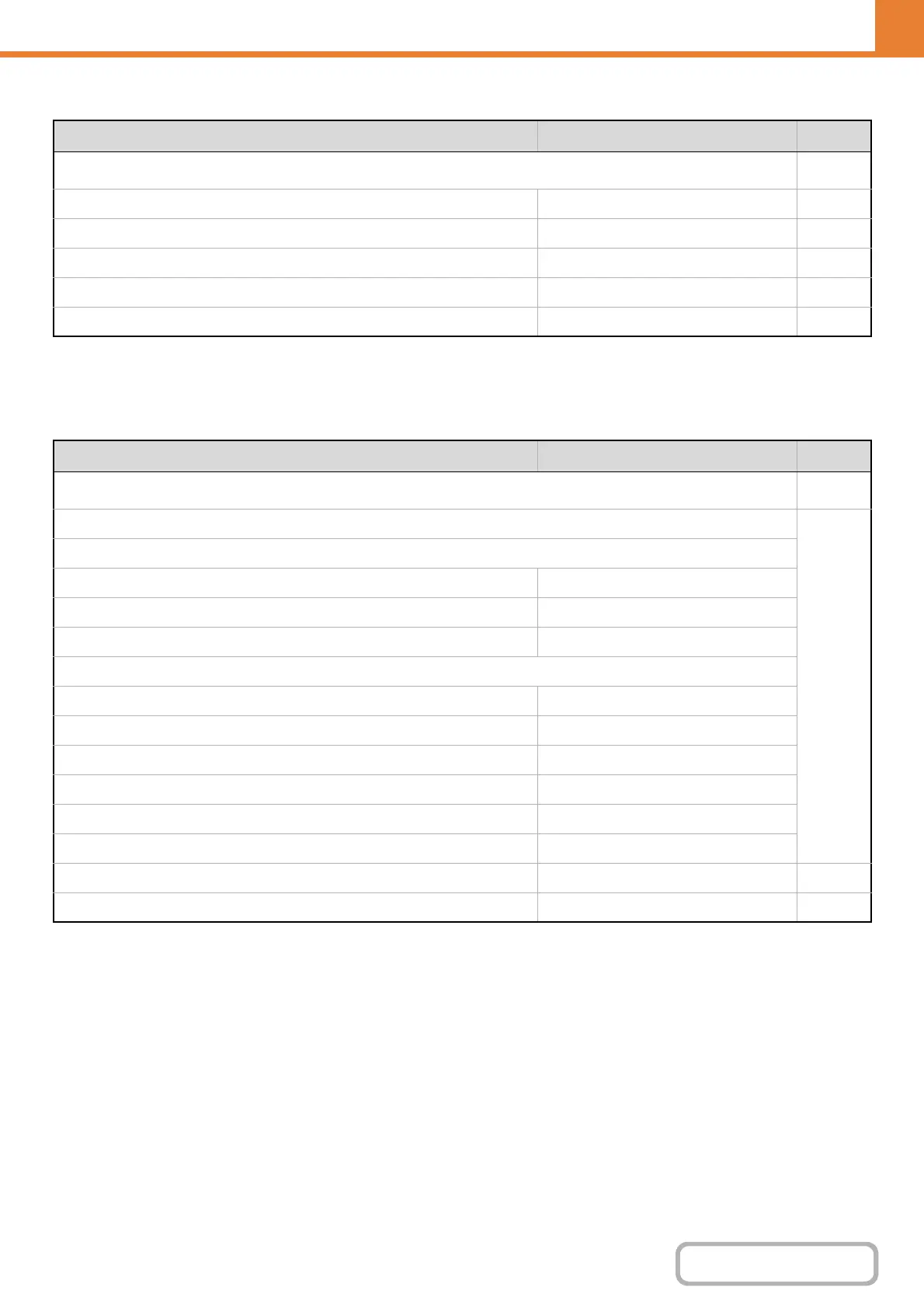
List Print (Administrator)
*1 When network connection is enabled.
*2 When the application integration module is installed.
Security Settings
Item Factory default setting Page
■ List Print (Administrator)
7-89
● Administrator Settings List – 7-89
● Image Sending Activity Report – 7-89
● Data Receive/Forward List – 7-89
● Web Settings List*
1
– 7-89
● Metadata Set List*
2
– 7-89
Item Factory default setting Page
■ Security Settings
7-90
● SSL Settings
7-90
X Server Port
HTTPS Enabled
IPP-SSL Disabled
Redirect HTTP to HTTPS in Device Web Page Access Disabled
X Client Port
HTTPS Enabled
FTPS Enabled
SMTP-SSL Enabled
POP3-SSL Enabled
LDAP-SSL Enabled
Level of Encryption Low
● IPsec Settings Disabled 7-90
● IEEE802.1X Setting Disabled 7-90


 To Next Page