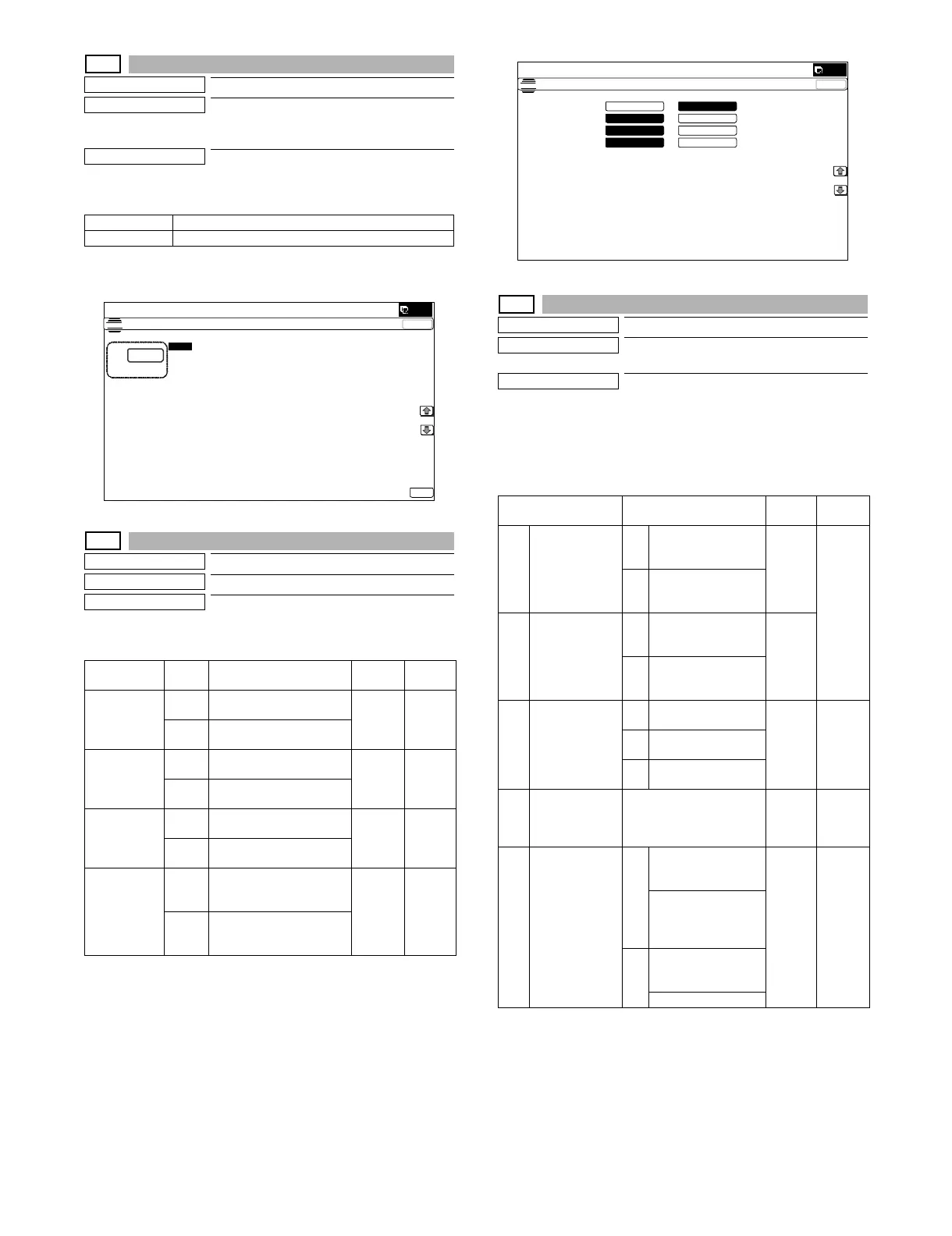
MX-5001N SIMULATION 6 – 37
26-54
Purpose
Setting
Function (Purpose)
User auto color calibration (color balance
adjustment) Inhibit/Allow setting
(printer mode)
Section
Operation/Procedure
1) Enter the set value with 10-key.
2) Press [OK] key.
The set value in step 1) is saved.
26-65
Purpose
Setting
Function (Purpose)
Used to set the finisher alarm mode.
Section
Operation/Procedure
Use the touch key to set.
*1: 1-5 sheets (20 sets) / 6-10 sheets (15 sets)/
10-15 sheets (10 sets)
26-69
Purpose
Setting
Function (Purpose)
Used to set the operating conditions for
toner near end.
Section
Operation/Procedure
1) Select an item to be set with [↑] [↓] keys.
2) Enter the set value with 10-key.
3) Press [OK] key.
The set value in step 2 is saved.
0 Inhibit
1 Allow (Default)
Item
Set
value
Content
Setting
range
Default
value
LIMIT
SHEETS
30 Number of sheets of
stapling: Max. 30
30 or 50 50
50 Number of sheets of
stapling: Max. 50
LIMIT
COPIES
ON Number of sets of stapling:
Max. 50 sets
ON or
OFF
ON
OFF Number of sets of stapling:
Not Limited
LIMIT
SHEETS(L)
25 Number of sheets of
stapling: Max. 25
25 or 30 25
30 Number of sheets of
stapling: Max. 30
SADDLE
COPIES
ON Number of sets loaded in
the saddle staple: Limited
(*1)
ON or
OFF
ON
OFF Number of sets loaded in
the saddle staple: Not
Limited
ǂǂǂ6,08/$7,21ǂǂ12
&/26(
7(67
(1$%/,1*2)$8720$7,&&2/25&2/,%5$7,212)35,17(5
$˖
˷˹
˖<(612
$˖
2.
Item/Display Content
Setting
range
Default
value
ATONER
PREPARATION
(0 : YES 1 : NO)
0 The toner preparation
message is
displayed.
0 - 1
1 The toner preparation
message is not
displayed.
B TONER NEAR
END
(0 : YES 1 : NO)
0 The toner near end
message is
displayed.
0 - 1
1 The toner near end
message is not
displayed.
C TONER END 1 Operation Enable in
TONER END
1 - 3 2
2 Operation STOP in
TONER END
3 Operation STOP in
TONER END
D TONER END
COUNT
Setting of the number of
copy/print/FAX outputs
Enable after TONER
NEAR END.
1 - 5 1
E TONER E-MAIL
ALART
0 Condition for Low
status send of E-mail
alert
0 - 1 1
When the toner
preparation message
is displayed (in near
near toner end)
1 Condition for Low
status send of E-mail
alert
When near toner end
ǂǂǂ6,08/$7,21ǂǂ12
&/26(
7(67
),1,6+(5$/$5002'(6(78367$3/(/,0,7
/,0,76+((76 ˖
21 2))
/,0,7&23,(6 ˖
/,0,76+((76˄/ ˖
21 2))6$''/(&23,(6
˖



 To Next Page