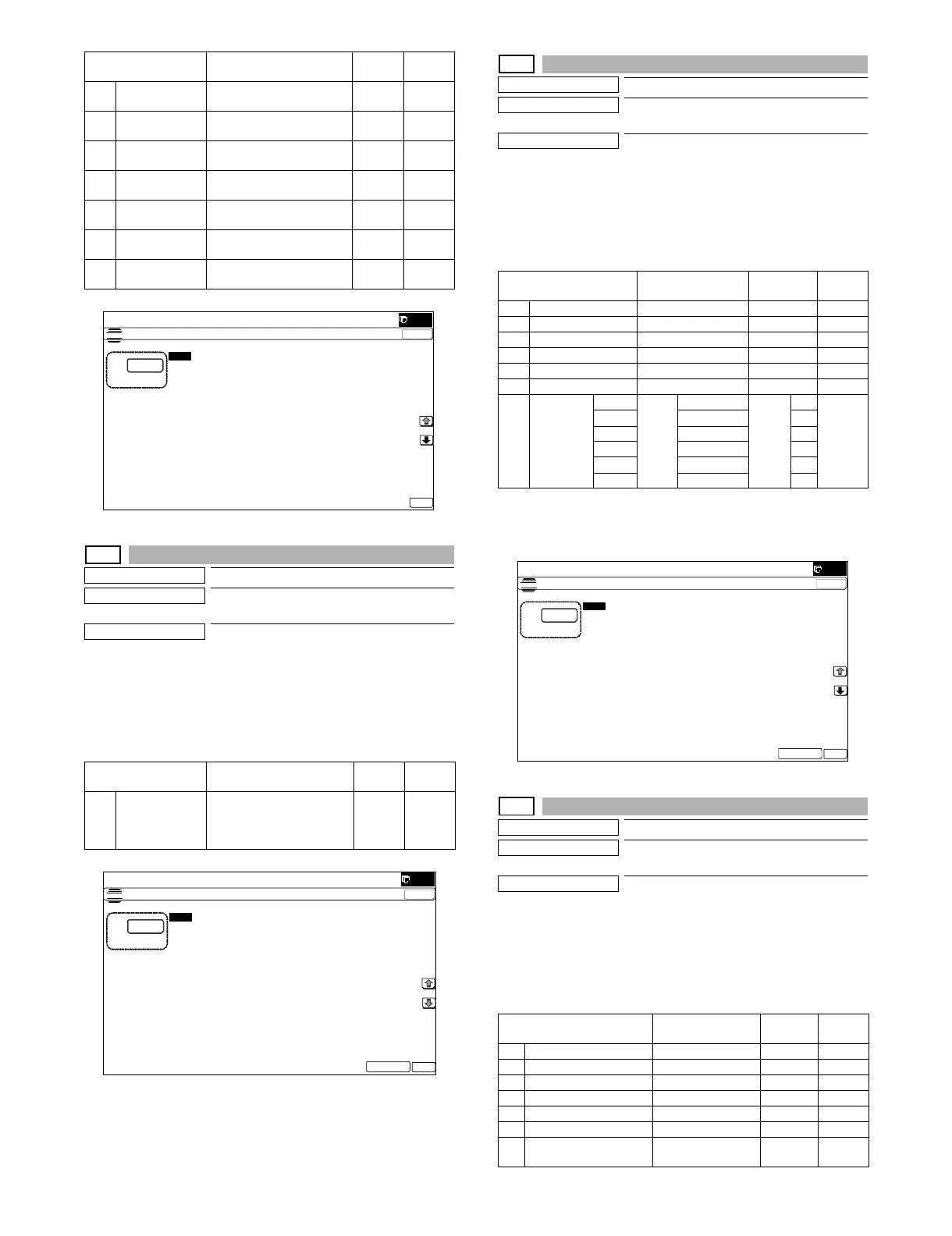
MX-5001N SIMULATION 6 – 85
46-40
Purpose
Adjustment/Setup
Function (Purpose)
Used to adjust the FAX send image density.
(Collective adjustment of all the modes)
Section
Operation/Procedure
1) Set the original on the original table.
2) Enter the set value with 10-key.
3) Press [EXECUTE] key, or [OK] key
When [EXECUTE] key is pressed, the adjustment value is set
and the scanned document image is outputted.
46-41
Purpose
Adjustment/Setup
Function (Purpose)
Used to adjust the FAX send image density.
(Normal)
Section
Operation/Procedure
1) Set the original on the original table.
2) Enter the set value with 10-key.
3) Press [EXECUTE] key, or [OK] key
When [EXECUTE] key is pressed, the adjustment value is set
and the scanned document image is outputted.
To check the adjustment density level of items A - F, set the docu-
ment and set the setting value of item G according to items A - F,
and press [EXECUTE] key.
46-42
Purpose
Adjustment/Setup
Function (Purpose)
Used to adjust the FAX send image density.
(Fine)
Section
Operation/Procedure
1) Set the original on the original table.
2) Enter the set value with 10-key.
3) Press [EXECUTE] key, or [OK] key
When [EXECUTE] key is pressed, the adjustment value is set
and the scanned document image is outputted.
C 200 x 200 [DPI]
ON
200 x 200 [DPI]
half tone ON
0 - 2 1
D 200 x 400 [DPI]
OFF
200 x 400 [DPI]
half tone OFF
0 - 2 1
E 200 x 400 [DPI]
ON
200 x 400 [DPI]
half tone ON
0 - 2 1
F 400 x 400 [DPI]
OFF
400 x 400[DPI]
half tone OFF
0 - 2 1
G 400 x 400 [DPI]
ON
400 x 400[DPI]
half tone ON
0 - 2 1
H 600 x 600 [DPI]
OFF
600 x 600[DPI]
half tone OFF
0 - 2 1
I 600 x 600 [DPI]
ON
600 x 600[DPI]
half tone ON
0 - 2 1
Item/Display Content
Setting
range
Default
value
A EXPOSURE
LEVEL(ALL)
Used to adjust the FAX
send image density.
(Collective adjustment of all
the modes)
1 - 99 50
Item/Display Content
Setting
range
Default
value
ǂǂǂ6,08/$7,21ǂǂ12
&/26(
7(67
,0$*(6(1'6+$531(66$'-8670(17
$˖
˷˹
˖h>'3,@2))
$˖
˖h>'3,@2))
%˖
˖h>'3,@21
&˖
˖h>'3,@2))
'˖
˖h>'3,@2))
)˖
˖h>'3,@21
(˖
˖h>'3,@21
*˖
˖h>'3,@2))
+˖
˖h>'3,@21
,˖
2.
ǂǂǂ6,08/$7,21ǂǂ12
&/26(
7(67
(;32685($'-8670(17)$;$//
$˖
˷˹
˖(;32685(/(9(/$//
$˖
2.
(;(&87(
Item/Display Content
Setting
range
Default
value
A AUTO Auto 1 - 99 50
B EXPOSURE1 Exposure 1 1 - 99 50
C EXPOSURE2 Exposure 2 1 - 99 50
D EXPOSURE3 Exposure 3 1 - 99 50
E EXPOSURE4 Exposure 4 1 - 99 50
F EXPOSURE5 Exposure 5 1 - 99 50
G EXECUTE
MODE
AUTO Print
mode
Auto 1 - 6 1 1
(AUTO)
EXP1 Exposure 1 2
EXP2 Exposure 2 3
EXP3 Exposure 3 4
EXP4 Exposure 4 5
EXP5 Exposure 5 6
Item/Display Content
Setting
range
Default
value
A AUTO Fine/Automatic 1 - 99 50
B EXPOSURE1 Fine/Exposure 1 1 - 99 50
C EXPOSURE2 Fine/Exposure 2 1 - 99 50
D EXPOSURE3 Fine/Exposure 3 1 - 99 50
E EXPOSURE4 Fine/Exposure 4 1 - 99 50
F EXPOSURE5 Fine/Exposure 5 1 - 99 50
G AUTO H_TONE Fine/Automatic/
Half tone
1 - 99 50
ǂǂǂ6,08/$7,21ǂǂ12
7(67
(;32685($'-8670(17)$;1250$/
$˖
˷˹
˖$872
˖(;32685(
˖(;32685(
˖(;32685(
˖(;32685(
˖(;32685(
˖(;(&87(02'($872



 To Next Page