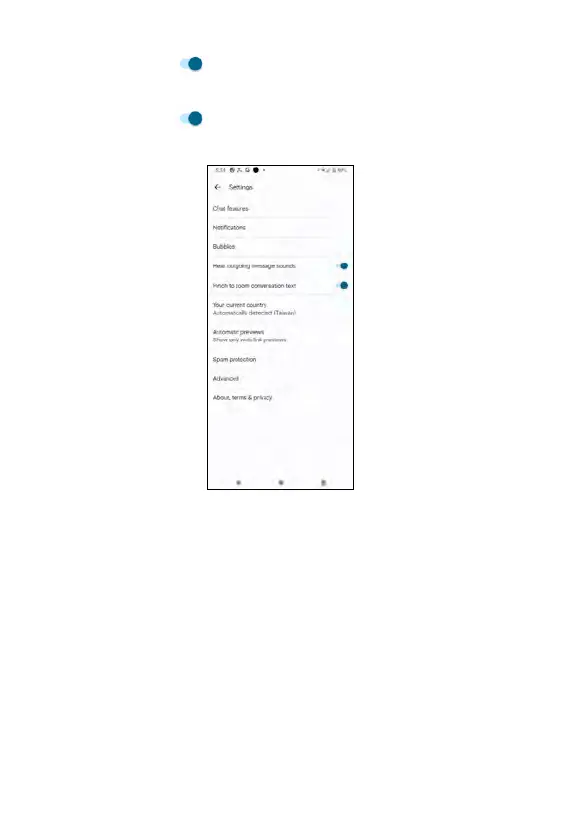
Hear outgoing message sound
Use the toggle switch to enable or disable outgoing message sound.
Pinch to zoom conversation text
Use the toggle switch to enable or disable pinching to zoom
conversation text.
Your current country
Tap Your current country to display a pop-up list of countries. If you check
Automatically detected, the phone will automatically detect the country where
you use the phone based on the service carrier of inserted SIM card.
130















 To Next Page