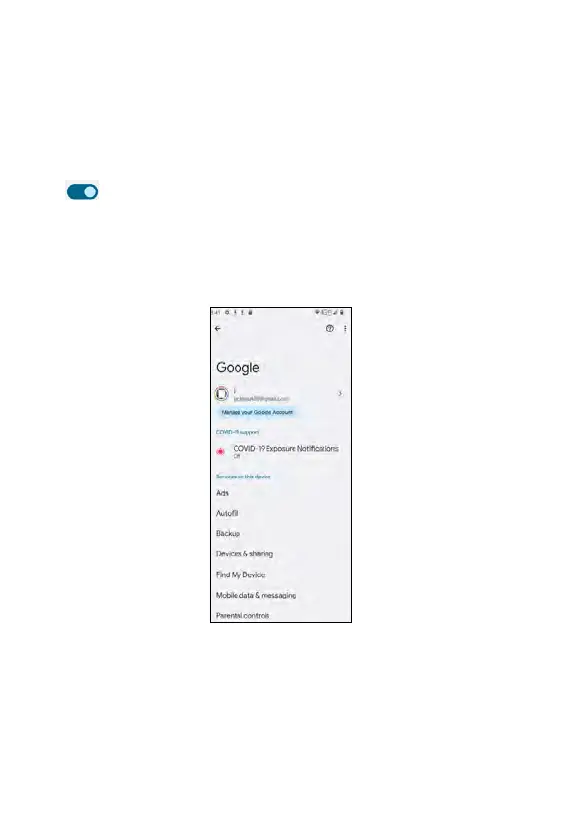
• Find My Device: tap to enabe or disable Find My Device (Google
Location service must have been activated first)
• Mobile data & messaging: tap to access Data management and Device
phone number.
• Parent controls: enter Parental controls. For instructions, refer to
Parental controls in Digital Wellbeing & parental controls under
Settings.
• Personalize using shared data: this lets Google apps use on-device
data shared by these apps and other sources. Use the the toggle switch
to enable or disable the selected app(s).
• Set up & restore: tap to access Restore contacts, Set up nearby device,
and Set up your work profile.
• Settings for Google apps: tap to access Connected apps, Google
Contacts sync, Google Fit, Google Play Instant, Google Pay, or Search,
Assistant & Voice.
250 251















 To Next Page