Advanced Features
62
Audio Dubbing Feature
Available mode:
TAPE-VCR
You can add narration to recordings made with
this camcorder, while preserving the original
audio and video recordings.
Audio Recording
In normal recording mode
12-bit audio recording
The audio is recorded in stereo on Audio 1.
Audio 1: Stereo (left and right) sound
Audio 2: No audio
16-bit audio recording
The audio is recorded in stereo with the left and
right sound on two separate channels.
Audio 1: Left sound
Audio 2: Right sound
In Audio Dubbing mode
12-bit audio recording
The dubbed audio is recorded on Audio 2.
Audio 1: Original stereo (left and right) sound
Audio 2:
Dubbed stereo (left and right) sound
16-bit audio recording
The dubbed audio is recorded on Audio 2 over
the original right sound. Both dubbed and
original sounds are mono.
Audio 1: Original left sound
Audio 2: Dubbed sound
Note:
• You can select the 12-bit or 16-bit audio
recording mode by performing the procedure on
page 40.
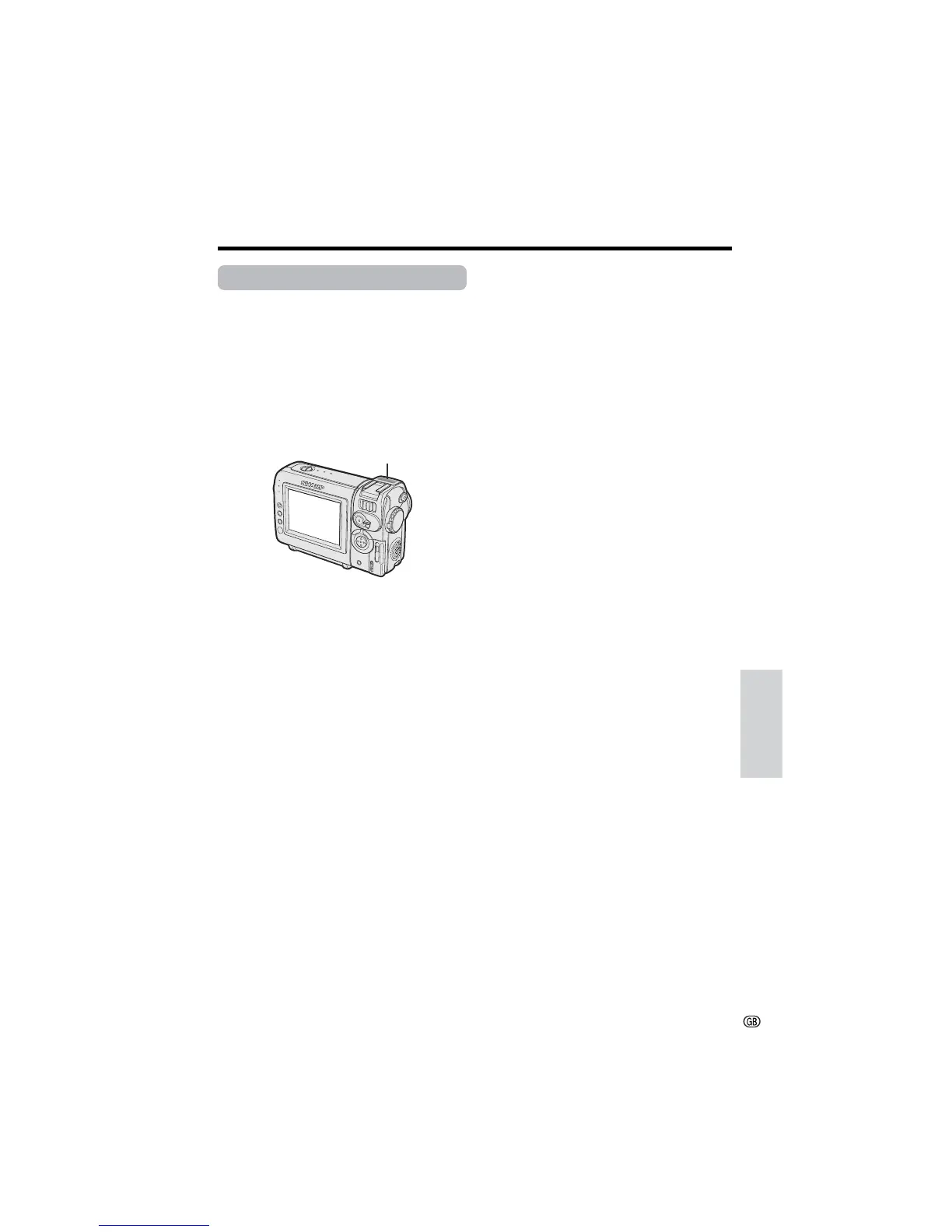
Microphone for Audio Dubbing
You can use the built-in stereo microphone to
record narration.
Notes:
• Audio dubbing does not function through the DV
terminal.
• You cannot use the zoom microphone to record
narration.
• You cannot use audio dubbing with recordings
made in LP mode.
Built-in stereo microphone









 To Next Page