Appendix
84
Setting the Camcorder to
Factory Presettings
Available modes:
All modes
You can set the camcorder to the factory
presettings in one operation.
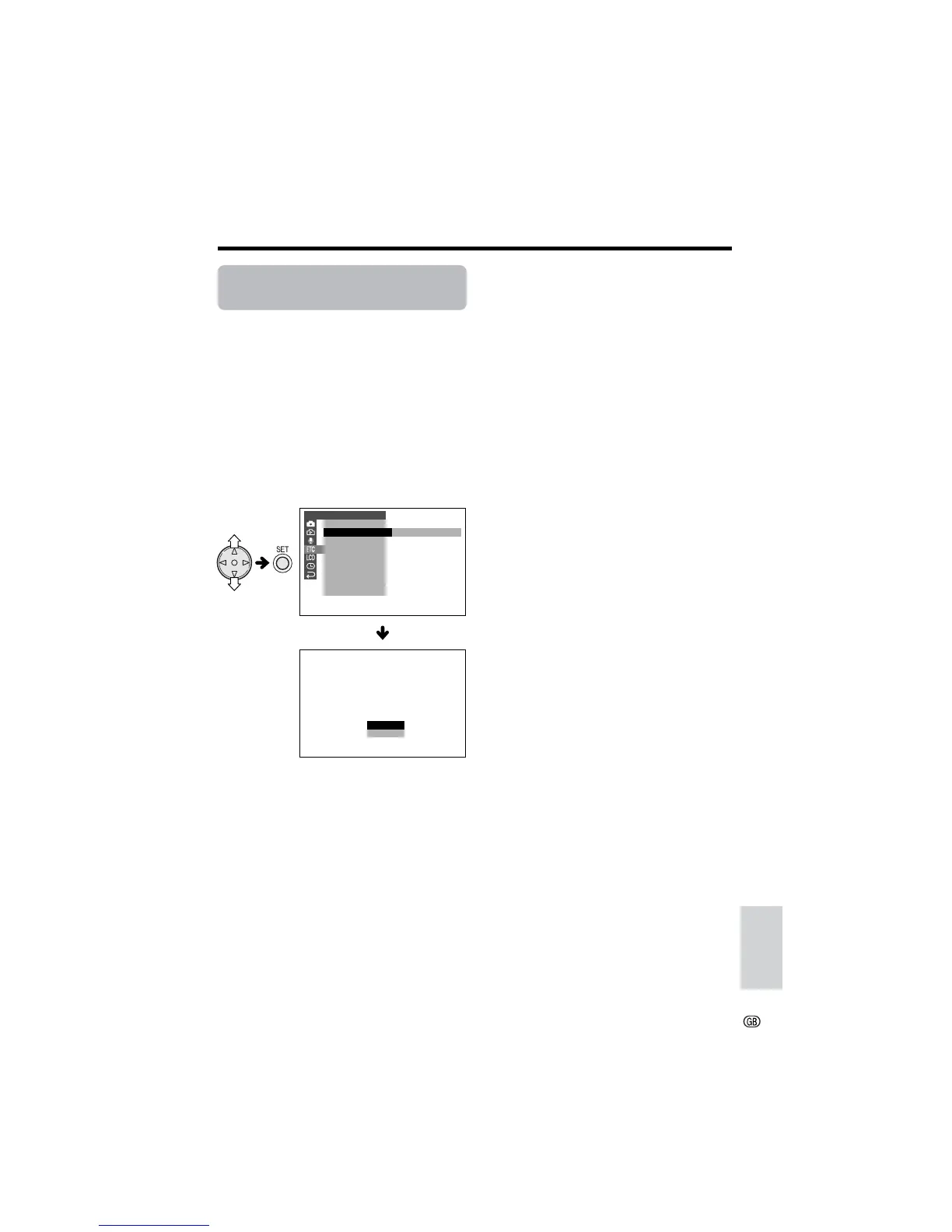
1 Press the MENU button until the menu
screen appears.
2 Press l or m on the operation button
to select I, then press the SET button.
3 Press l or m to select “DEFAULT”,
then press the SET button.
4 Press l or m to select “YES”, then
press the SET button.
• To cancel, press l or m to select “NO”,
then press the SET button.
5 Press the MENU button to turn off the
menu screen.
Note:
• Even when you perform the steps above, the on-
screen display language setting and clock
setting maintain the memory.
OTHERS
OSD
DEFAUL T
SOUND
T IME CODE
TC OUT
DEMO
LANGUAGE
RETURN
DEFAULT
RETURN TO
NO
YES
FACTORY PRESETT INGS.
MOD E
EXECUTE









 To Next Page