12 English
HOW TO USE
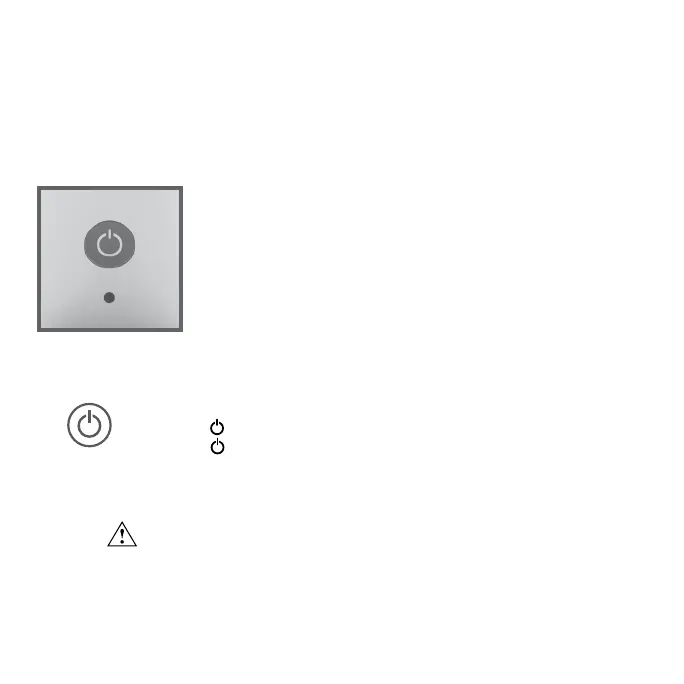
Please check the Indicator Light, located near the Controls button.
Solid Green - Product fully charged, ready for use
Fading Green - Product charging, above 70% charged
Fading Red - Product charging, low charge
Flashing Red - Critically low, needs to be charged
POWER ON / OFF
1. Press ( ) to power unit on and off.
2. Press ( ) to cycle through fan speeds: Low, Medium and High.
WARNING: Do not hang product.


 To Next Page