5
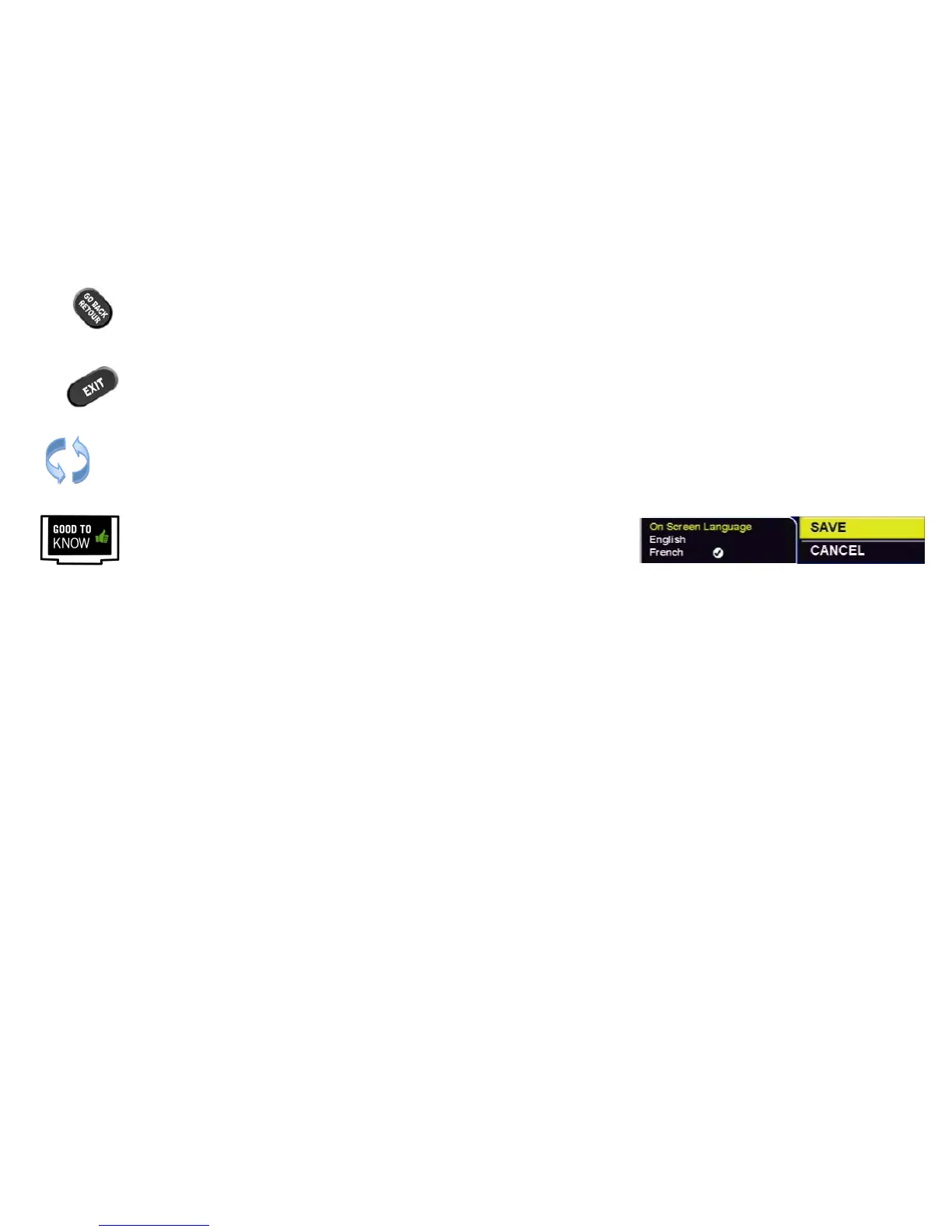
The GO BACK key will save your changes and return to the previous menu.*
The EXIT key will save your changes in the current menu and exit all the way back
to live TV.* Note that if you have made changes in intermediate menus, these
may be lost by using EXIT instead of GO BACK.
All menus are “circular”, and will continue from the beginning when you reach the end
of the menu.
*Within the “System Settings” menus, you must select “SAVE” to save your
changes. Pressing GO BACK or EXIT will discard any changes you have made.



 To Next Page