Cyan
Magenta
Yellow
Black
23
Filters
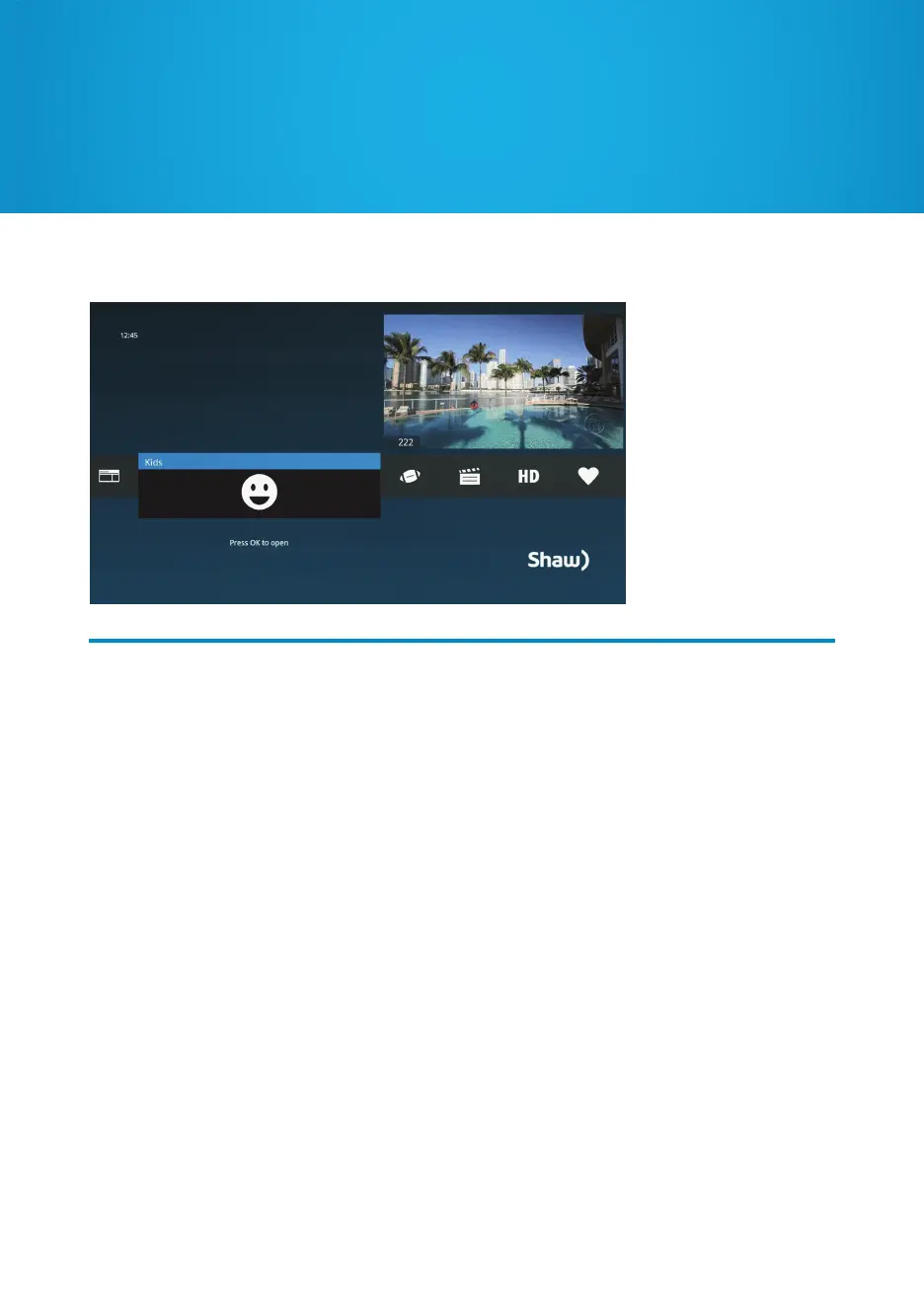
To narrow down the list of currently airing shows, use Filters in the Main Menu to filter by
Music, News, Kids, Sports, Movies or HDTV. To hide certain Filters in the Main Menu, go to
Settings and select “Menu Customization”.
Favourites
Create a list of Favourite channels for quick access to what’s currently airing. Simply select
a program, press INFO, and choose “add item to favourites”. The channel that program
airs on will be added to your Favourites list, which can be accessed from the Main Menu.
To delete channels, select the channel and press CLEAR on your remote, or select “remove
from favourites”. To clear the entire list, select “options” and choose “clear all”.
Filters and Favourites


 To Next Page