26
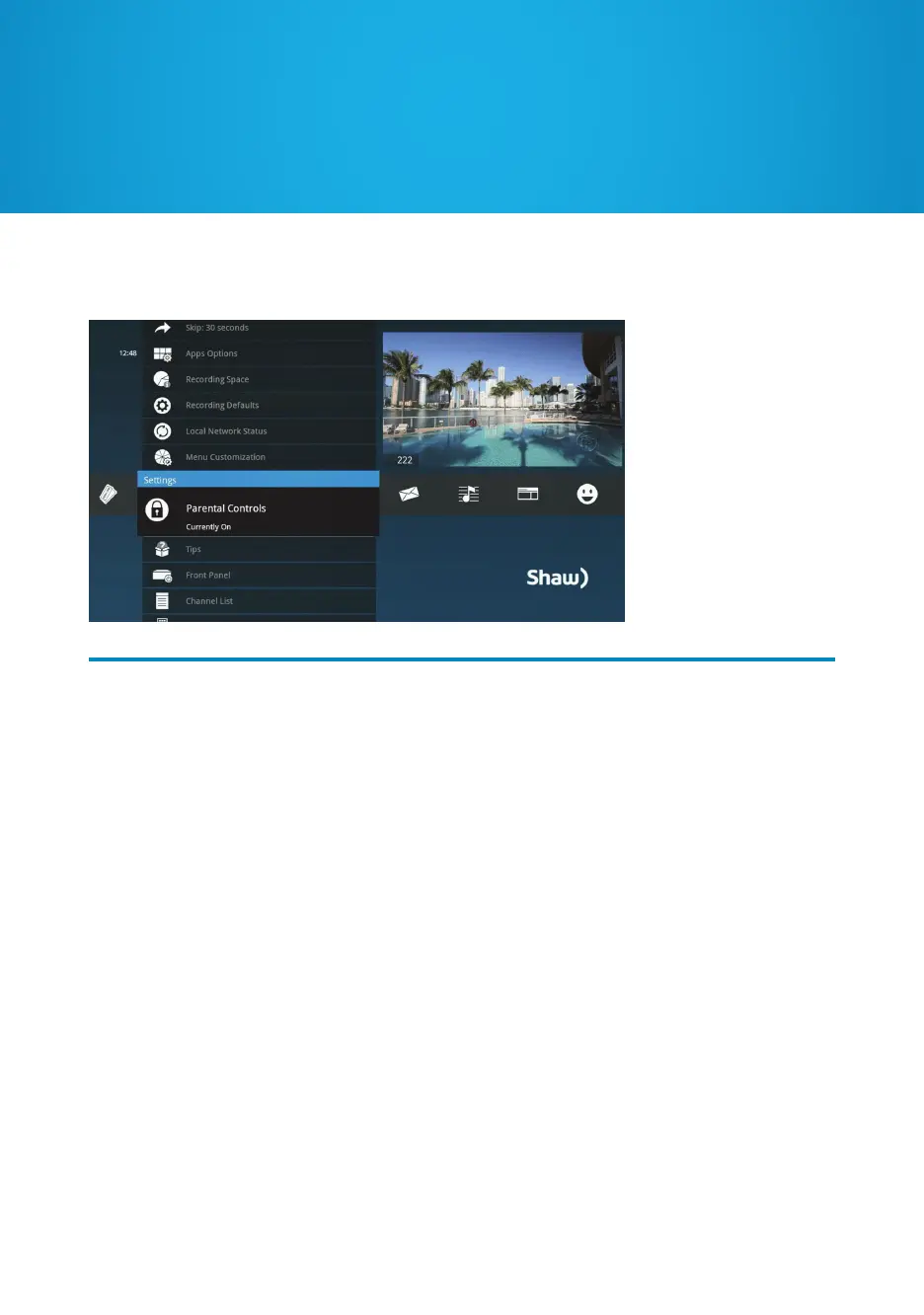
In the Settings category you can set enhanced Parental Controls, to lock shows by
channel or by program rating. Choose a 4-digit PIN to get temporary access to locked
content and manage your choices.
The system records scheduled shows that are blocked by Parental Controls, but you must
enter the PIN before you can watch them. Parental Controls also allow you to have a PIN
prompt before any Shaw Purchases are made, such as Shaw On Demand or PPV.
If you’ve added additional Portals to your Gateway, you can enable unique Parental
Controls for each one.
Manage what your kids are watching and control who can make purchases on your TV
with the customizable Parental Controls.
Parental Controls


 To Next Page