Cyan
Magenta
Yellow
Black
25
How to order Shaw On Demand
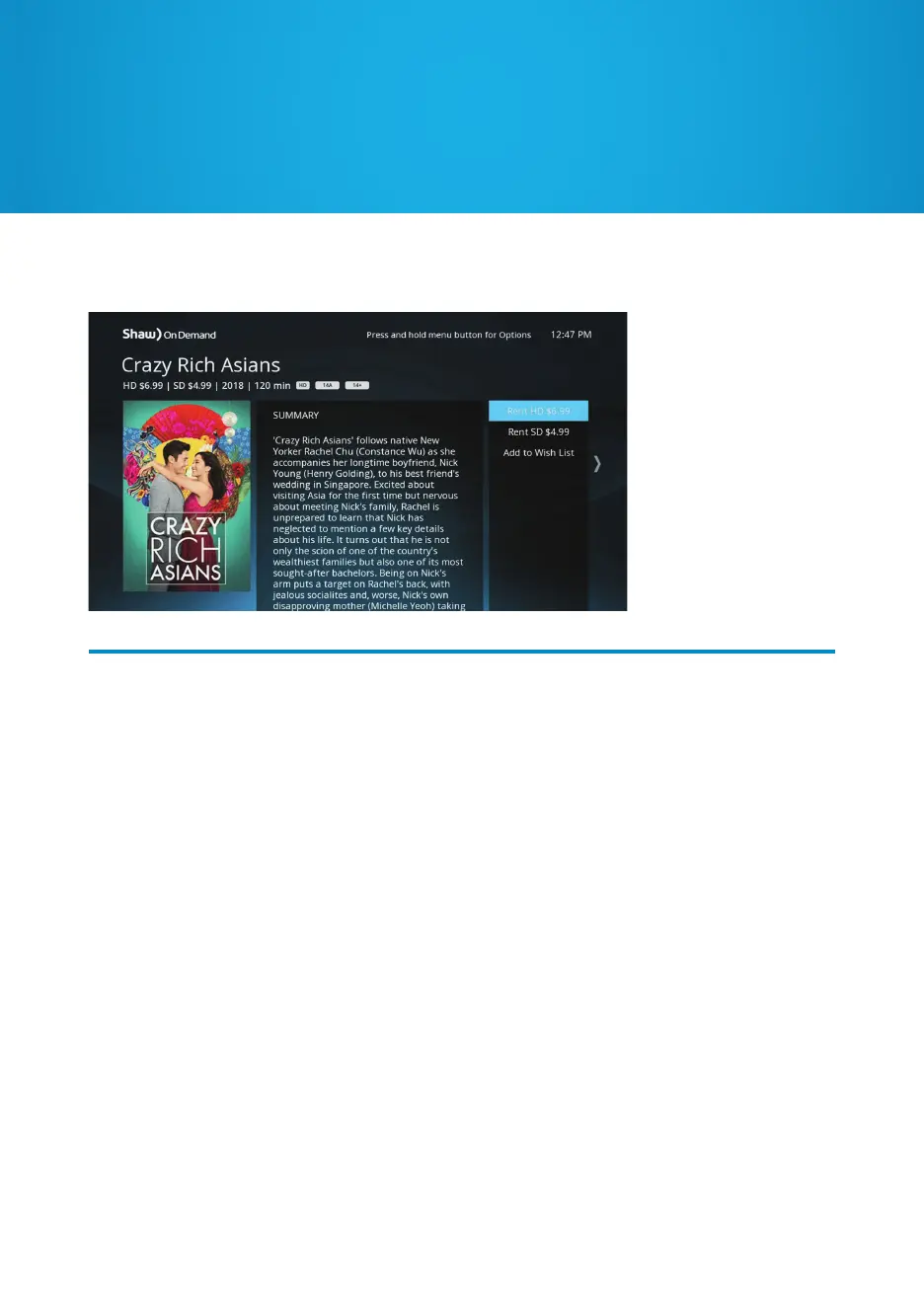
After selecting a title, press OK for the following list of options:
Rent: You can rent a title in standard definition (SD) or high definition (HD) where
available. A confirmation window will appear before a purchase is complete to avoid
accidental orders. The price and rental window varies by title, but is always shown on
screen before you confirm your rental.
Add to Wishlist: Create your own personal collection of future Shaw On Demand rentals
by saving them to your Wishlist. You’ll never be charged for an item in your Wishlist until
you decide to order it. To access your Wishlist, enter Shaw On Demand, then select
“Wishlist” from the list of categories.


 To Next Page