8
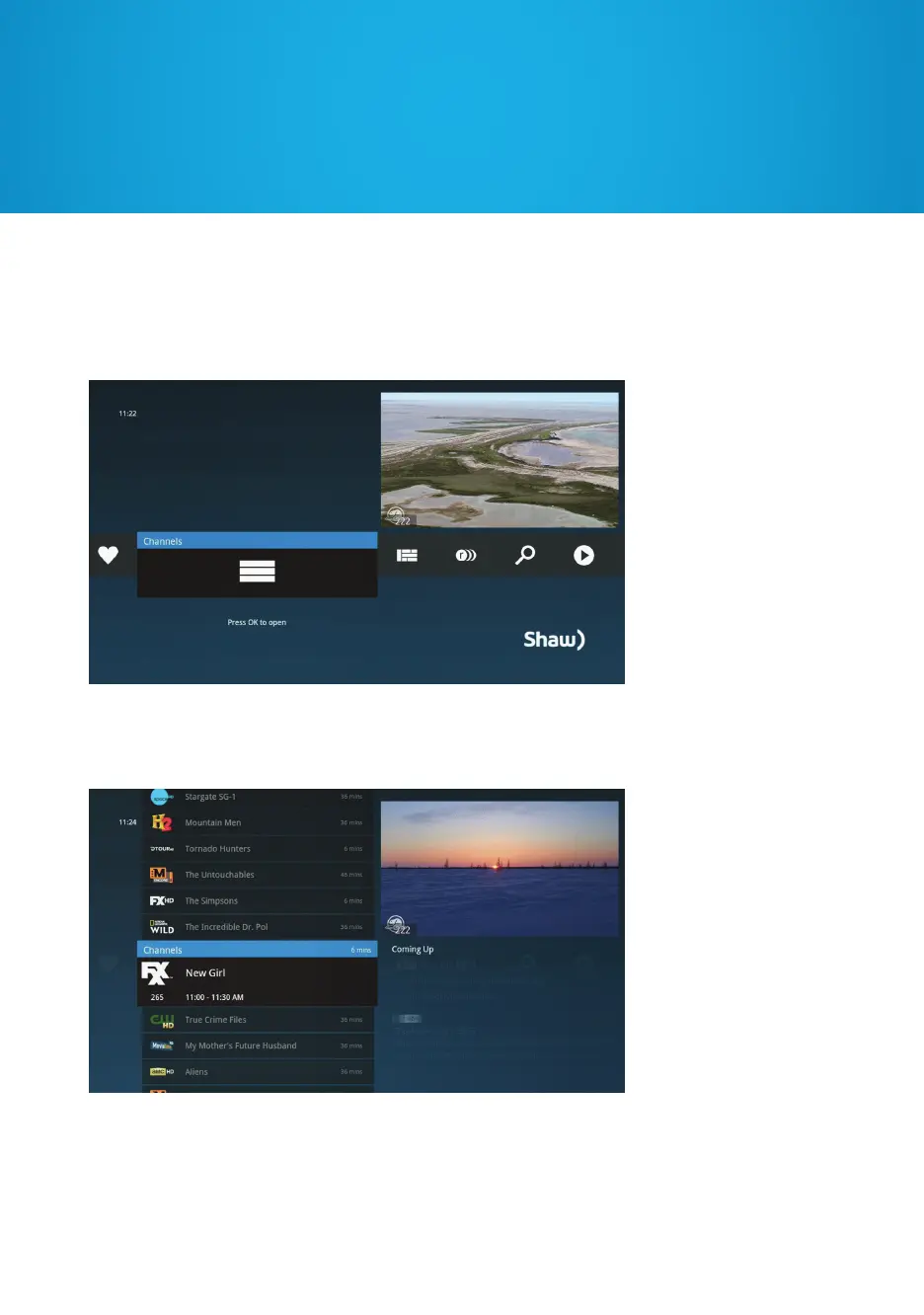
Your Gateway menu has horizontal categories that will expand when you press OK.
If you’ve expanded a category and want to go back, press the LEFT arrow.
When a menu is expanded, you can use the UP or DOWN arrows to navigate one
item at a time, or CH+/- to page through the list.
Navigating your Gateway HDPVR


 To Next Page