Cyan
Magenta
Yellow
Black
9
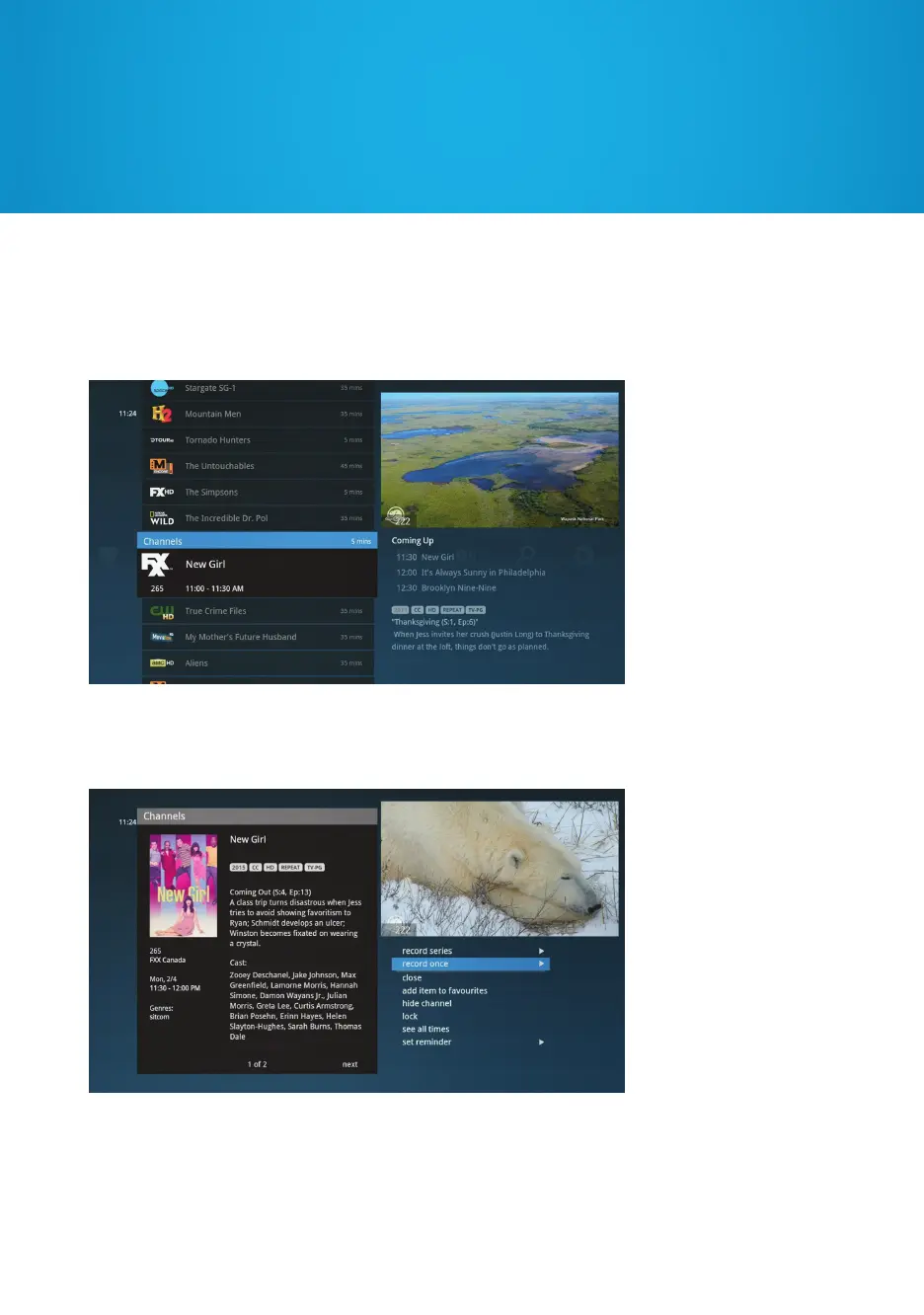
You may see additional entries appear in the bottom right area of the screen in the
Preview Panel. Press the RIGHT arrow to select the Preview Panel and then use the UP
and DOWN arrows to move through the list. Pressing the LEFT arrow will return focus
to the main category.
Press INFO on any show or movie to view a list of options available for the selected title.
Press EXIT (or ZOOM) to switch back to full-screen TV. Press EXIT (or ZOOM) again
to return to the previous menu.


 To Next Page