EasyManua.ls Logo

Shaw HDPVR - Main Menu

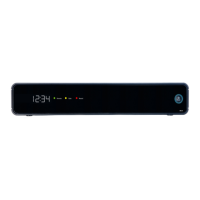
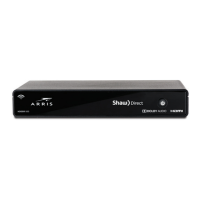
Shaw HDPVR
32 pages
Print Icon
To Next Page IconTo Next Page
To Previous Page IconTo Previous Page
Loading...
Cyan
Magenta
Yellow
Black
7
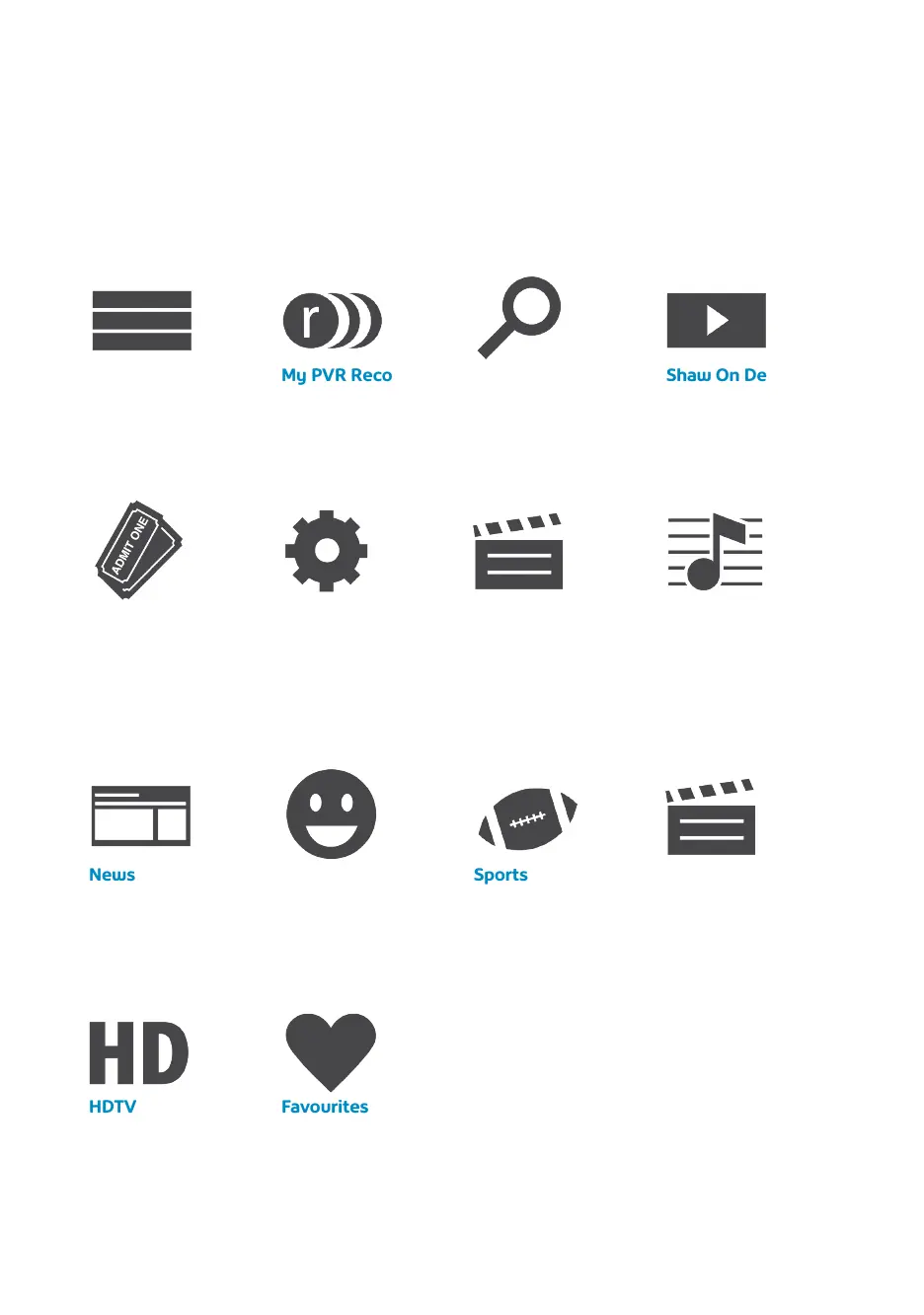
Main menu
For easy access to your Gateway HDPVR features, press MENU on your remote and use
the LEFT and RIGHT arrow keys to make your selection.
HDTV
Display all your
high-definition
content.
Favourites
Create a custom
Favourite List to
quickly find movies
and shows.
News
News channels and
current news
programming.
Kids
Access kid-friendly
movies and TV shows.
Sports
View a list of current
sporting events.
Movies
Display all movies
available, including
movies you’ve
recorded.
Shaw Pay Per View
Find Pay Per View
listings of live events.
Settings
Personalize your
Gateway HDPVR.
Messages
View messages about
Shaw services and
updates. An envelope
icon will appear in the
bottom left of the
main menu to alert
you of a new message.
Music
Access 60 channels
of commercial-free
music.
Channels
This menu lists what’s
currently airing on
every channel.
My PVR Recordings
Access all the
programs
you’ve recorded.
Search
Integrated search
to find listings,
recordings and
content from Shaw
On Demand.
Shaw On Demand
Access Shaw On
Demand movies and
TV shows.

Related product manuals