11
T
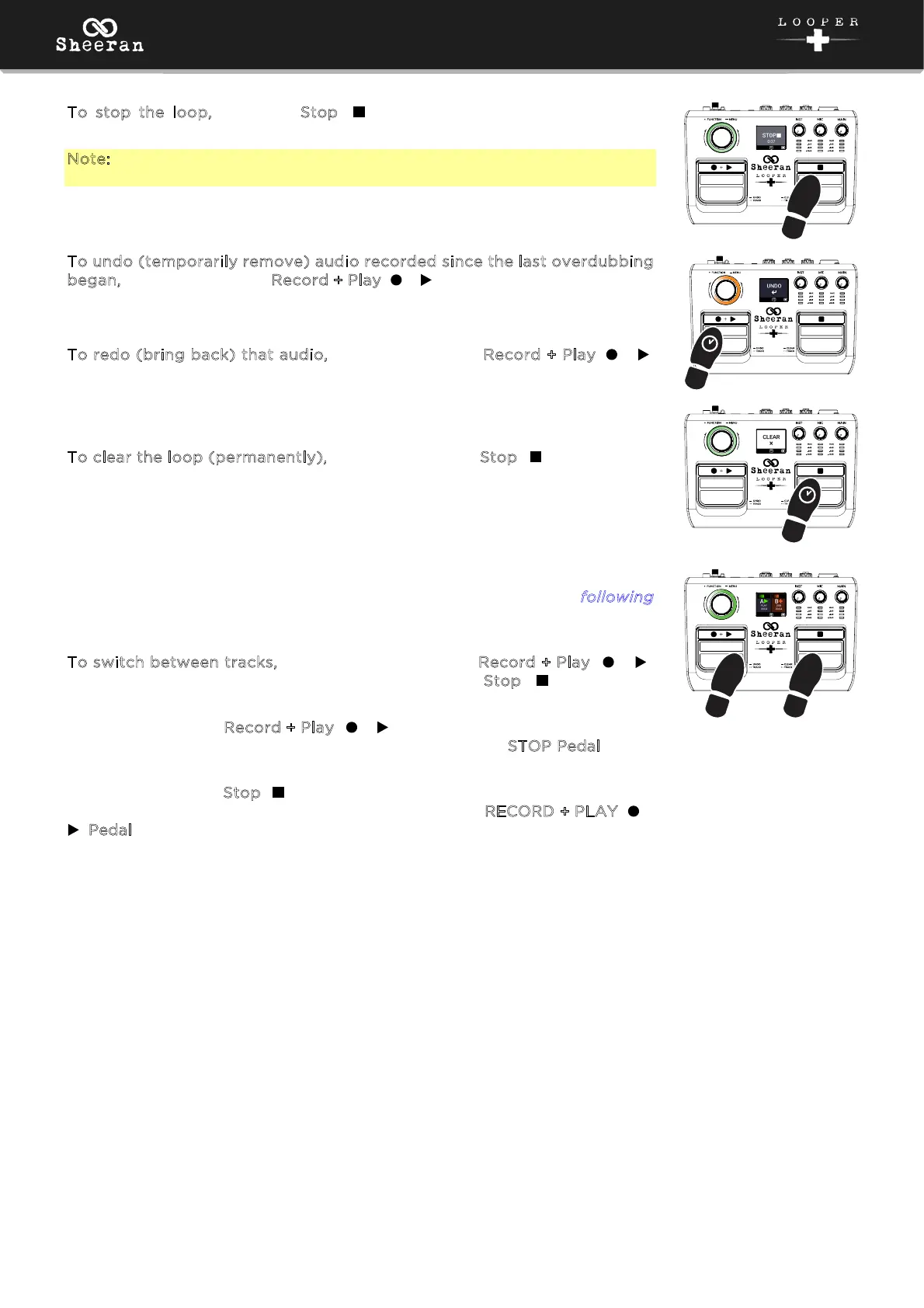
o stop the loop, press the Stop ( ) pedal. The encoder LED will pulse
green.
Note: Audio currently being recorded or overdubbed will be committed to
the loop when stopped.
T
o undo (temporarily remove) audio recorded since the last overdubbing
began, press and hold the Record + Play ( + ) pedal. The audio will remain
in memory until you begin overdubbing new layers again.
To redo (bring back) that audio, press and hold the Record + Play ( + )
pedal again.
T
o clear the loop (permanently), press and hold the Stop ( ) pedal.
Now that you are familiar with the basic Single looping workflow, you can try
experimenting with the other looper modes described in the f
ollowing
chapter. The basic record, overdub, playback process remains the same, but
in these modes you can loop with two tracks of loops instead of just one.
To switch between tracks, quickly double-press the Record + Play ( + )
pedal during playback, or quickly double-press the Stop ( ) pedal while
stopped.
Double-pressing the Record + Play ( + ) pedal during playback allows you
to maintain playback of your loop, as double-pressing the S
TOP Pedal during
playback will stop the track directly on the first press.
Double-pressing the S
top ( ) pedal while stopped allows playback to remain
stopped as you switch tracks, as double-pressing the RECORD + PLAY ( +
) Pedal will initiate playback/overdub directly on the first press.
2x
OR
2x



 To Next Page