12
(4.3) Looper Modes
Sheeran Looper + includes four total looper modes that allow you to experiment with looping in a
variety of ways. The looper mode icon is shown at the bottom of the performance screen.
T
o change looper modes, use the (4.4.8) Operation > Menu Screen > Mode menu.
S
ingle:
This is the standard mode as described a
bove. In this mode, you can record and overdub an unlimited
number of layers on a single loop track.
M
ulti:
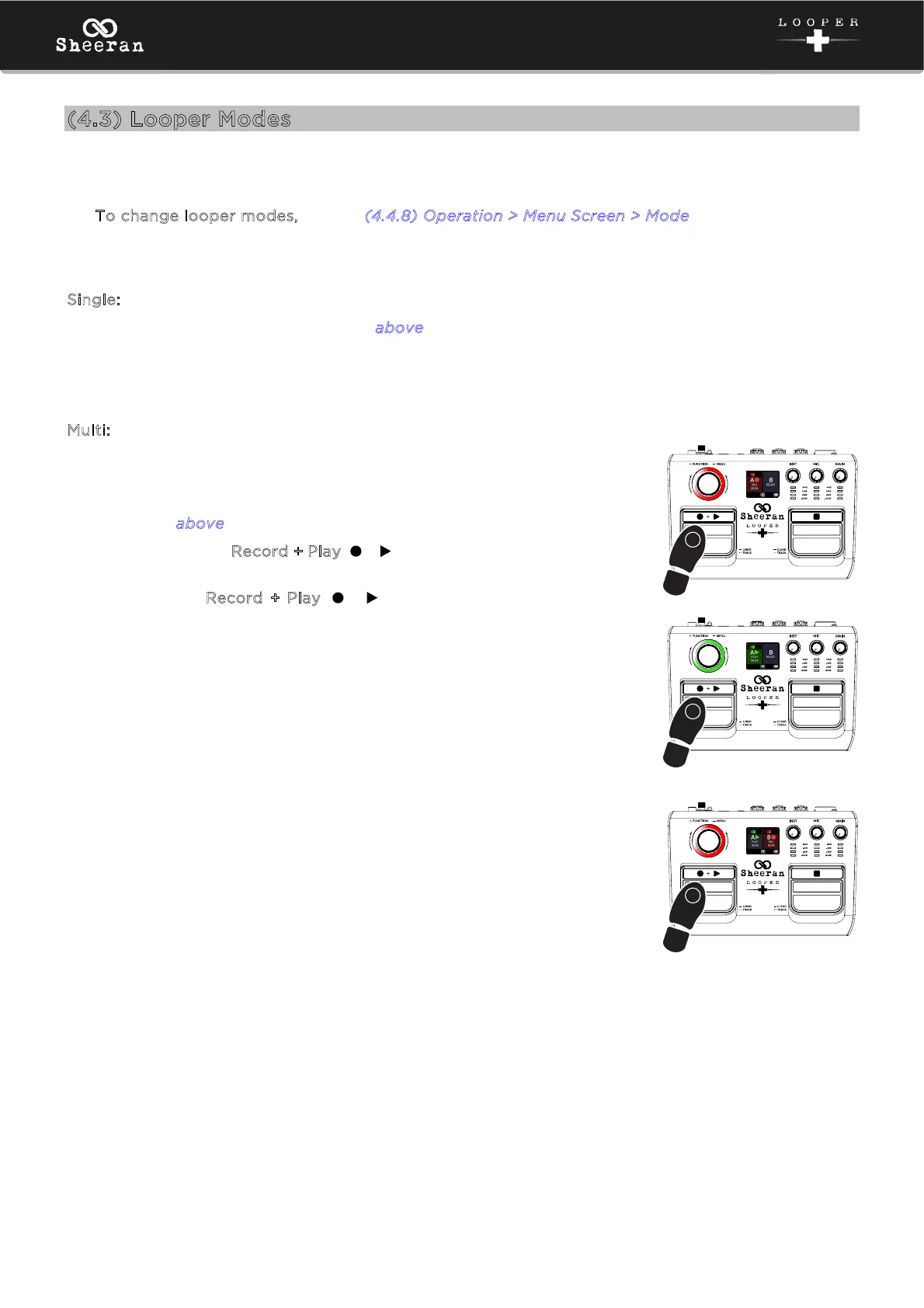
In this mode, you can record and play back two looper tracks that are
locked to the same length.
1. Record a loop on the first track using the same basic method
described a
bove.
2. Double-press the Record + Play ( + ) pedal to switch to the second
track.
3. Now, use the Record + Play ( + ) pedal to record, overdub, and
play back a loop on the second track the same way you did on the
first track. Both tracks must be the same length. If you stop recording
on the second track before the initial track length is reached, the track
will flash on the display until the original track length is reached.
3
2x
1
2
3



 To Next Page