13
S
ync:
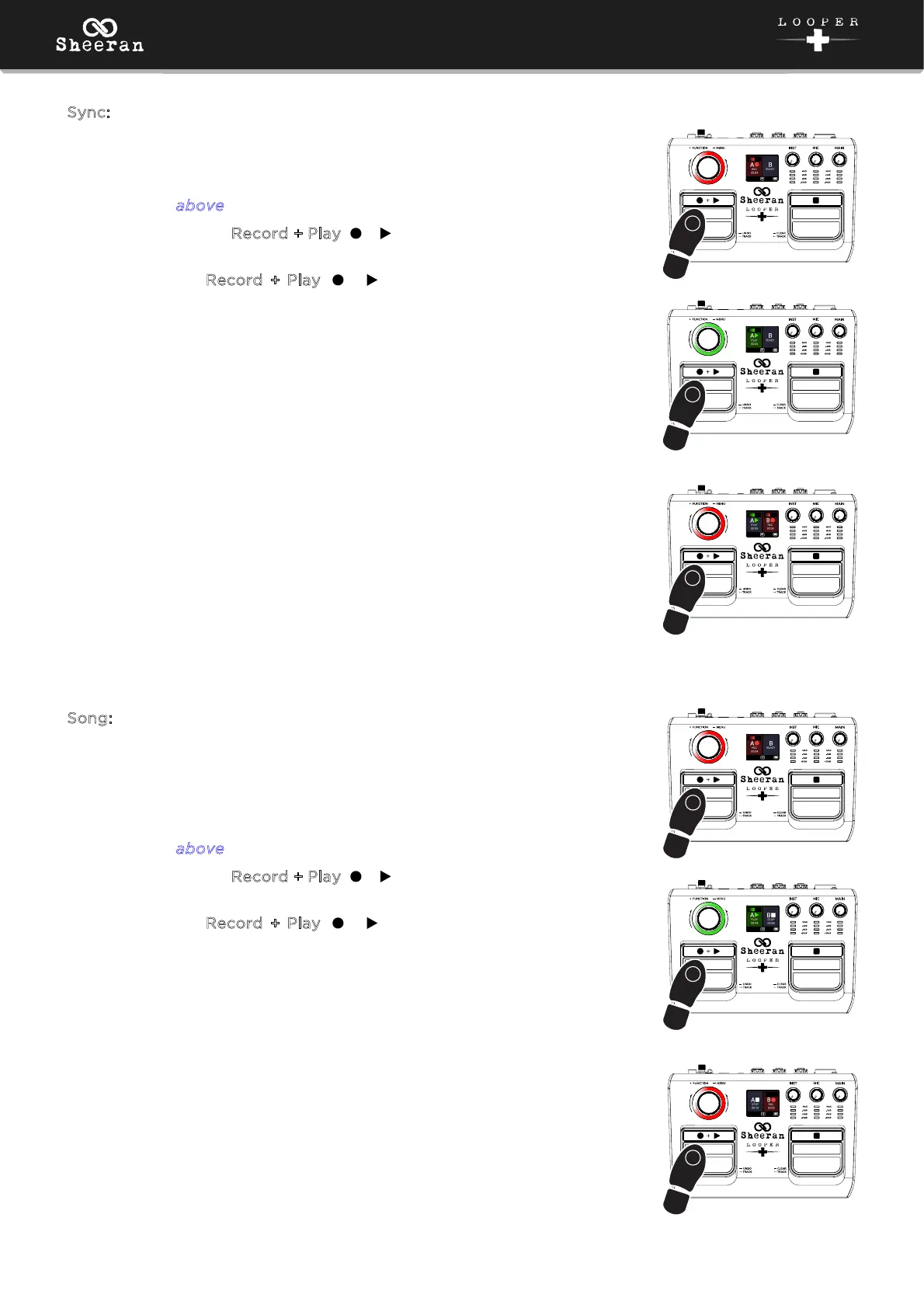
In this mode, you can record and play back two looper tracks with
compatible lengths.
1. Record a loop on the first track using the same basic method
described a
bove.
2. Double-press the Record + Play ( + ) pedal to switch to the second
track.
3. Now, use the Record + Play ( + ) pedal to record, overdub, and
play back a loop on the second track the same way you did on the
first track. The loop on the second track must be the same length, or
a multiple of or division of that length. For instance, if your first track
is a two-bar rhythm track, the second track can be one bar, two bars,
four bars, etc.
If you stop recording on the second track before the initial track
length is reached, the track will flash on the display until the original
track length is reached.
S
ong:
In this mode, you can record and play back two independent loops. These
can be of dierent lengths and cannot be played together. This is useful
for creating two distinct sections of a song that can be played on after
another, like a verse and a chorus.
1. Record a loop on the first track using the same basic method
described a
bove.
2. Double-press the Record + Play ( + ) pedal to switch to the second
track. This will stop playback of the first track.
3. Now, use the Record + Play ( + ) pedal to record, overdub, and
play back a loop on the second track the same way you did on the
first track. This loop can be any length compared to the first track,
and only one track can be played at a time. When you switch from
one track to another, the previous track will stop playback.
3
2x
1
2
3
3
2x
1
2
3



 To Next Page