General Parameter Settings
To access the general parameter Settings interface, hold both the [UP] and the [DOWN]
button for 2 s and then hold both the [DOWN] and the [MODE] button for 2 s again.
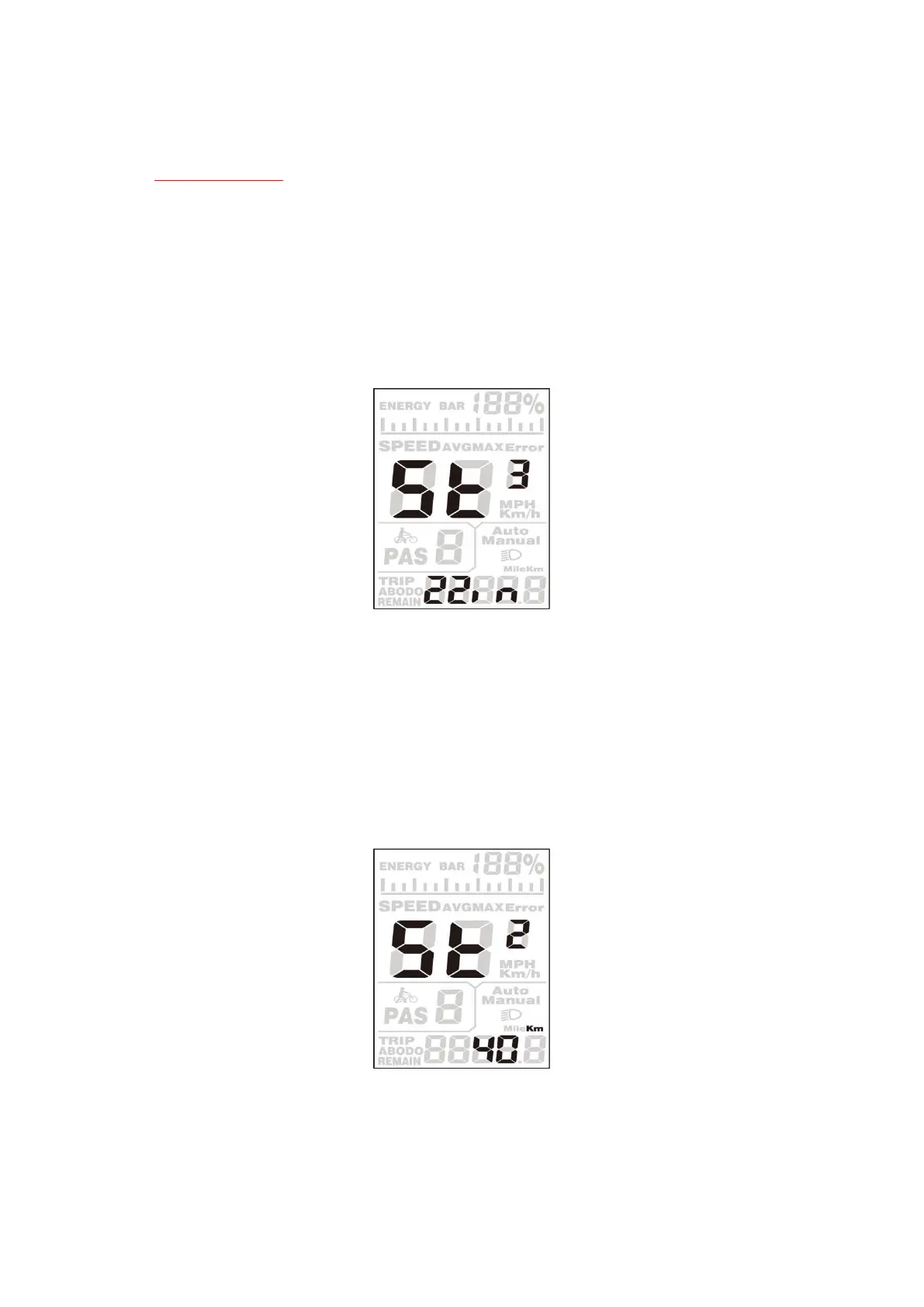
◆Wheel Diameter Settings
Wheel diameter settings electable values include 16, 18, 20, 22, 24, 26, 700C, and 28.
To change basic settings, press the [UP] or the [DOWN] button to increase or decrease until
the desired value is displayed.
To store a changed setting, press the [MODE] button. Then access the speed-limit settings
interface. The default value is 26 inches.
Wheel Diameter Settings Interface
◆Speed-limit Settings
If the current speed is faster than the speed limit, the E-bike system will switch off automatically.
The speed limit range is 12 km/h to 40 km/h. The default value is 25 km/h.
To change basic settings, press the [UP] or the [DOWN] button to increase or decrease until the
desired value is displayed.
To store a changed setting and exit General Parameter Settings, hold the [MODE] button for 2 s.
Limit Speed Settings Interface


 To Next Page